Project update 12 of 13
New v.29 Firmware and Software
by Andy HaasHaasoscope Pros have been out in the wild for a few weeks now, and they seem to be working well!
Based on user feedback so far, I’ve already made some significant improvements to the firmware and software. Since a firmware update is required, I haven’t put the changes into the default (main) git branch. You’ll need to either do "git checkout v29" or download the zip file of that branch. Once you have this new software running, it should complain that you are running v.28+ software, but have v.27 firmware on your Haasoscope Pro. See my video on how to update the firmware. Basically, you just go to "File… Update firmware…" and then wait a couple minutes for the new firmware to be uploaded and verified (don’t interrupt the upload in any way though, or you’ll "brick" the unit, requiring a manual firmware restore). Lastly, power cycle the unit and restart the software (power cycling won’t be needed after upgrading to v29! It’ll reload the firmware from flash automatically; you’ll just have to restart the software.)
Here’re the main improvements:
- The edge trigger, which runs in the firmware and decides when to freeze the data taking for readout, is now stable at high frequencies (50+ MHz). Previously, there was an error of up to three samples (almost a ns) that could occur if a second edge fired while the current data frame of 40 samples (12.5 ns) was being triggered on. This led to jitter for high frequency signals.
- A software trigger edge position stabilizer has been added. Even with the new v28 firmware edge trigger, there was a remaining error of up to one sample (312.5 ps), which was unavoidable since it depends on when the sample happens to occur relative to when the waveform crosses the trigger threshold. Now, for each waveform being drawn, the software shifts the samples by a small amount to (approximately) correct for this. I'm very proud of the algorithm: first we see which two samples go from below to above the trigger threshold, then fit a line between those two samples and see when in time that line crosses the trigger threshold, then shift the samples so that point occurs at the requested trigger time. It's optional (see "Advanced" menu), but on by default, since it has almost no effect on drawing speed. With it on (and with the new firmware trigger), the waveforms are incredibly stable - maybe ~10 ps of trigger jitter!
- Plot lines can be made three pixels wide, instead of just one pixel wide. This is optional, and off by default (see the View options area), since it slows down drawing a lot.
- Upsampling (4x) is on by default now (see "Readout" options area). It slows down drawing a bit, but really makes waveforms look nicer, especially at small timescales.
- When measuring the rise-time (or fall-time) of signals, dotted lines are drawn showing the range of data being used to fit the rise-time and the slope of the rise-time. This makes you more confident that rise-time is being measured correctly. It's optional, but on by default when measuring rise-time.
- Persistence of traces can be shown, which then fade out after an adjustable amount of time.
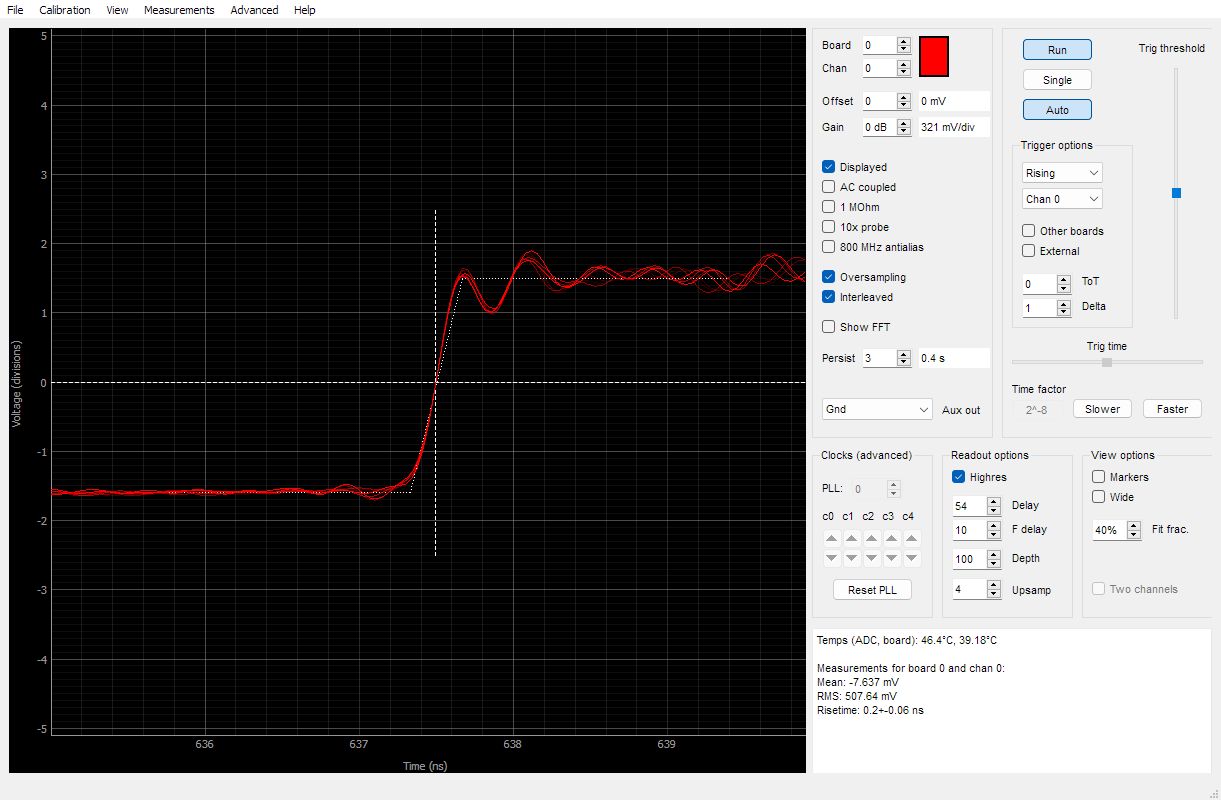
- You can also now do "File... Take screenshot" to save a picture of the screen. This also works in the fft window.
- You can go to "View... log scale" in the fft plot window now to switch to log y scale.
- Firmware will automatically reload from flash after a firmware upgrade, so you won't need to manually power cycle in the future.
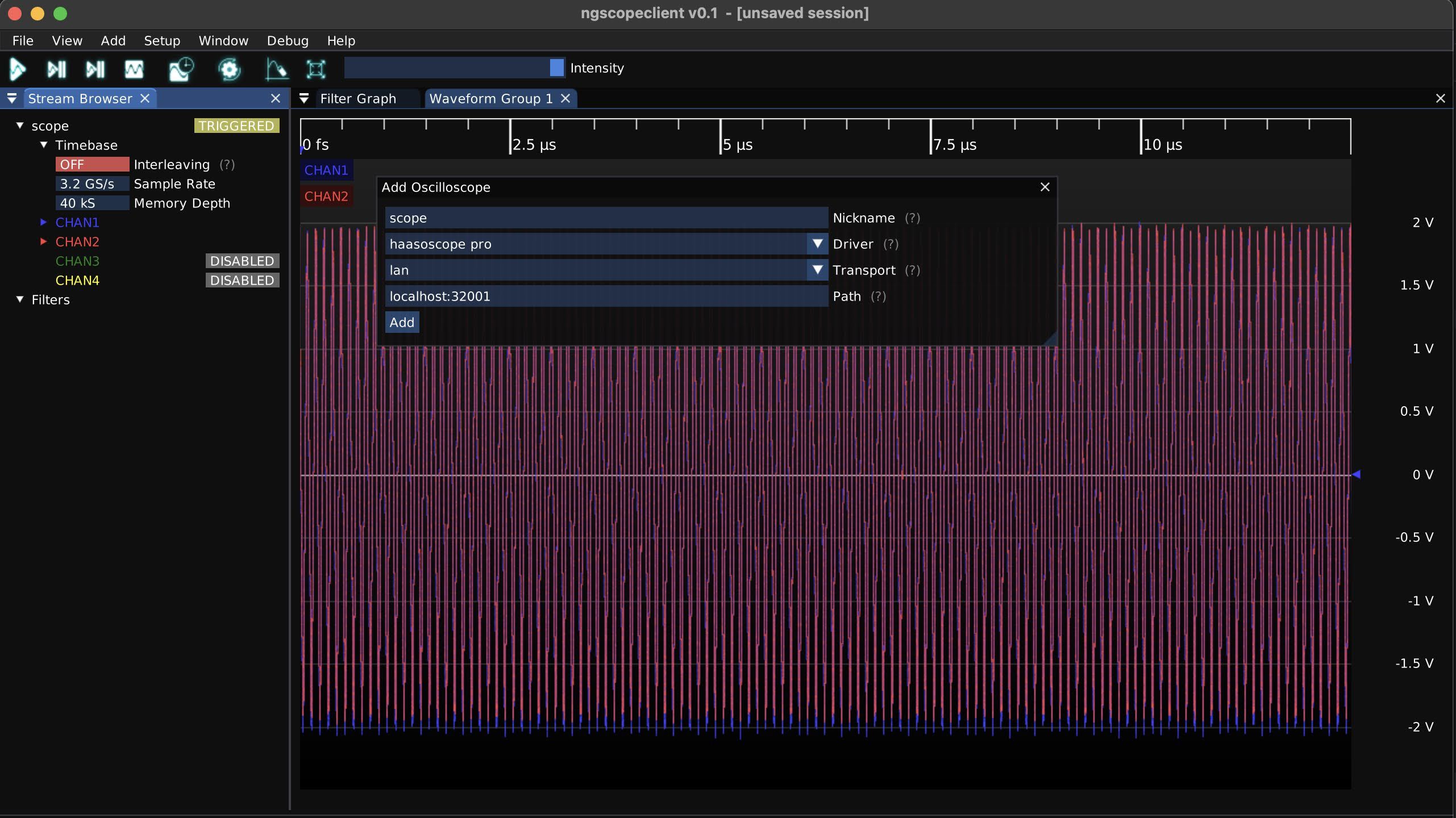
- There's support for v0.1 of ngscopeclient, the first official release!
Please enjoy and keep giving me your feedback and letting me know what you think!