Project update 7 of 12
What’s New in the Bela IDE - Faster, Smarter, and Made for Learning
by Astrid Bin, Robert J, Andrew McPherson, Adan Benito, Giulio MoroFirstly, thank you all for supporting us in this campaign so far. Our Bela Gem campaign closes on July 31st. The campaign is your chance to get Bela Gem Stereo and Multi at the discounted crowdfunding price, so act soon if you haven’t already.
With Bela Gem, you’re not just getting next generation hardware, you’re also getting a complete overhaul of the Bela development experience. At the heart of it all is the new Bela IDE: our browser-based development environment built for writing, compiling, testing and deploying Bela projects in the cleanest way possible.
This update dives into what makes the Bela IDE unique, what’s new in the latest version, and how it supports a growing ecosystem of users, from the classroom to the R&D department.
The Bela IDE at a Glance
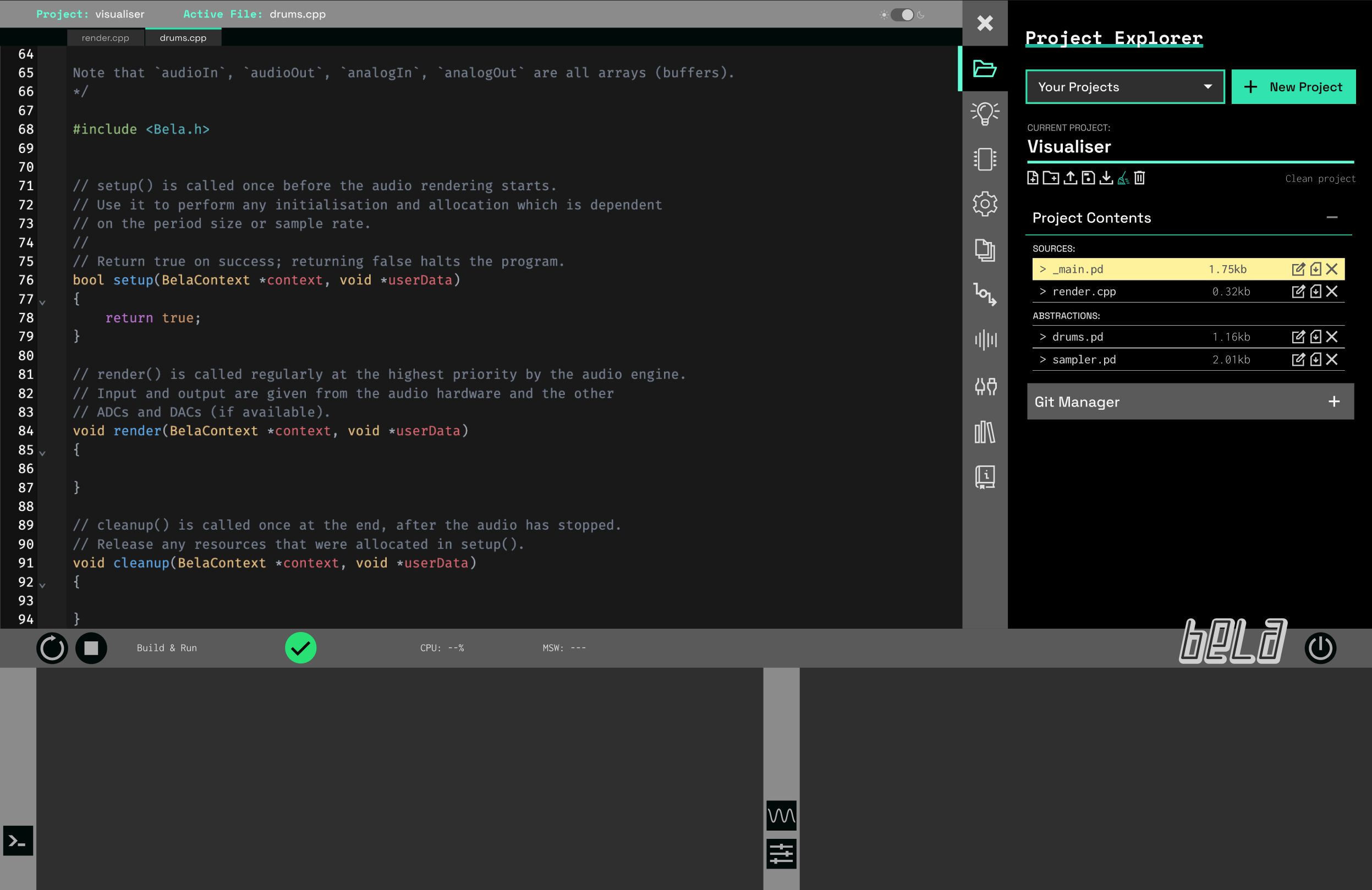
The Bela IDE is designed to get you up and running immediately. It runs entirely in your browser. No drivers or external software are needed, and because it is served from the Bela board, no connection to the wider internet is required either. It gives you full access to your project’s code, hardware inputs and outputs, and visual feedback, all in real time.
Key features:
- Web-based: work from your favourite browser with zero installation required
- Live interaction: write and run code on the hardware instantly
- Powerful oscilloscope: monitor analog, digital, and audio signals
- Multiple languages: C++, Pure Data, SuperCollider, FAUST, Max RNBO, Csound
- Integrated tools: signal monitor and generator, data logger, and CPU monitor built in
- Work privately: no internet connection required, no cloud backend, no data collection
All of these features brought together in one environment means you spend less time setting up and more time creating your projects.
What’s New in the IDE
We’ve been quietly rebuilding the IDE from the ground up and long-time Bela users will notice a much smoother and sleeker experience in comparison to the current IDE. As well as performance and design improvements we have been hard at work on a suite of exciting new tools:
Integrated Monitoring and Debugging
With the new IDE, you can quickly visualize any signal from your hardware: audio, analog and digital I/O. This helps debug circuitry issues without needing to write any code.
You can also now generate test signals to debug sensors and understand what your code is doing. For example, you can override the values of the analog and digital inputs on your project with a set of controls in the IDE. We include a suite of tools for data logging and playback so you can take a close look at your project’s behaviour. You don’t need to switch context or use external tools.
We have also made it really easy to play back external media from the board, without needing to write any code. For example, playing back a multichannel .wav file out of the ten outputs of Bela Gem Multi, perfect for sound installations.
Enhanced Oscilloscope and Visual Tools
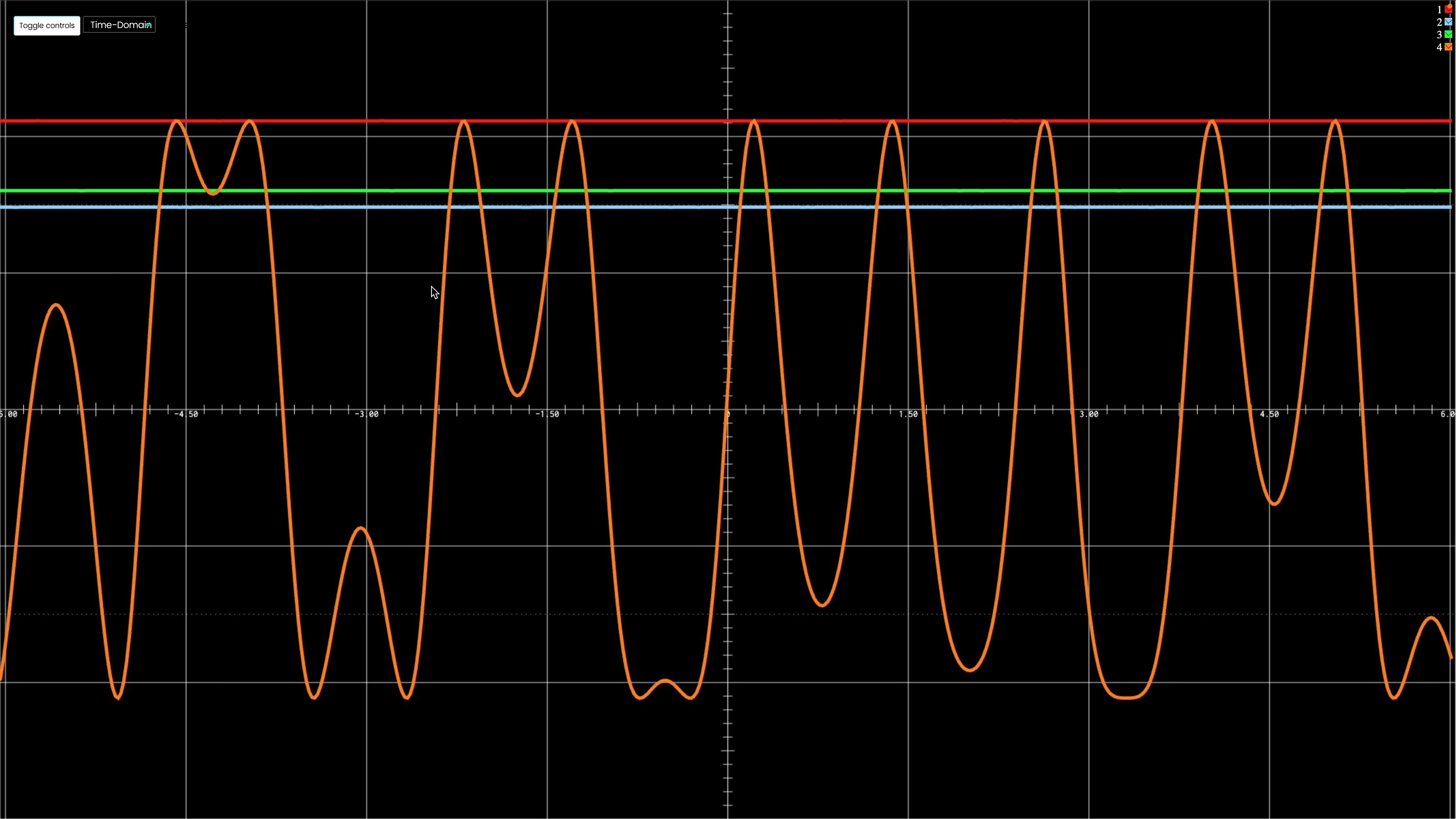
The Bela IDE has always featured an oscilloscope for visualising signals from your project in the browser. The scope has picked up some new features in the new IDE, including:
- Higher resolution and refresh rate, plus more stable rendering
- Rolling mode, dark mode, adjustable scaling, zoom, and trigger controls
- A redesigned interface for easier and more detailed inspection of audio and sensor signals
Together, these features make the IDE not just a programming environment but also a powerful diagnostic and prototyping tool.
Expanded Language and Project Support
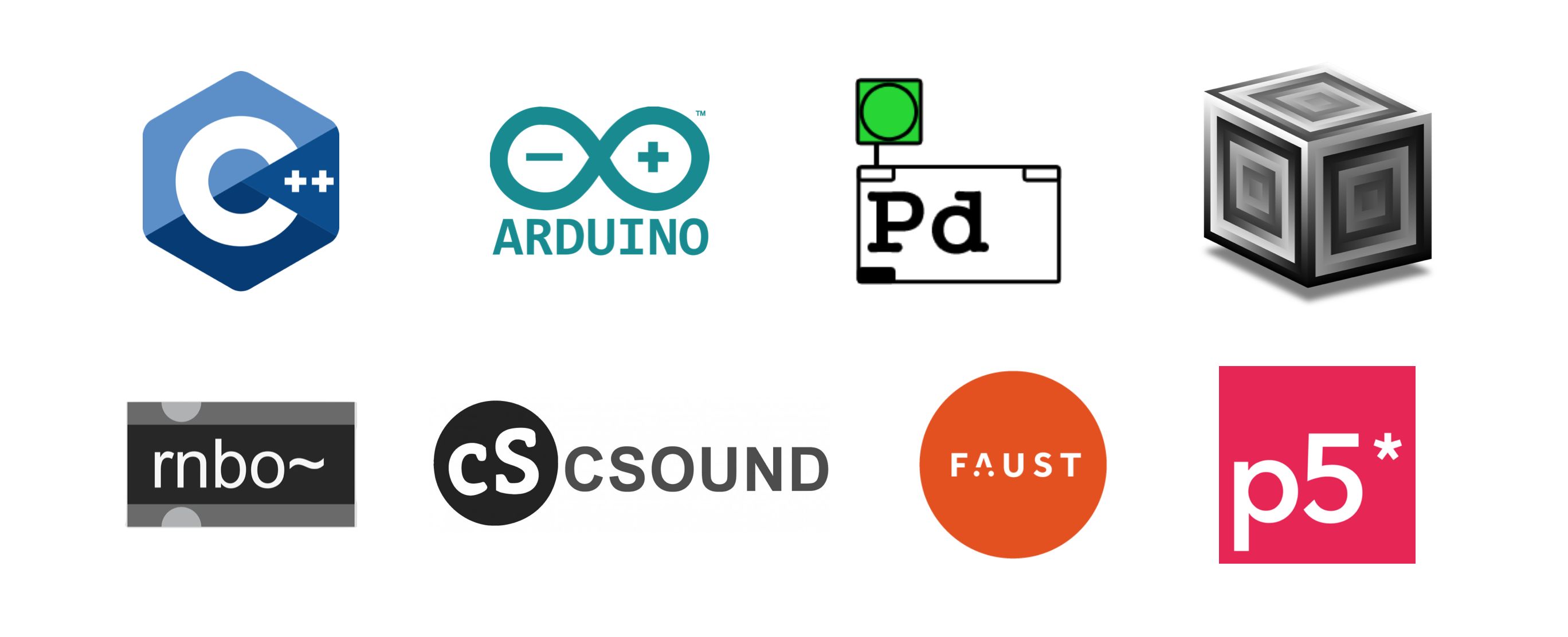
Bela continues to support a wide array of creative coding environments, and the IDE makes it easier than ever to jump between them.
- C++: improved development workflow with autocompletion, quicker builds, clearer compiler feedback, and a fully interactive terminal
- Arduino: support for the Arduino C++ language, so you can run familiar Arduino code on Bela. Due to some hardware differences between Bela and Arduino microcontrollers there are some minor differences in the API but the core Arduino language is well supported
- Pure Data, SuperCollider, Csound, Max RNBO, FAUST: core updates ensure better compatibility and performance. These languages remain fully supported with their example libraries expanding
Whether you’re working in a visual dataflow environment or writing low-level DSP routines, the IDE adapts to your creative workflow.
Fully Integrated Documentation and Learning Pathways
The new IDE now fully integrates documentation and learning content making it easier than ever to teach and learn with Bela, whether at home or in the classroom.
- Built-in documentation for each example contains circuit diagrams and coding tasks
- Context-sensitive help tooltips appear throughout the IDE to make sure you understand how it works
- Our hundreds of onboard examples show how to work with sound synthesis, sensors, and interaction in a variety of different languages
For those looking to improve their skills or teach a class we also have two full masters-level course packs which work with Bela Gem.
Real-Time Audio Programming with C++
This advanced course is aimed at students with an engineering or EECS background, but also welcomes anyone eager to dive into C++ for audio. It starts from first principles and builds a strong foundation in digital signal processing. Topics include implementing audio callbacks, designing filters and oscillators, building sequencers and effects, and writing efficient DSP code tailored to embedded hardware.
Physical Interaction Design with Pure Data
Designed for artists, designers, and creative technologists, this course explores the creation of digital instruments and installations using Pure Data on Bela. It covers fundamental concepts in interaction design, sensor integration, sound synthesis, and physical interface construction. Through practical projects and real-time feedback, learners gain hands-on experience building expressive systems with sound and gesture at their core.
Course here
Build, Monitor, Explore
The new IDE ships with every Bela Gem board. It includes everything you need to develop responsive projects quickly. From coding to scoping your signal, from inline documentation to debugging tools – it’s all there.
This is what makes Bela Gem more than just a board. It’s a complete platform for real-time sonic creativity.
Stay tuned for more updates as we close the campaign this week!