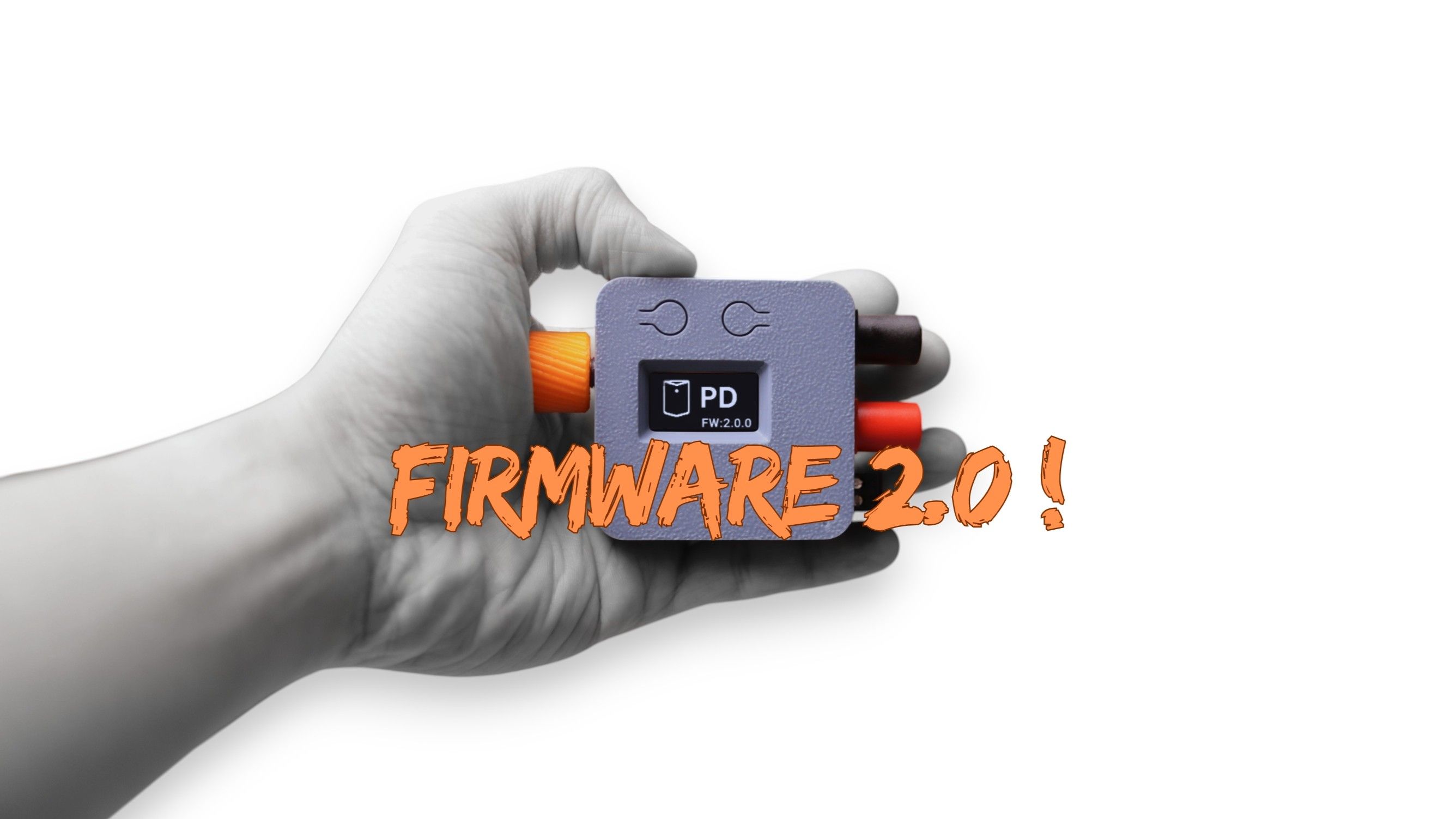
We just released V2.0.0 of the PocketPD firmware, a complete rewrite from the ground up. PocketPD turns any PPS-capable USB-C charger into a pocket-sized bench power supply, with a rotary encoder and two interface buttons for precise V/I control and monitoring. The V2 update keeps all that functionality while adding a slew of improvements and bug fixes that address long-standing user pain-points.
Why a Rewrite?
Firmware support for PocketPD started as a small open-source demo and outgrew itself fast. Due to its monolithic nature, adding features meant adding branches, and adding branches meant breaking unrelated ones. Unit testing was non-existent because everything imported Arduino headers. Simply put, V1 was painful to develop on and just wasn’t feasible long-term.
V2 splits the firmware into three layers:
- HAL adapters own the hardware APIs,
- Stages own local views and environment,
- Tasks own I/O cadence and general-purpose logic.
At a high level, it’s a state machine + cooperative scheduler + event bus. Each layer can be replaced or mocked, and the codebase today has over 150 unit tests and counting.
On screen, it looks similar, but you’ll notice much improved overall responsiveness and, most importantly, many bugs fixed.
What’s New?
Multiple PPS Profile Detection Fixed
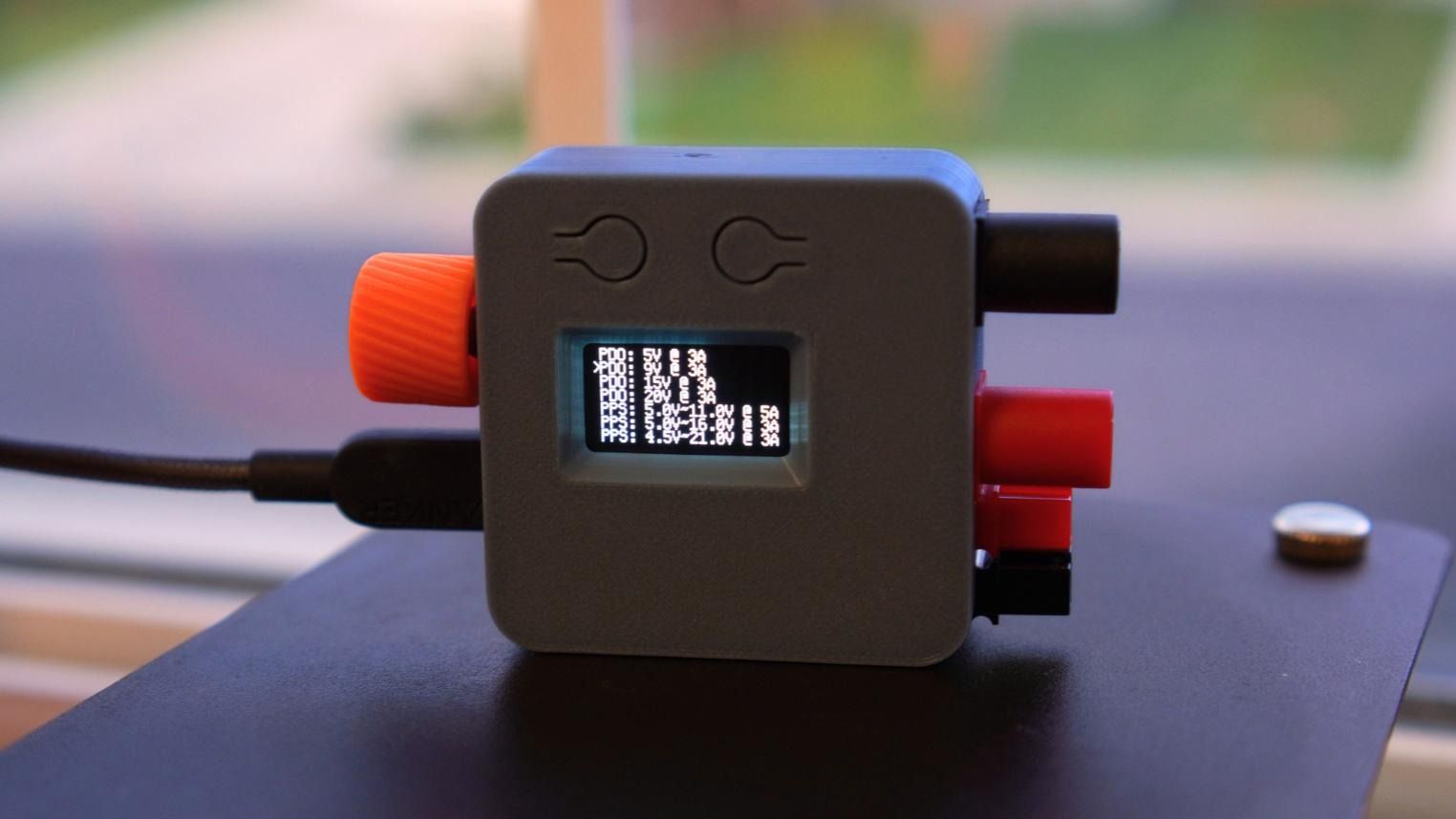
Modern PD chargers often expose multiple PPS bands. For example, a low-voltage, high-current band around 3.3–11 V at 4 A alongside a high-voltage, low-current band like 3.3–21 V at 3 A. Until now, a bug in the PD controller library prevented detection of multiple profiles. We’ve fixed that, and V2 now surfaces every PPS profile the charger advertises.
Simplified Profile Picker
V1 split the charger’s capability list across two screens, CapDisplay and Menu, with subtly different rules for which button did what. V2 combines them into a single screen. The encoder scrolls through the profile list, and long-pressing the encoder confirms the selection. You can reach the Profile Picker at any time by long-pressing the "L" button.
Added Safety When Switching Profiles
Switching to a different PDO profile now disables the output automatically by default. We think this is a good default behavior, as different profiles have different V/I capabilities, and a sink device configured for the old profile could end up drawing more current than the new profile is capable of, which can lead to an unexpected power reset.
Input Lock
Long-press both "L" and "R" buttons together to freeze the screen against accidental presses. You’ll notice a padlock icon now appears in the top-right corner. To unlock the device, long-press both buttons again.
Redesigned Energy Screen
The previous energy screen lacked screen real estate for the padlock icon, so we took this opportunity to redesign it while keeping the functionality. The new layout provides a more focused view for the Watts reading. From the Normal screen, long-press the "R" button to show the energy view; the same gesture takes you back.
More Stable Live Readouts
We’ve applied oversampling and EMA smoothing to reduce jitter on small deltas, while larger changes still snap to their new values quickly.
Snappier Buttons
Buttons now run at 30 ms debounce and 500 ms long-press, down from V1’s 50 ms and 1500 ms. You no longer have to wait an eternity for long-presses and the experience is now closer to using a smartphone, it’s just snappier overall!
Hardware Support and Flashing
V2 supports all versions of existing hardware. Please note that up to HW1.2, PocketPD lacks a V_SENSE voltage divider, so the supply-side voltage reading is coming from the AP33772 register instead, which is marginally less accurate.
Flash via CMSIS-DAP probe, or hold the BOOT button, plug in USB-C and drag the .uf2 onto the RPI-RP2 mass-storage drive.
Links: