Now that the fulfillment date is getting close, it’s time to talk about how to use the Pi Zero.
There are several ways to program the ECP5 on the Pi Zero:
The first way is using the open-source trellis toolchain. This is a series of command-line tools that allows you to use any text editor of your choice!
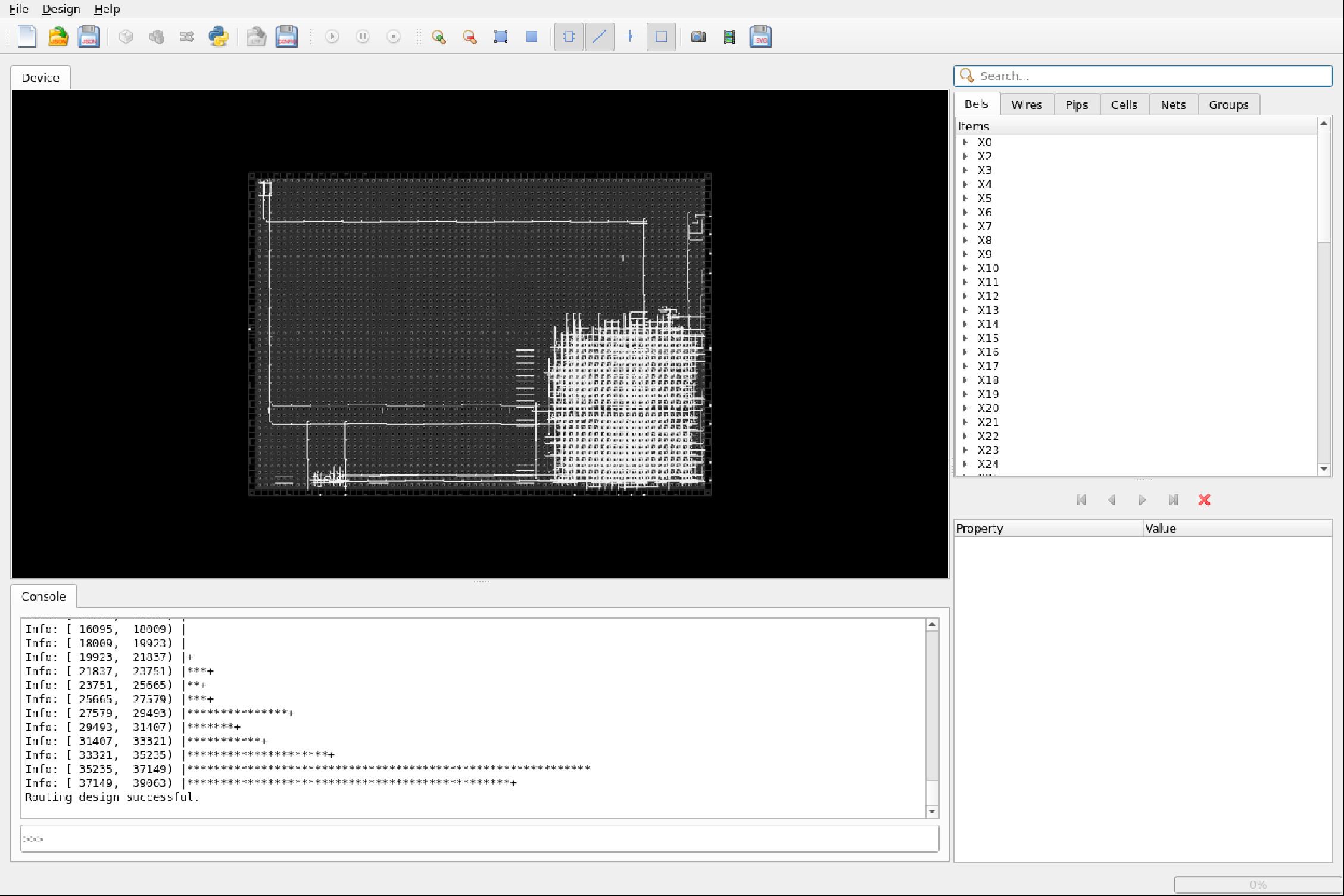
The trellis toolchain primarily supports Verilog, but, in addition, VHDL and SystemVerilog synthesis can also be supported via the GHDL and Slang plugins, respectively.
Secondly, if a commercial solution is needed, Lattice’s Diamond IDE is free to use for individuals:
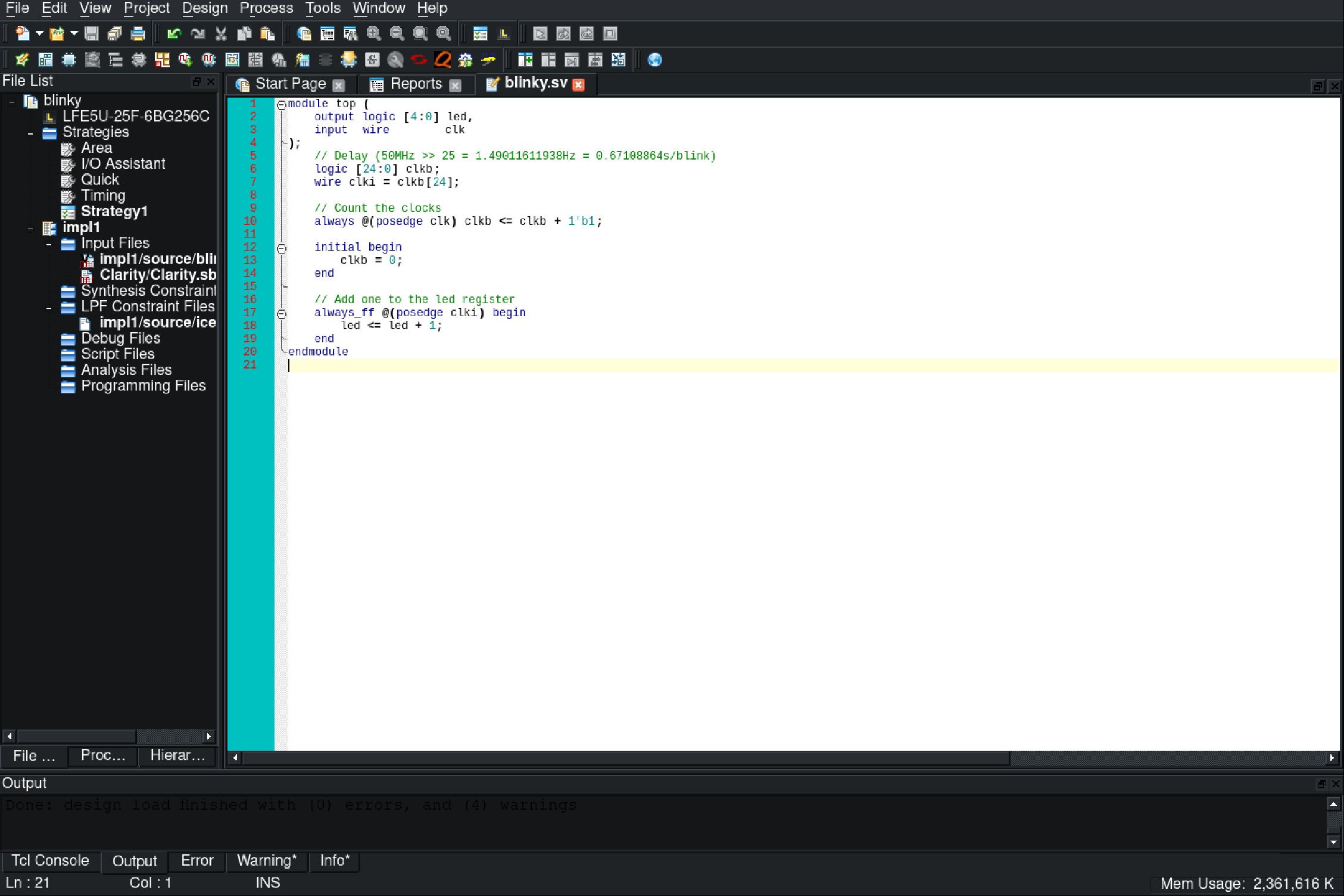
This is similar to your standard FPGA IDE, capable of synthesizing VHDL, Verilog, and SystemVerilog. At the same time, it also provides custom IP cores and useful features like a power consumption calculator and simulators.
To continue, if you are new to the field of FPGAs and prefer a more GUI-based programming experience, Icestudio is at your disposal:
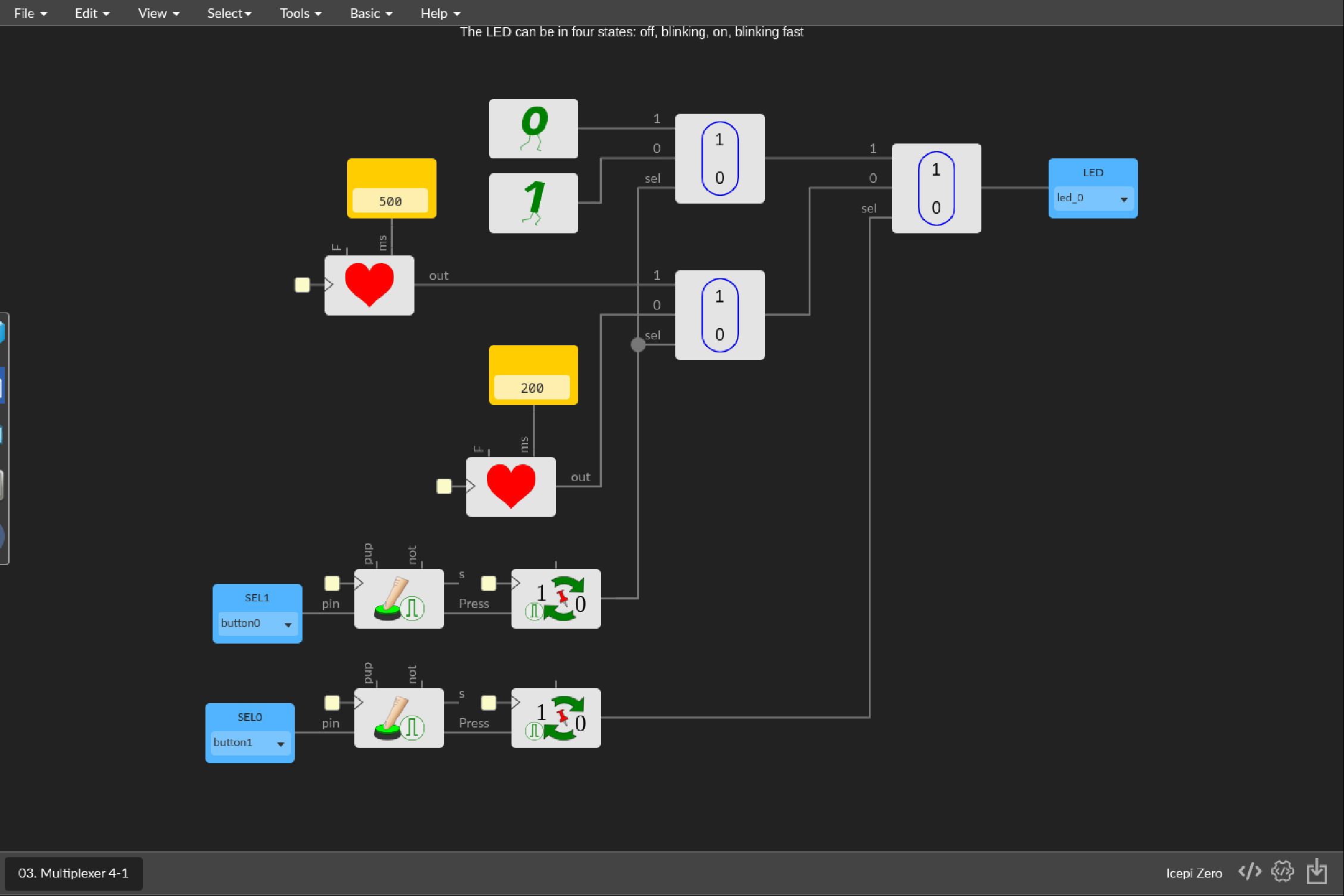
Offering an intuitive GUI, Icestudio is the perfect way to program FPGAs in an approachable way.
Prepared for Production
Additionally, something special appeared in the mail this week: the pre-production PCBs arrived!

After excitedly unpacking them, I found these glorious boards within:
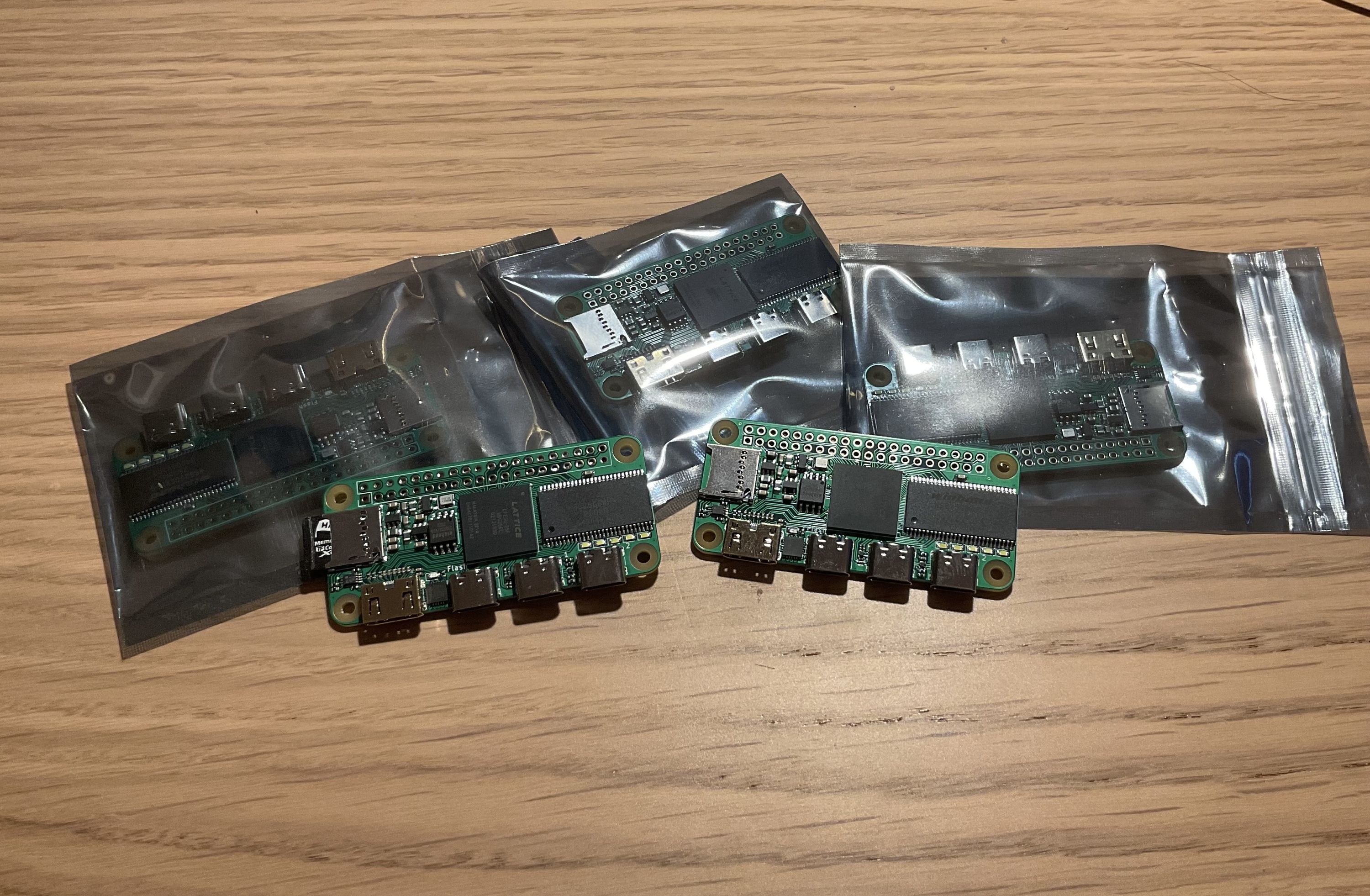
The quality is stunning! After running some quick tests, everything seemed to work fine. Therefore, I’ve proceeded to verify all the retro ports that have been ported over - Oberon, C64, Linux cores, etc - and fortunately, everything works perfectly!
With this pre-production batch out of the way, we are progressing smoothly on to mass production. I look forward to delivering the Icepi Zero into everyone’s hands.
Thanks for all the support!
Cyao