Project update 6 of 10
The Firmware
by MartijnAs we’re nearing the last week of the campaign, we’ll take a look at the firmware running on the Diptyx E-reader. This firmware is responsible for basically all functionality of the device: from turning the device on to driving the screens to displaying your books. Here, we’ll discuss in broad terms how EPUBS are processed and drawn on screens.
The EPUB Format
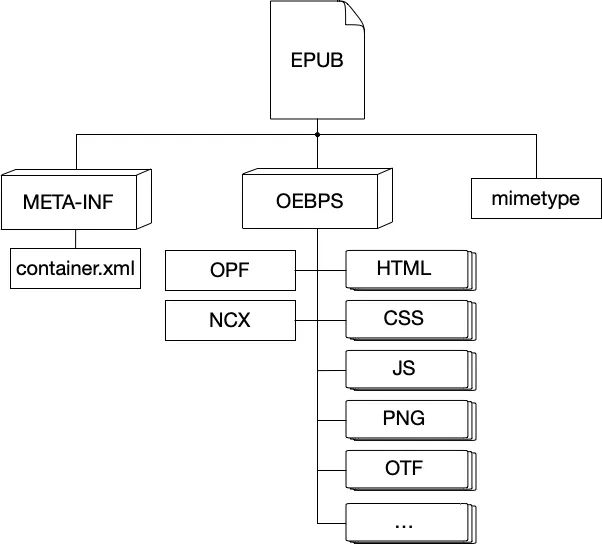
EPUB, short for electronic publication, is the most widely used standard for ebooks and currently the only supported book format on the Diptyx E-reader. The format comes down to a ZIP archive containing several metadata files and a number of XHTML files containing the actual book chapters and text. In the metadata files, information such as the book title and author name can be found, but also information on the structure of the book and the table of contents. In the XHTML files, the content of the book is described. This is done as a sequence of HTML tags, such as span, div, p, in the same way webpages are structured with HTML5. This makes an EPUB file essentially a website compressed into a single ZIP file.
Rendering EPUBs
The main code for extracting the EPUB metadata and contents was adopted from Atomic14’s diy ESP32 EPUB reader. This unzips the EPUB file using miniz and reads the book title, author name, and chapter files. From there, the custom EPUB renderer can start processing the book content. The renderer uses TinyXML2 to read through the file, from start to end, and visits every tag and tag content recursively. These tags are categorized into three types: text tags, image tags, and CSS tags:
Rendering Text
When a text tag is encountered, its contents are passed to the textparser. The textparser processes text word for word while looking a word ahead to decide if it fits on the current line or should overflow to the next line. When a line is completed, it is rendered onto the page with the correct alignment (left-aligned, right-aligned, centered), and correct style (large, bold, italic).
CSS Support
When a CSS tag is encountered, the referenced CSS file is opened and processed. Each class in the file is processed into a style object containing instructions on how to display text and size images. A text or image tag defines which style it uses by specifying a class name, but styles are also inherited from parent tags.
Drawing Images
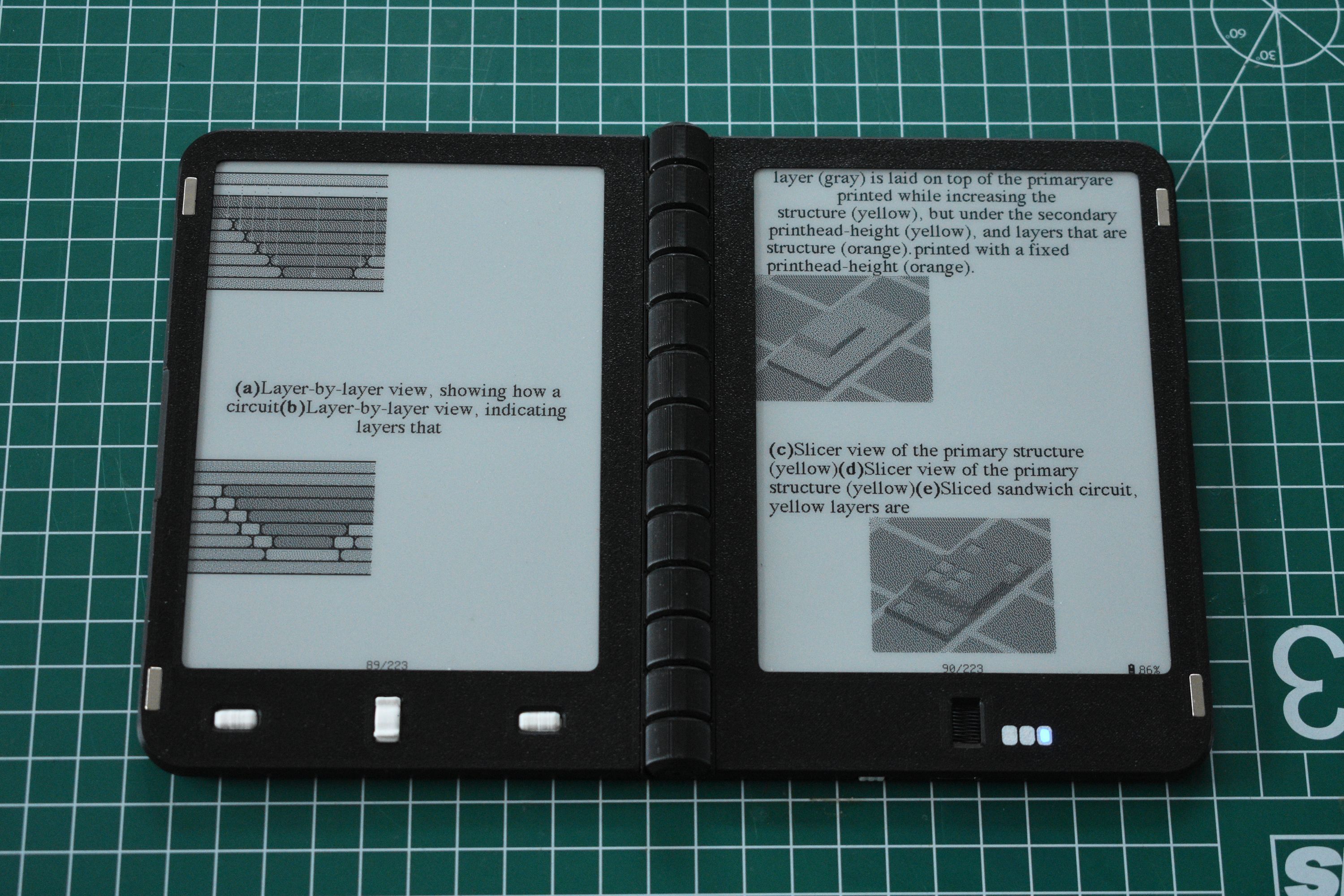
The EPUB renderer also handles images, in the form of PNG and non-progressive JPEG images. These images are loaded in grayscale, resized according to the style defined in the CSS, converted to black-and-white using Floyd-Steinberg dithering, and drawn on the page.
Caching Pages
Rendering a page typically only takes a couple of seconds, but that is still too slow to start rendering a page before you go to the next page. For that reason, the next and previous pages are rendered and cached ahead of time. When you want to flip to the next page, the screens can instantly start updating. Then, while the screens are updating, the firmware starts rendering the next set of pages, so they in turn are available as soon as possible.
Indexing Books
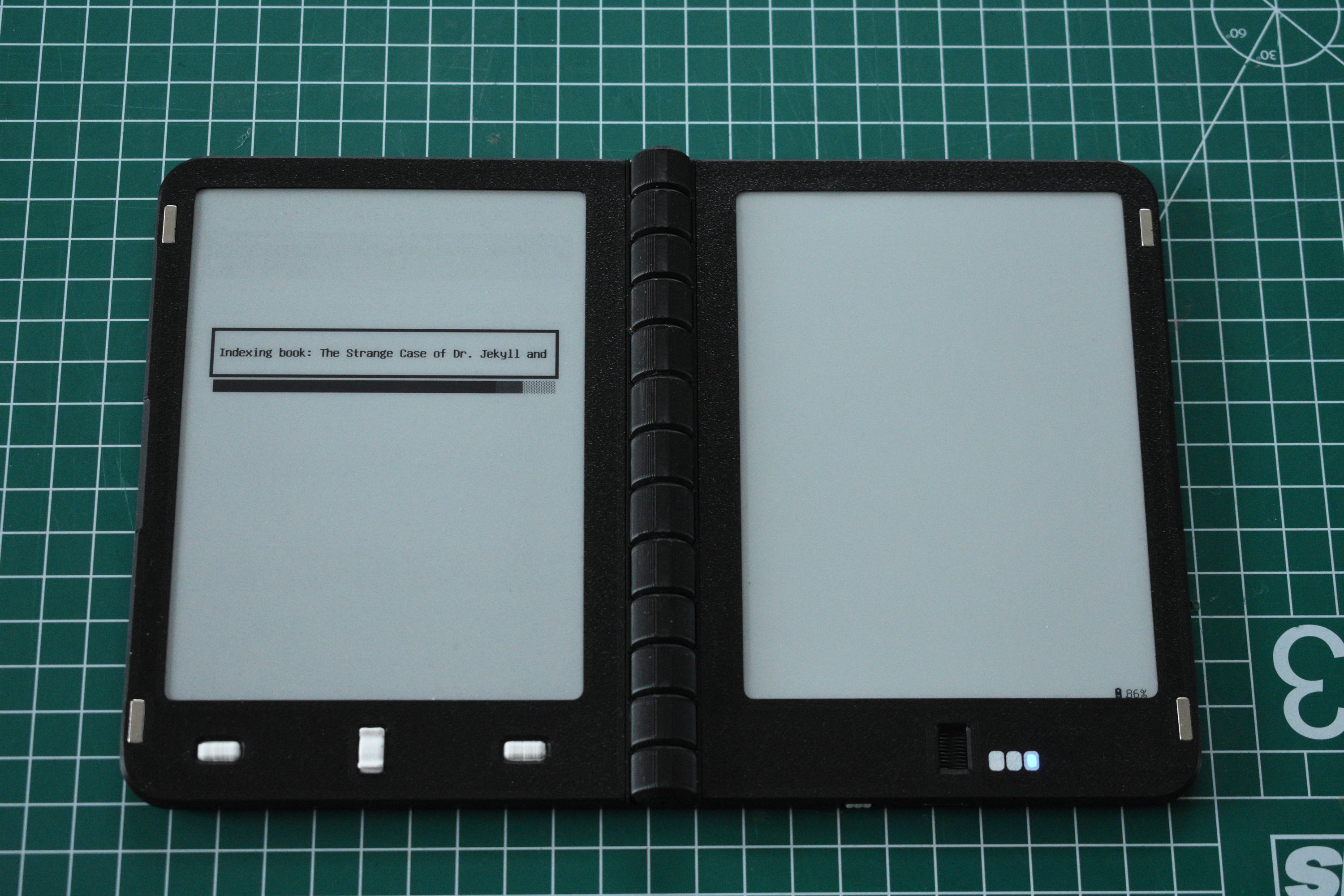
In the EPUB structure, the book is divided up into chapters, where each chapter is a separate XHTML file. There is, however, no instruction on how each chapter is divided into pages, as this depends on factors such as the screen size, font size, font style, etc. To make it possible to open any arbitrary page, an EPUB book first needs to be indexed, which happens the first time you open it. In the process, the EPUB renderer walks through the contents of every file and stores which chapters contain which pages. This only needs to be done once, but has to be redone when render-settings are changed.
Loading and Rendering Fonts
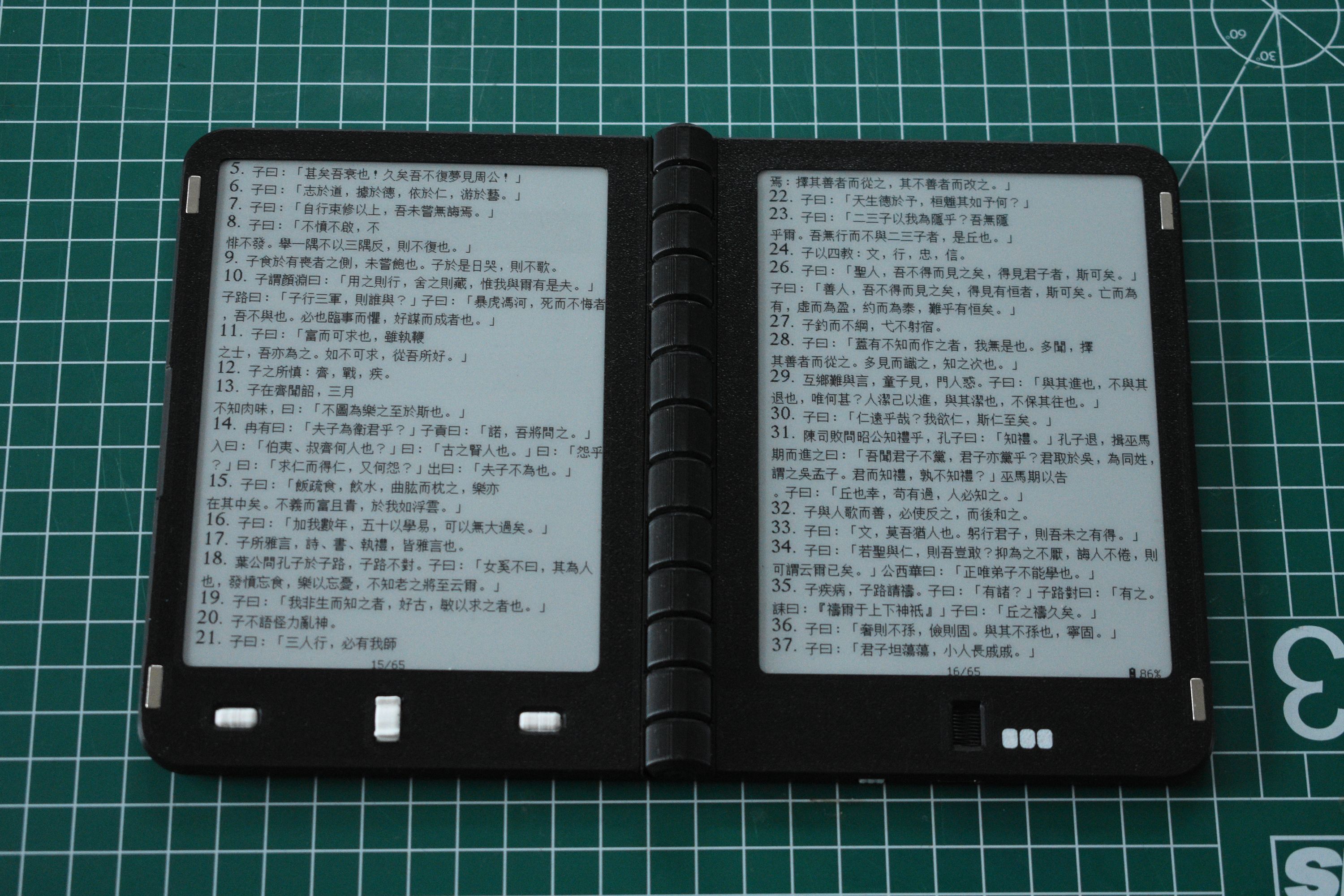
On the Diptyx E-reader, two methods for rendering fonts are used: Unifont and custom .YAFF fonts. Books are typically rendered in a .YAFF font. This file format describes bitmap fonts in a human-readable way and supports both monospace and proportional fonts. When loading a .YAFF font, the firmware processes the font file into two lookup tables, one containing the characters’ width and one containing the raw bitmap data.
Unifont is used for rendering the UI elements and as a general fallback font. The first 131,072 characters are stored in the flash memory of the ESP32, which is sufficient to display most languages on earth. When a character is encountered in an EPUB file that is not present in the current .YAFF font, it is rendered in Unifont.
Display Logic
If you’ve ever used e-paper displays in one of your projects, you know that they are more finicky to use than regular LCD screens. They use a complex update cycle where pixels alternate between black and white several times before settling, which ensures the pigments don’t get stuck or become polarized.
In the Diptyx, two types of updates are used, fast refreshes and full refreshes:
Fast refreshes update only the pixels that have to change color. This can be performed quite quickly, in less than a second, making it well suited for flipping pages.
However, doing too many fast refreshes in a row can leave artefacts and, in the worst case, damage the display. So, after a number of fast refreshes, a full refresh is automatically performed. When drawing large images or entering menus, a full update is also performed to give the best results.
After every ~5 quick updates, a full refresh is performed. This number can be changed in the general settings
Standby Modes
The device makes use of two convenient sleep modes available to the ESP32: light sleep and deep sleep. When the device is not actively processing something or updating screens, the processor enters light sleep. In this mode, the main program is halted, but can be resumed within a millisecond when a button is pressed. If the device remains in this state for a while, it automatically enters deep sleep. In this state, the displays are turned off and most functions of the ESP32 are off as well, but the device can still be woken by pressing any of the buttons.
Final Stretch
And that’s it for this update. There is one more week of crowdfunding to go, but I’m already extremely grateful for all the support this project has gotten so far. Thank you!