Project update 5 of 10
A Look Inside the Device
by MartijnFirst of all, Happy New Year! Secondly, I want to thank all of you for your support and your interest in this project. The campaign was funded within a week, and is still growing strong! Now, on to the update:
Opening up Diptyx
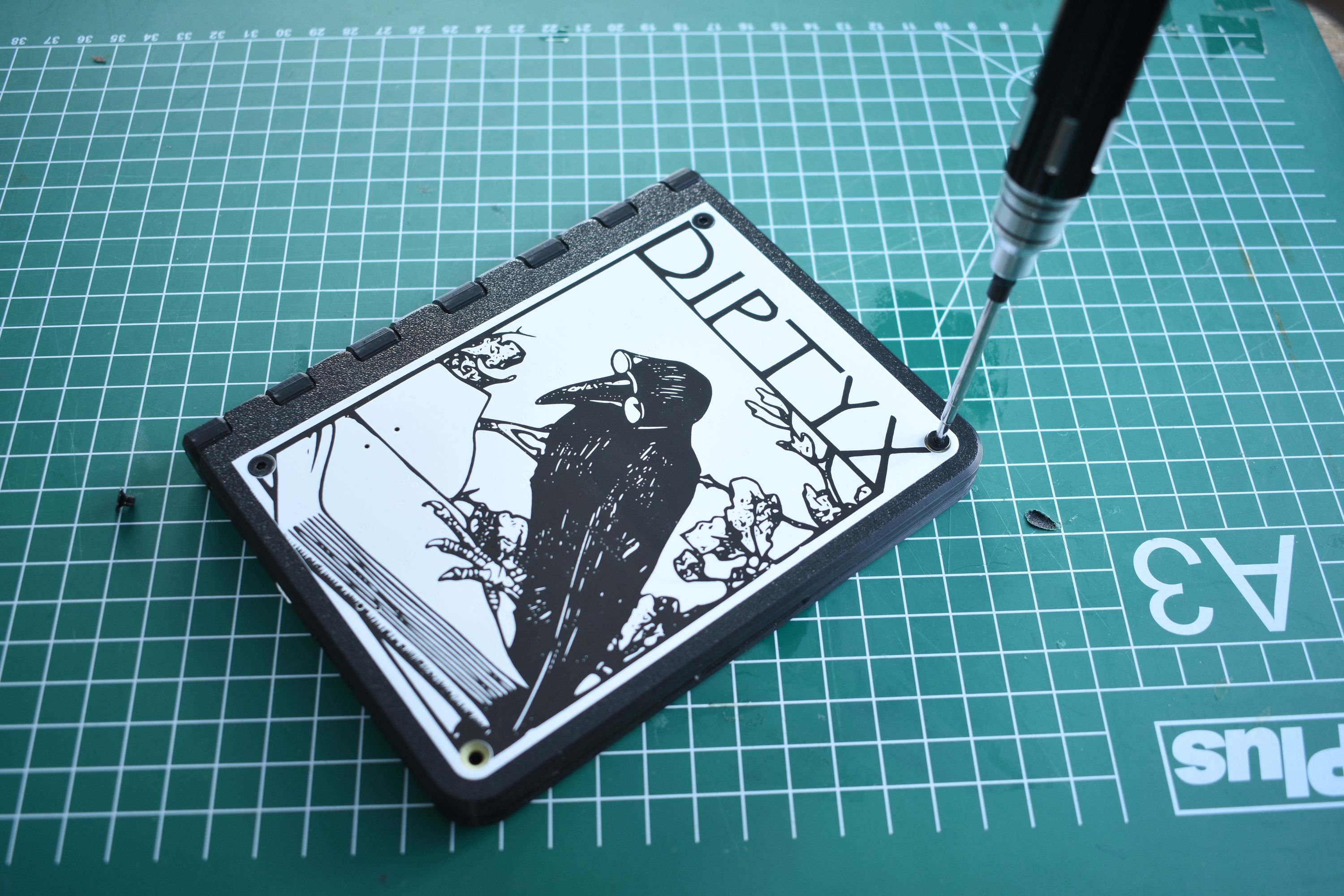
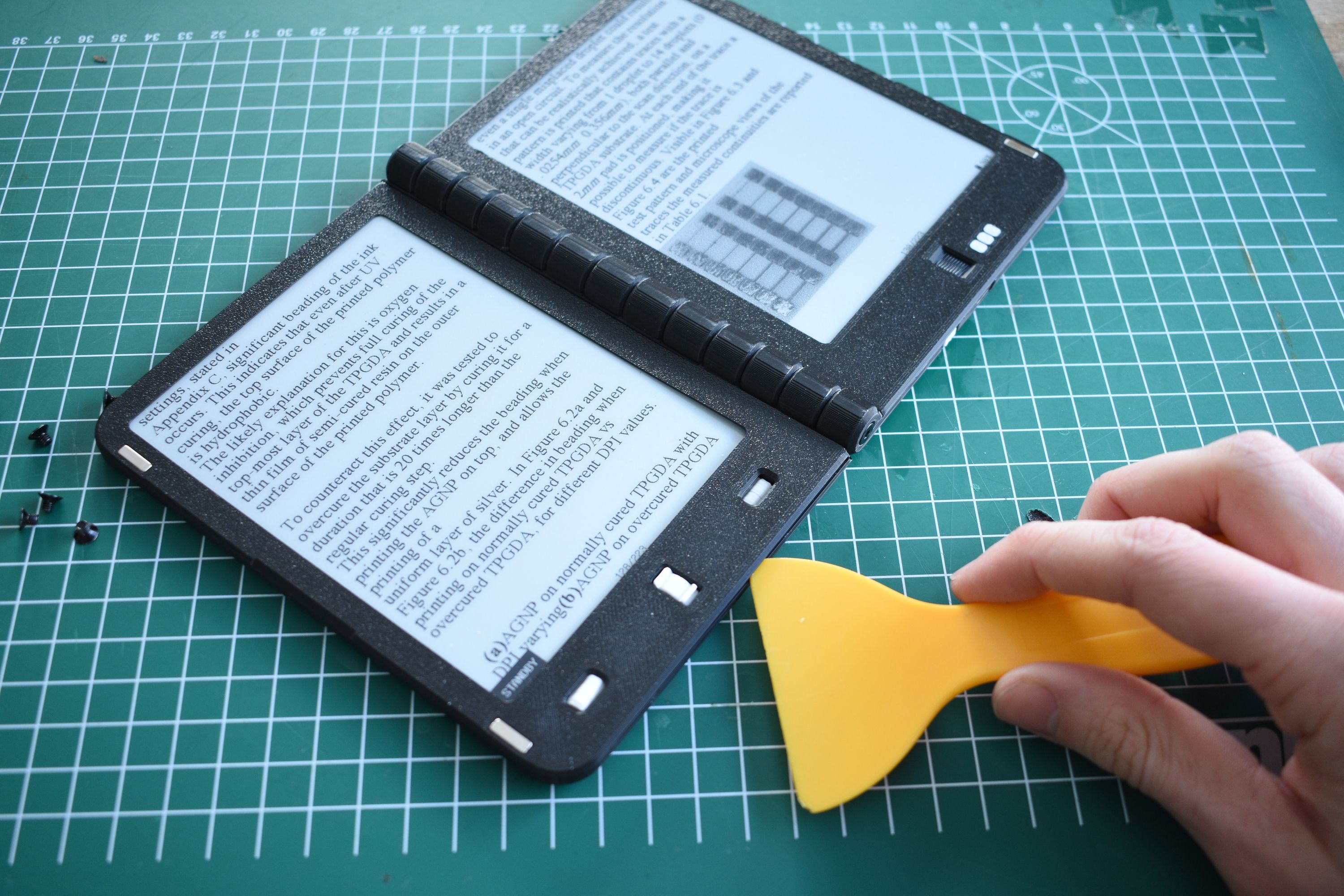
In this update, we’ll open up the device and take a look inside. A core design principle of the Diptyx E-reader is simplicity, which can already be seen when opening the device, which is two simple steps. The first step is to unscrew the eight main screws on the PCBs. Next, we separate the screen covers from the main frame. These are held down with small clips, so a small plastic prying tool (a.k.a., spudger) is of great help here.
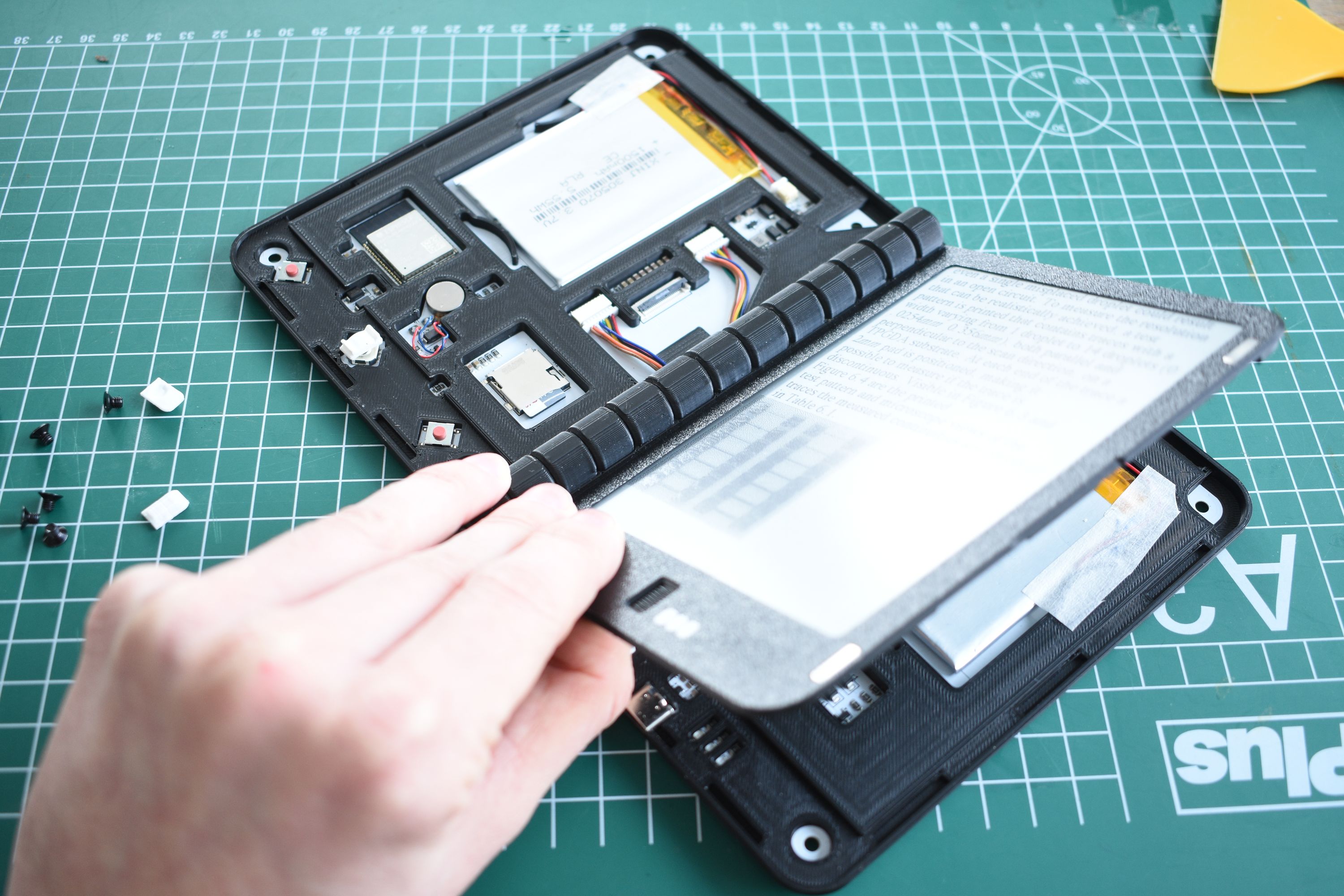
And that’s it, we now have a clear view of the internals of the Diptyx E-reader.
The Brains
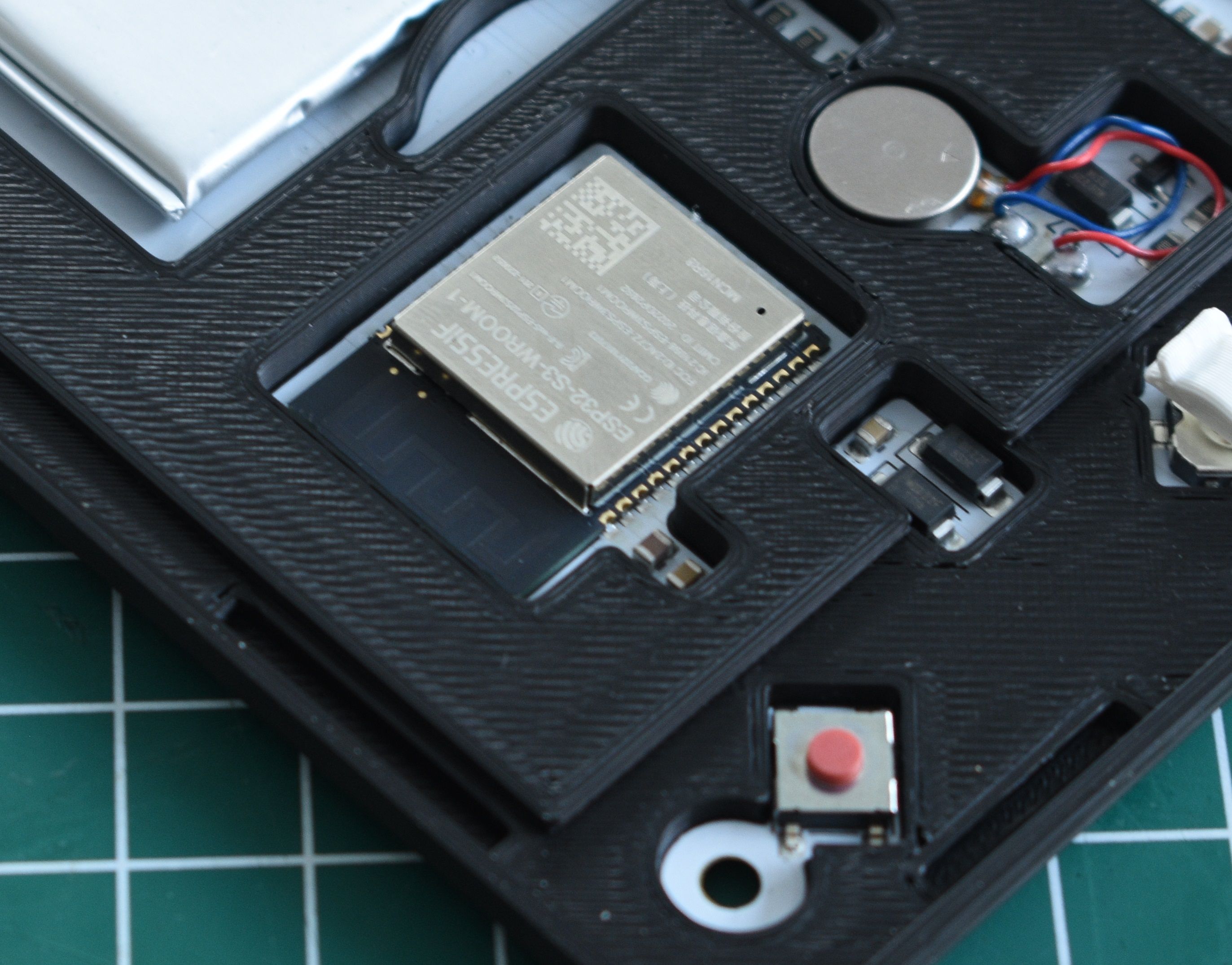
The main processor of the device is the ESP32-S3, a well-known and easy-to-use 32-bit microcontroller. This chip handles almost all the functionality of the device, from opening eBooks to driving the displays to handling the power states. Coupled with this is 16MB of flash memory and 8MB of RAM. This might not sound like a lot nowadays, but EPUBs are actually not very memory-intensive to load; many EPUB files are only ~1MB.
The Memory
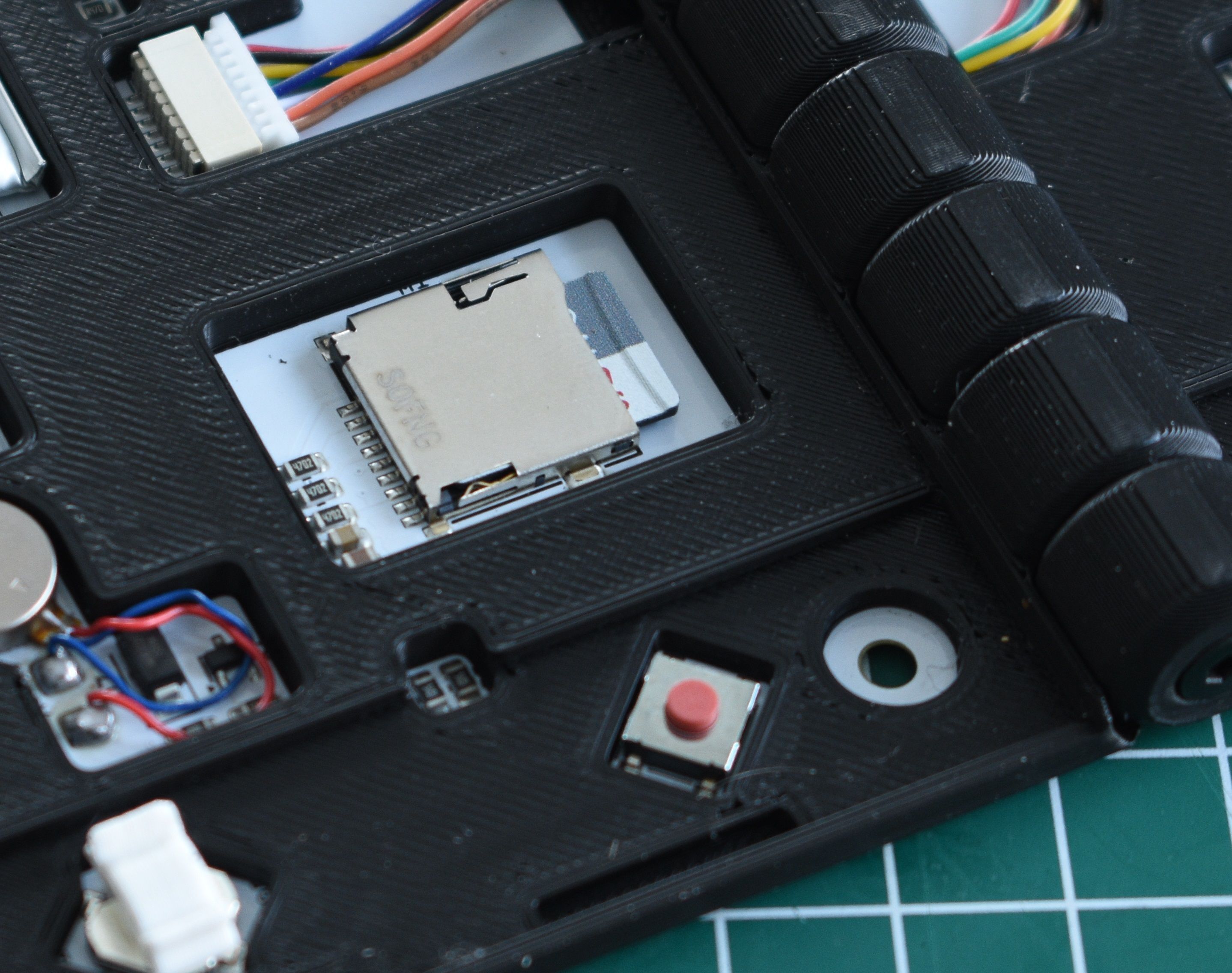
Although the built-in memory of the ESP32 is sufficient for rendering books and storing the firmware, it is by far not enough for storing a library of books. For this reason, a MicroSD card is used to provide a large amount of (expandable) storage. This SD card interfaces through SDMMC and can be of basically any size, as long as it is formatted as FAT32. The device will be shipped with a 2 GB card, which should be sufficient for a thousand books (depending on the size of the books of course), but can be easily swapped out if a user wants to store even more.
Power
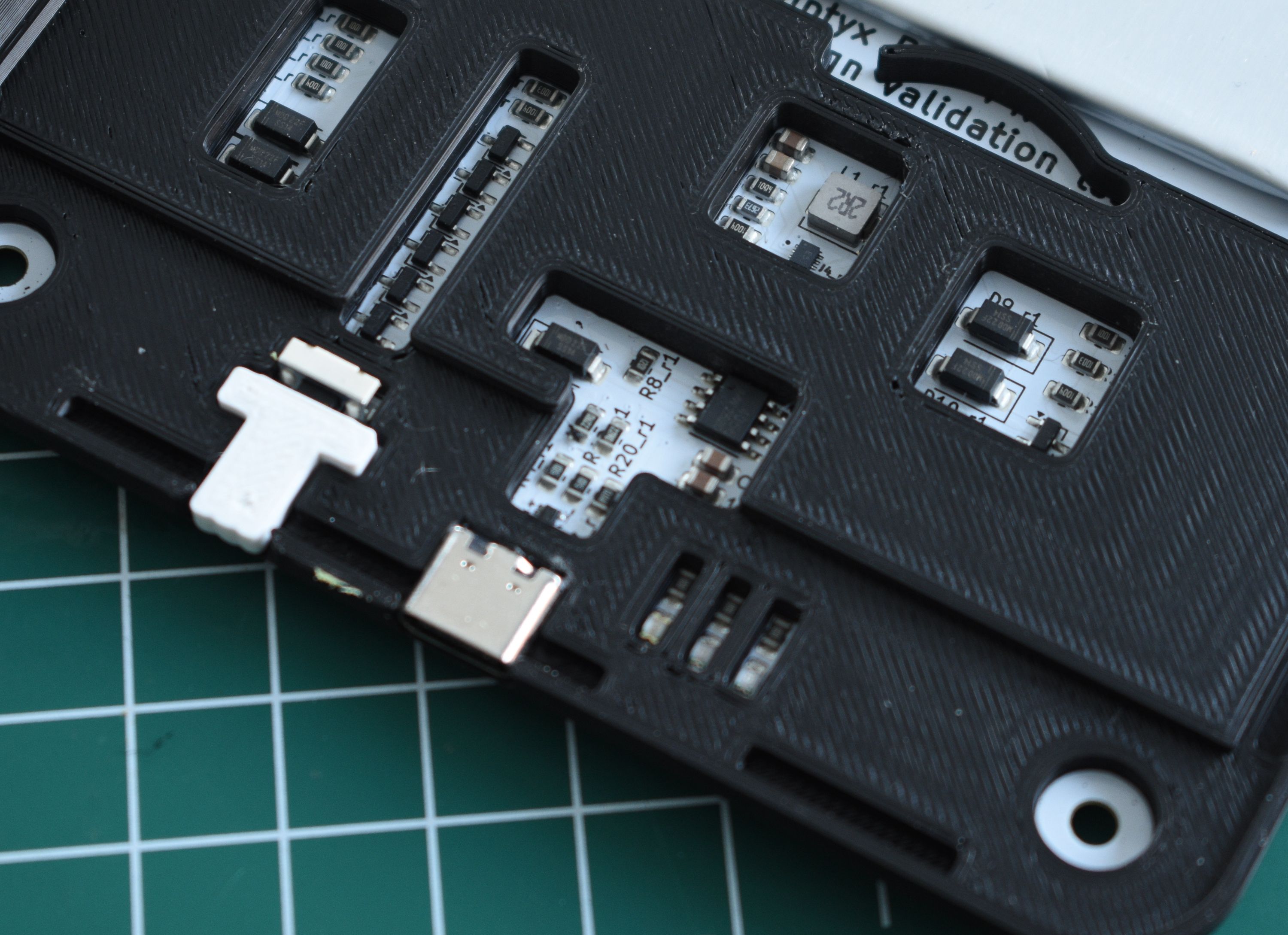
Essential for any e-reader is efficient power management. After all, what good is a digital book if you have to recharge it every day? That’s why the device uses the ultra-efficient TPS62840 buck converter to convert the battery voltage to a stable 3.3 V. This chip has an ultra-low quiescent current, meaning that very little power is wasted when the device is off or in standby mode. This power isn’t directly wired to all the components, but is controlled by the ESP32. This way the device can be switched off through software, while a simple momentary button press can be used to power the device on and off.
Buzzer and LEDs
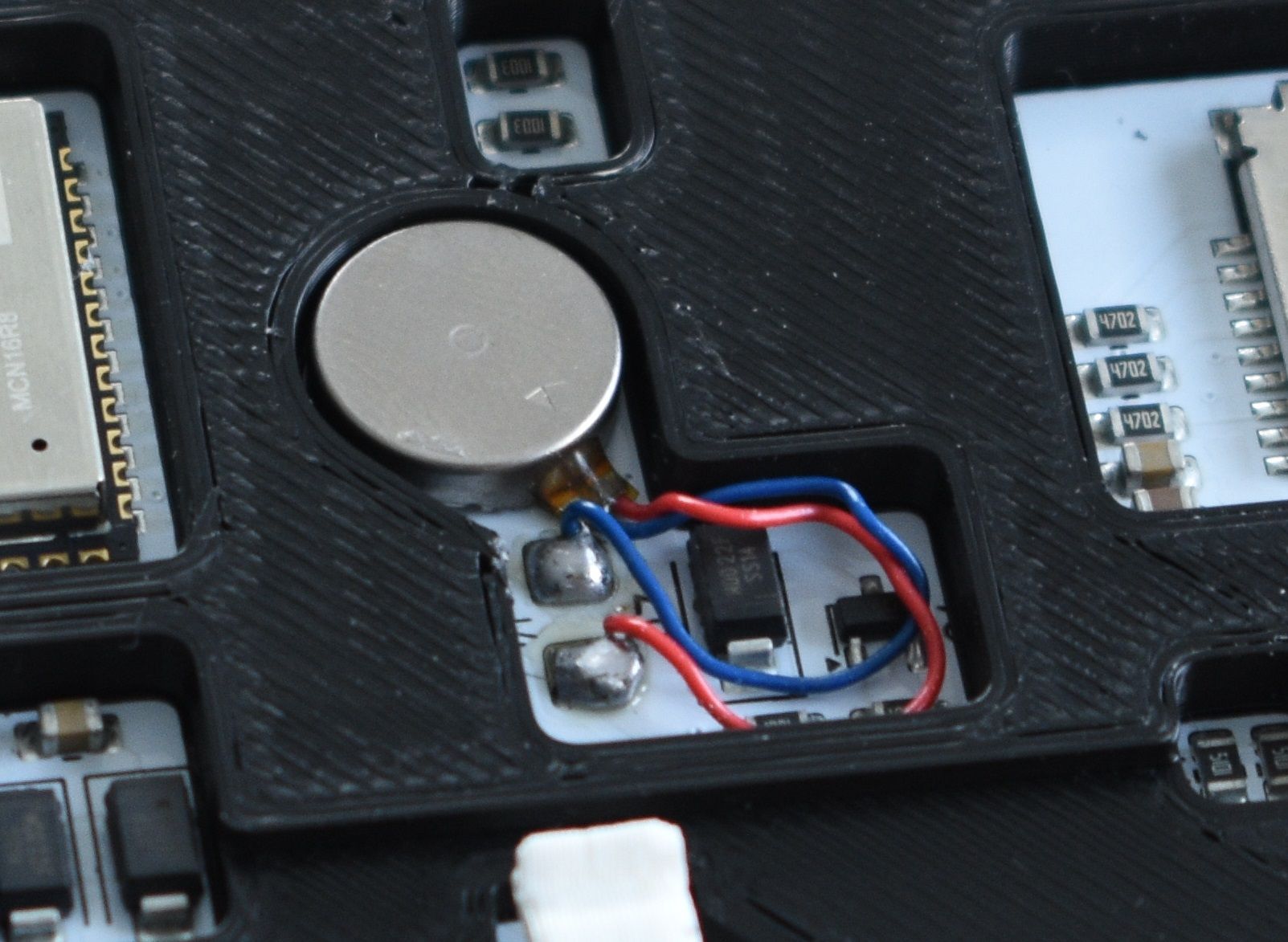
Although the software of the Diptyx E-reader has been optimized to be as responsive as possible, the nature of e-paper screens is that they’re just less responsive than LCD or OLED screens. So we added a buzzer to provide instant haptic feedback when pressing a button.
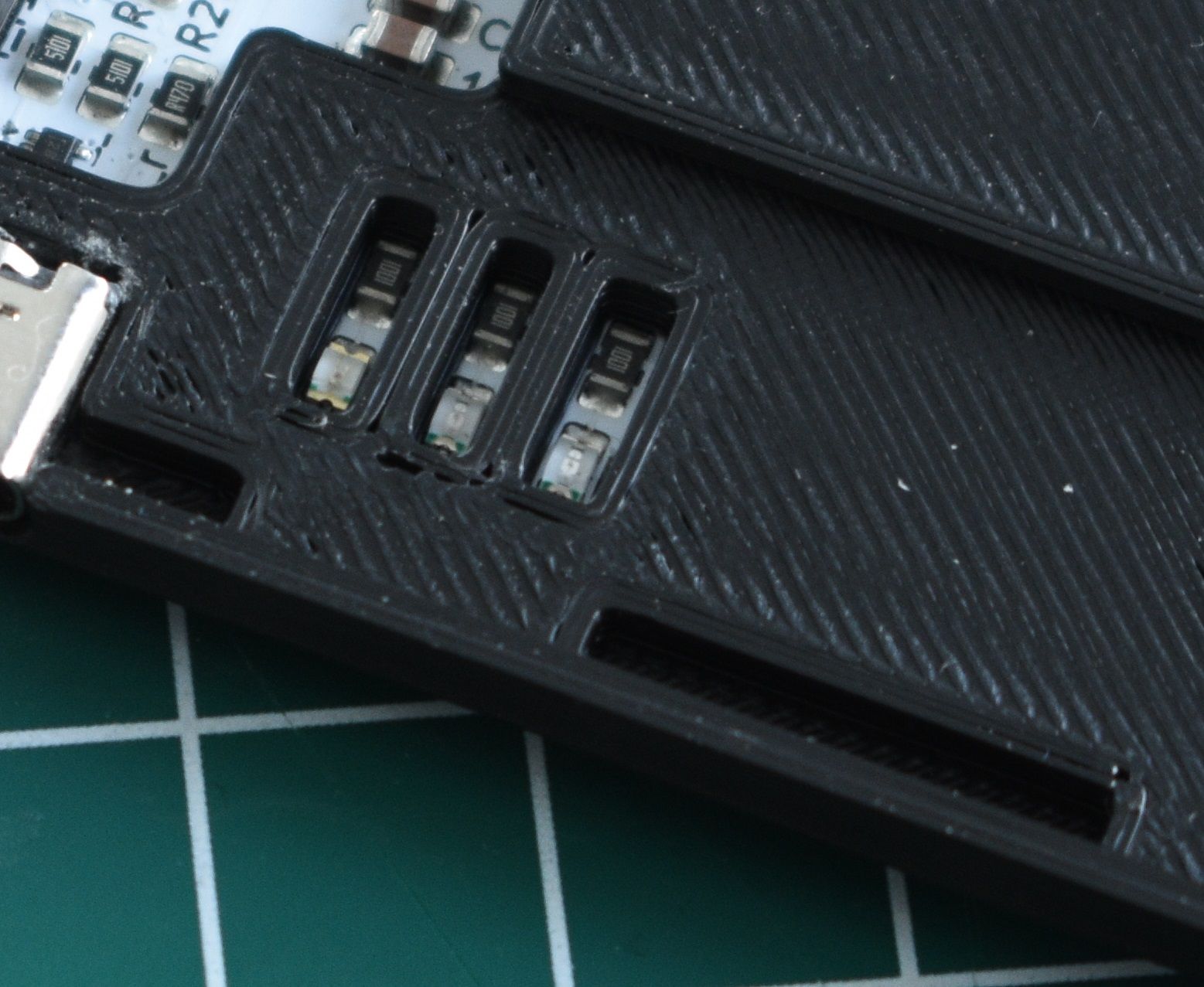
Another helpful addition is the blue status LED. This LED indicates when the device is actively doing something, such as booting, rendering a page, or indexing a book. This indicator light is controlled by software, so it can also be repurposed if users wish to use it for something else.
Closing up the device
Putting the device back together is even simpler than opening it. Make sure all the wires are tucked in and the diplays are fitted correctly, and you can press the screen covers back on. After that, it is simply a matter of screwing the screws back in.
Next up
And that’s it for this update. In the next updates, we’ll take a look at the firmware of the device, and why open-source is so important.