When developing a device meant to interface with a huge variety of systems, especially those that are more than 40 years old, you will inevitably run into unexplained behavior. Finding a root cause for such behavior is the key to solving it and making your device something people can trust. This update tells the story of tracking down a series of subtle issues I ran into when testing on a historically important machine: the IBM Personal Computer AT, also known as the 5170.
Testing the Progenitor of a Standard
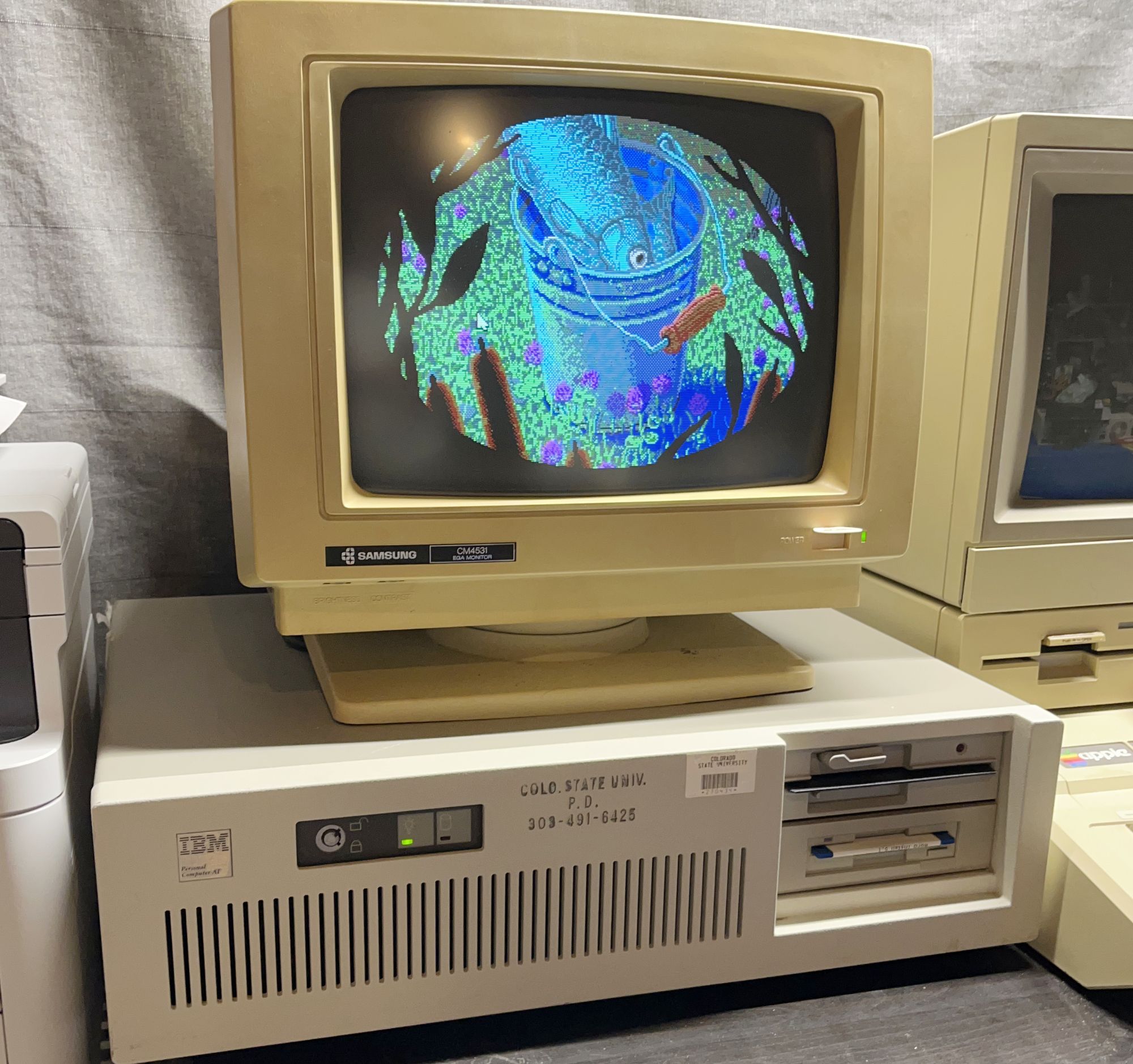
In my last update, I mentioned how early IDE really was just the ISA bus with some extra bits added onto it. The ISA (Industry Standard Architecture) bus started life as the bus for expansion cards on the IBM PC/AT, a next-generation improvement on the original IBM PC and PC/XT that featured the Intel 286 CPU and extended the expansion bus to 16 bits.
As the AT got cloned across the whole industry, its bus was eventually loosely standardized as ISA. Not long after AT clones became widespread, the IDE interface and hard drives for it were introduced, and that interface effectively extended part of the AT/ISA bus out to the drive, giving rise to the formal name for IDE as it became standardized: AT Attachment (ATA). On a vintage machine like the AT, this means that the system’s chipset is talking to the hard drive in a very direct way.
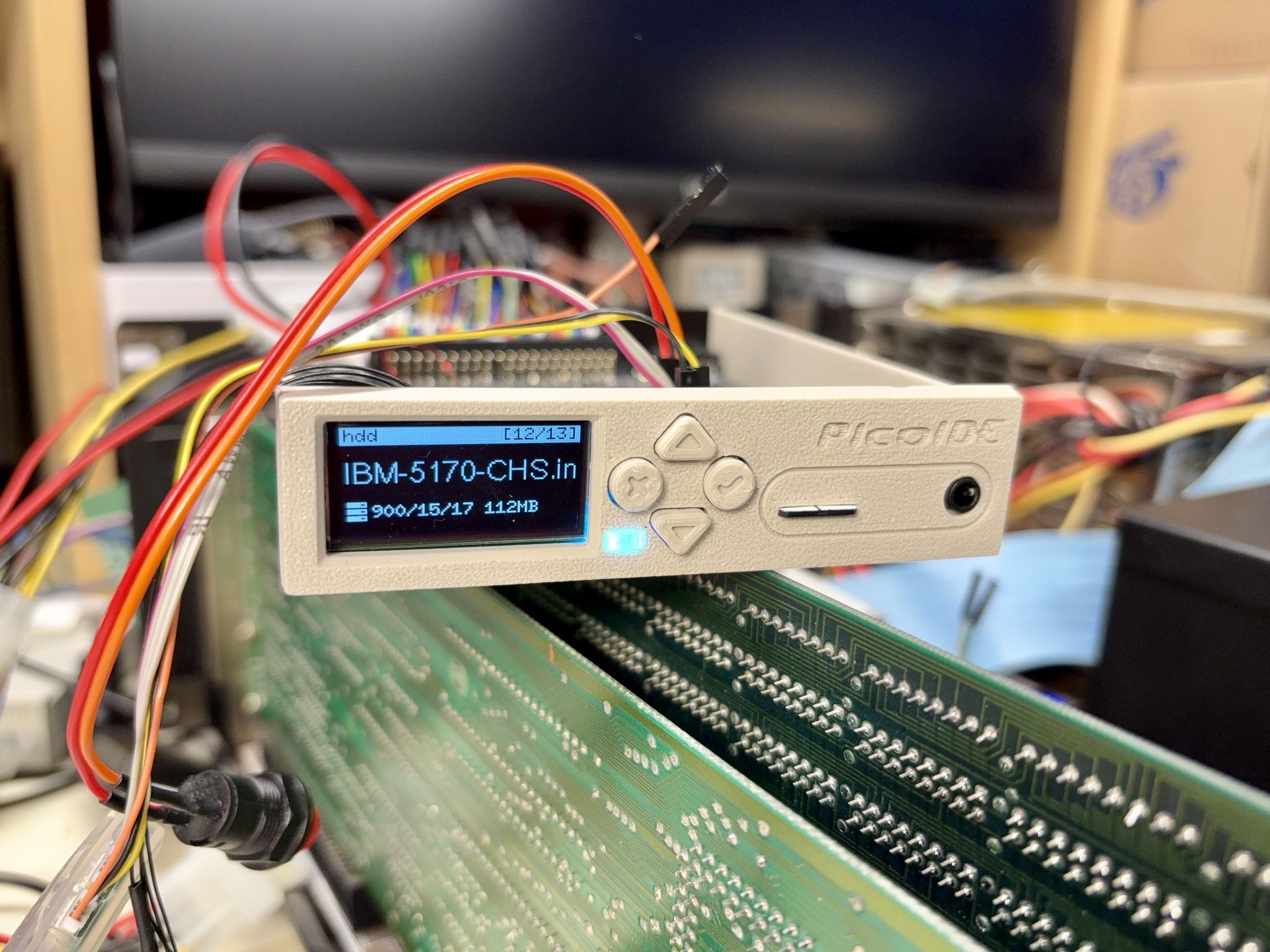
I was lucky enough to find an IBM AT at a university surplus sale a few years ago, so I was eager to try the PicoIDE out on it once I had it working on other machines. When I was developing my previous project, PicoGUS, and tried it out in the AT, I found it behaved subtly differently from later machines, so I had a feeling I was going to run into some differing behavior again. I put an IDE interface card in the AT with the PicoIDE and pretty quickly realized it was not working which, while disappointing, didn’t completely surprise me. So, it was time to dig into why things weren’t working.
Digging In
One great thing about the IBM machines is that they’re very well documented with full schematics and all the commented BIOS source code is available for analysis. Having the BIOS source meant I was able to trace how the AT detects and validates a hard drive at boot time. When looking at bus activity with PicoIDE’s IDE analyzer firmware or a logic analyzer, everything looked OK to me: it was behaving exactly as the AT BIOS expects, but somehow the BIOS was marking it as failed.
I wondered if somehow things looked different from the computer’s perspective, so I started poking at the IDE I/O ports using the venerable MS-DOS DEBUG program. I quickly found something very surprising: if I did an 8-bit read of the status port, I’d get a value of 0x00 back, even though I was expecting 0x50! That value indicates the drive is ready, but if the computer only sees a zero value, the AT’s BIOS assumes the drive never becomes ready and gives up on accessing it.
I then realized something: PicoIDE’s data interface is 16 bits. When 8-bit registers are read, PicoIDE drives 0x00 on the high bits with the assumption that they’re ignored. What if that was where the 0x00 I was seeing for these reads was coming from? I forced a different value to be put in those bits and, you guessed it, that’s what I got back from the status register. After poking some more, it looked like this behavior was happening on all odd addresses, yet even addresses worked just fine.
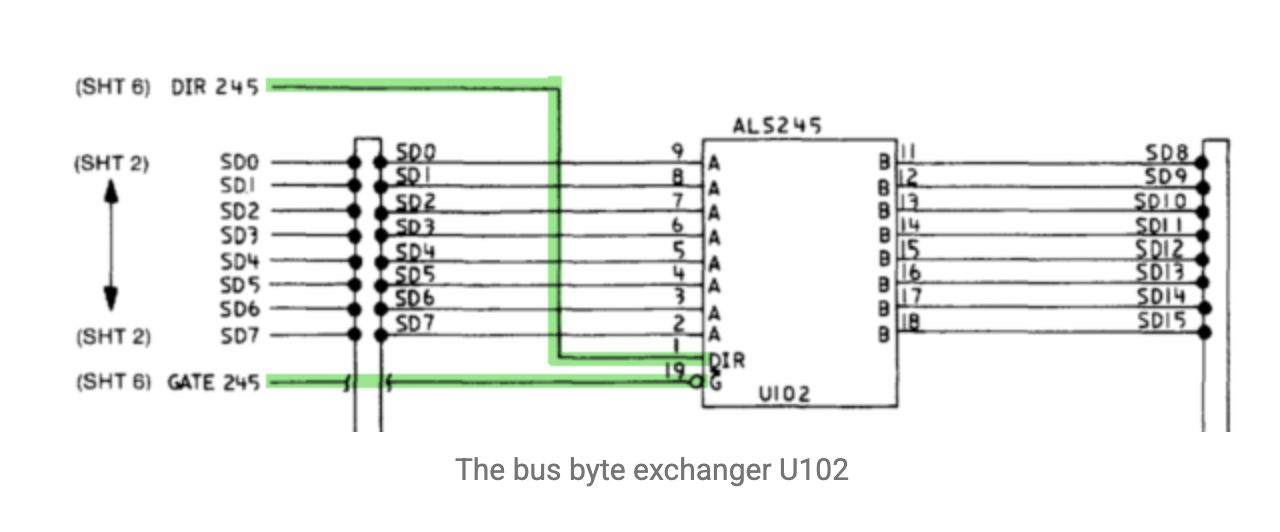
I started searching around for a possible explanation and came across a blog article, Exploring 16-bit Bus Access on the PC/AT by Daniel Balsom, creator of the extremely accurate MartyPC emulator and other low-level explorations of Intel CPUs. The article explains a lot about how the 16-bit bus on the AT works, especially with regards to odd vs. even addresses and how 8-bit accesses on a 16-bit bus work, and I could tell it was getting very close to providing an explanation for my issue. I learned that there’s a chip used as a data converter that swaps high and low bytes for odd 8-bit accesses, but that didn’t quite reveal why things were acting so strangely. I had met Daniel at VCF Midwest a few years ago and we’d been following each other’s projects, so I didn’t hesitate to reach out to him for some help in understanding the situation.
Understanding the Cause and Solving It (Or Working Around It)
After some back and forth, Daniel came to a realization: if PicoIDE drives the upper byte of the bus while the bus data converter is trying to swap the bytes, it’s simply overriding the converter with the value that’s driven on the bus. So why hadn’t I seen this on every other machine I had tried up until this point? The IBM PC/AT has a discrete chipset: it’s a collection of mostly standard 74xx series logic chips that ties together a few general-purpose controllers that in later machines were consolidated into only a few chips.
This data converter is a 74ALS245: a standard bus transceiver. When this 245 emits what should be the low byte onto the high byte of the bus (which is the byte at the odd I/O address being read in the case that triggers this behavior), it conflicts with the "unused" high byte being driven by the PicoIDE. The PicoIDE has 74LVC4245s on its data pins, very similar to the 245 on the AT, but a bit newer. So, the PicoIDE’s 245 on the high byte "wins" the analog tug-of-war over the bus and that’s the value the computer sees.
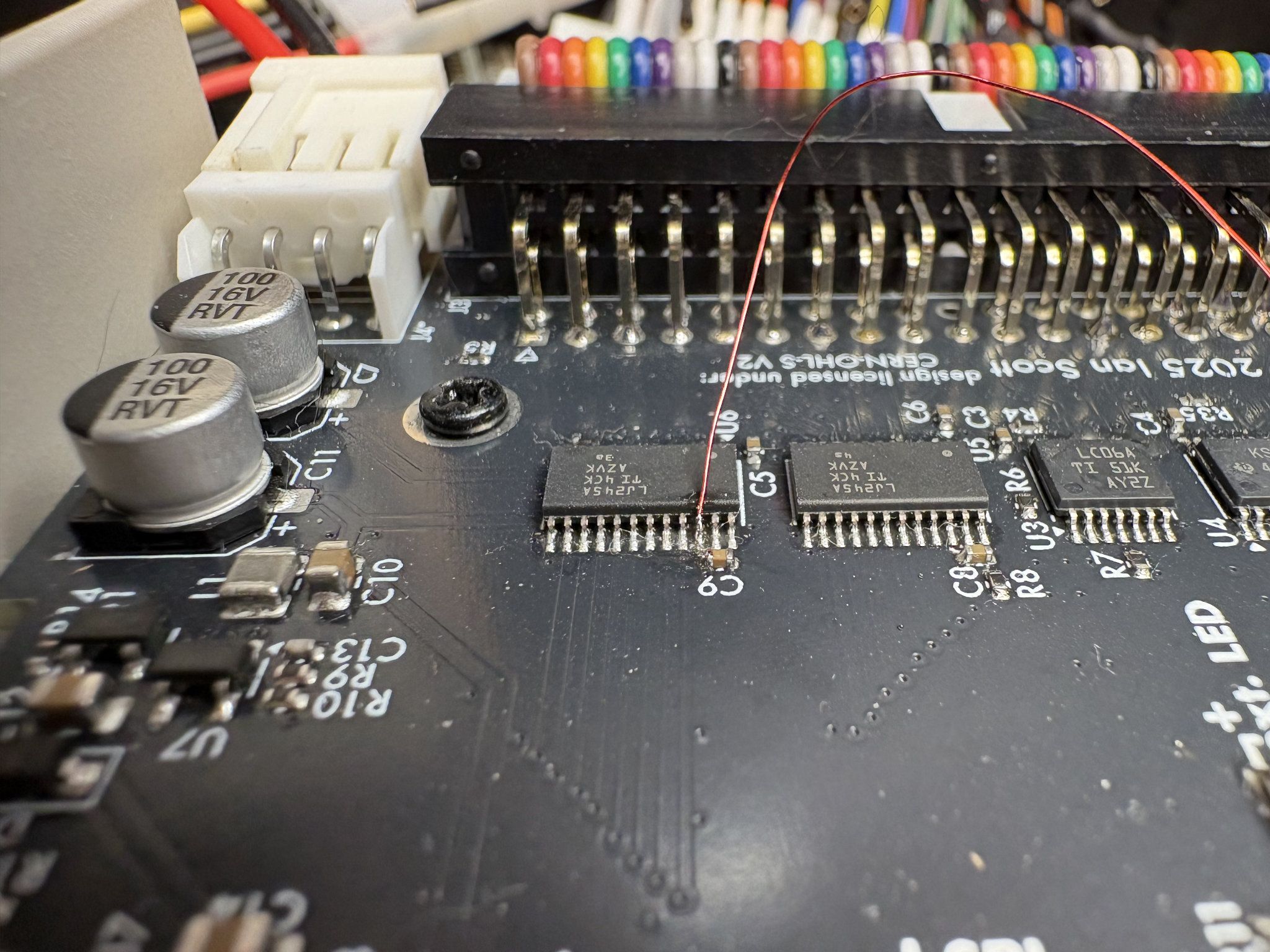
Now that we know what’s going on, how can we solve it? We could just copy the low byte to the high byte and call it a day. The values emitted by the AT’s data converter and PicoIDE on the high byte would be the same, solving the conflict. Copying the byte would only take one or two more CPU cycles on the PicoIDE, so the performance impact is pretty minimal. Or, we could solve the problem in hardware: drive the high byte 245’s chip enabled independently and keep it disabled for most bus accesses, allowing the AT to drive the high byte for odd addresses without conflict. There were a few signals I could tie into to disable that chip on regular register accesses, like /IOCS16. After some delicate bodging connecting those signals, I verified that the solution solved the problem for regular PIO access, but it presented a possible problem for DMA access where I can’t rely on the PicoIDE to drive that signal. While I found a way to deal with that, I eventually decided that solving this issue in hardware would need too many extra components, so solving the issue in firmware would be the path forward.
When One Problem Is Solved, Another Reveals Itself
With the high byte problem solved, I thought it’d be smooth sailing, but the AT still had more in store for me. It was now getting far enough along that it would boot from the PicoIDE, but doing a dir command in DOS resulted in strange directory listings that had file names that were misaligned first by one or two characters. Again the IDE analyzer firmware and logic analyzer were very helpful: I’d see an extra occasional read of data on the IDE analyzer that I was not expecting, and those extra reads corresponded with the odd misalignments in the file names! After looking deeper with the logic analyzer, I found it: a glitch on the read signal that was happening with surprising regularity.
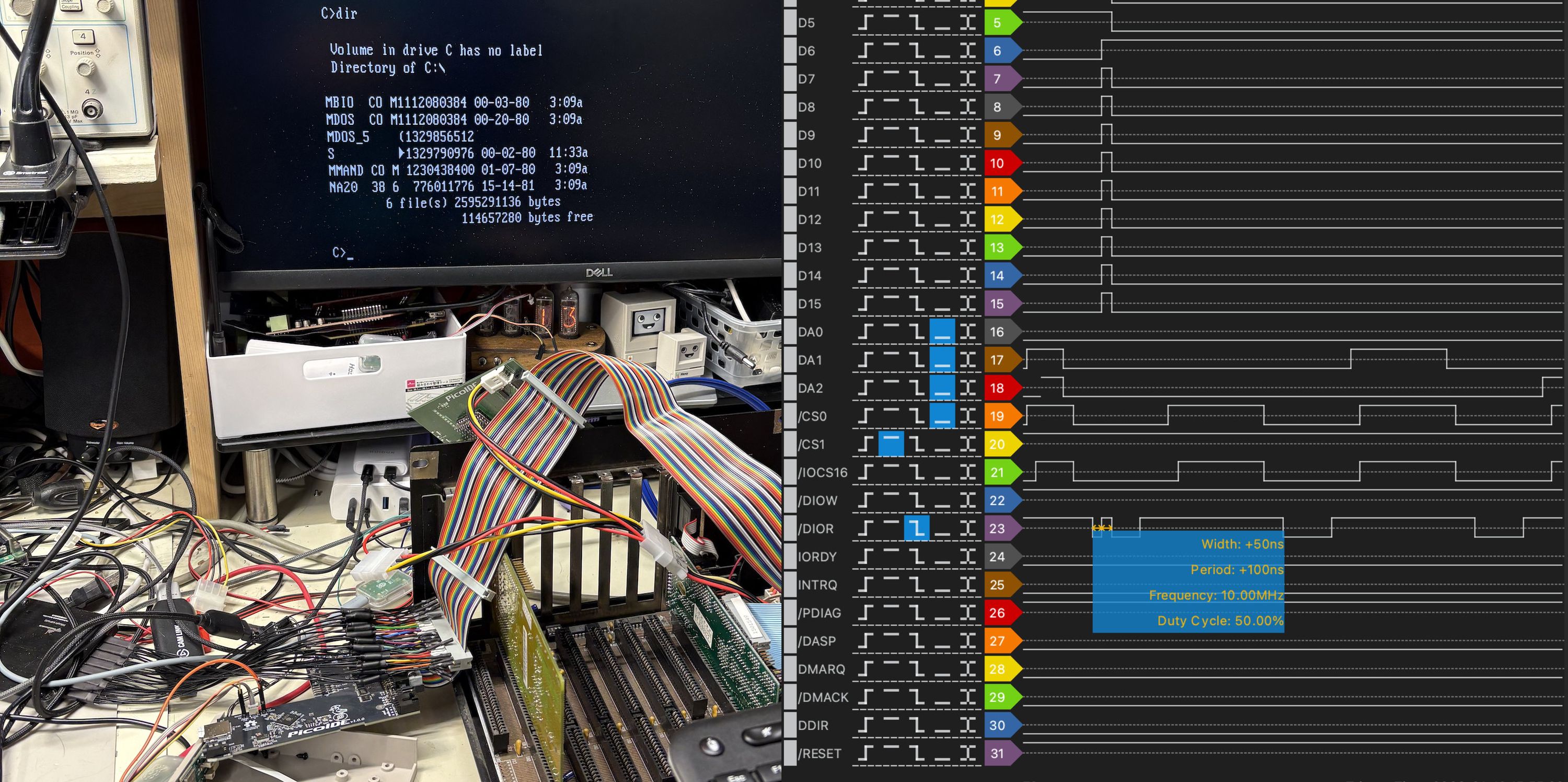
The issue is that PicoIDE can write data to the bus much, much faster than a slow machine like the AT can request it, so the PicoIDE had no problem pushing a new data byte out onto the bus in the time that this glitch was present. The solution: artificially slow the PicoIDE’s bus-handling PIO programs down. With the PicoIDE configured to react to read requests more slowly, the glitch was now able to pass through unnoticed and finally I had the IBM PC/AT booting and running from a PicoIDE!
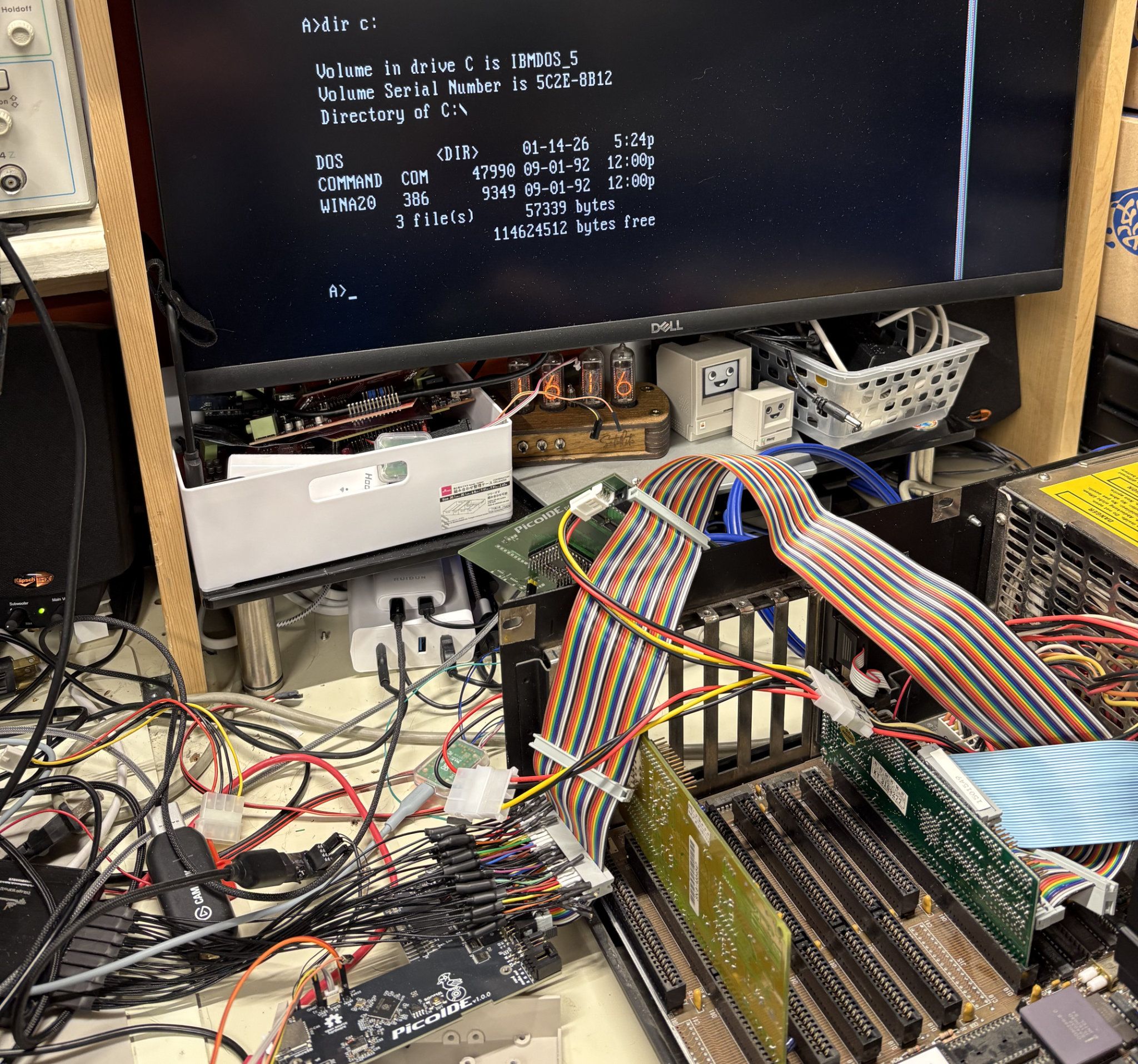
While this may feel like a lot of effort just to get one machine to boot, the AT is far from the only machine with a discrete chipset that can present these problems. Many early clones and compatibles from the mid-to-late 1980s used similarly discrete designs before single-chip solutions became the norm, so the fixes developed here likely benefit a whole class of vintage hardware. And, even when thinking beyond this class of machine, every edge case solved like this increases the overall robustness of the PicoIDE. It’s a reminder that broad hardware compatibility isn’t achieved by testing on just a handful of systems, it’s built one stubborn machine at a time. And sometimes it takes reaching out to knowledgeable members of the community to get the needed understanding to solve those stubborn machines. Thanks again to Daniel Balsom for helping out with this particular one!