Project update 4 of 7
How Corner Blending Improves Print Quality
by Liam PowellWe’ve received a few questions about how corner blending affects the final result of a print, so we wanted to show where it helps, where the tradeoffs are, and what we’re working on next.
As a quick recap: Prunt allows for toolpaths to be blended into smooth corner paths to avoid the discontinuities in axial velocity that cause vibration, noise, ringing, and unnecessary mechanical stress.
Does Corner Blending Round-Off Sharp Corners?
Yes, it can, although depending on the allowed deviation the corner may be more accurate than a corner with a velocity discontinuity. That is why Prunt makes corner blending tunable.
For a part with critical mechanical geometry, you may want a smaller blend distance so sharp corners remain sharp, or even no blending, which Prunt also allows. For other parts, a small amount of rounding may be a good tradeoff if it reduces ringing, improves surface finish, and lets the printer maintain speed more smoothly.
Where Corner Blending Really Shines
Corner blending is especially useful on organic and curved models.
STL files do not store true curves. They approximate curved surfaces with triangles. After slicing, those triangles become many small line segments in the g-code. To a conventional motion planner, a smooth organic surface is therefore not actually smooth: it is a dense sequence of tiny corners.
Prunt’s corner blending helps turn those faceted paths back into smooth motion, as shown in the images below.
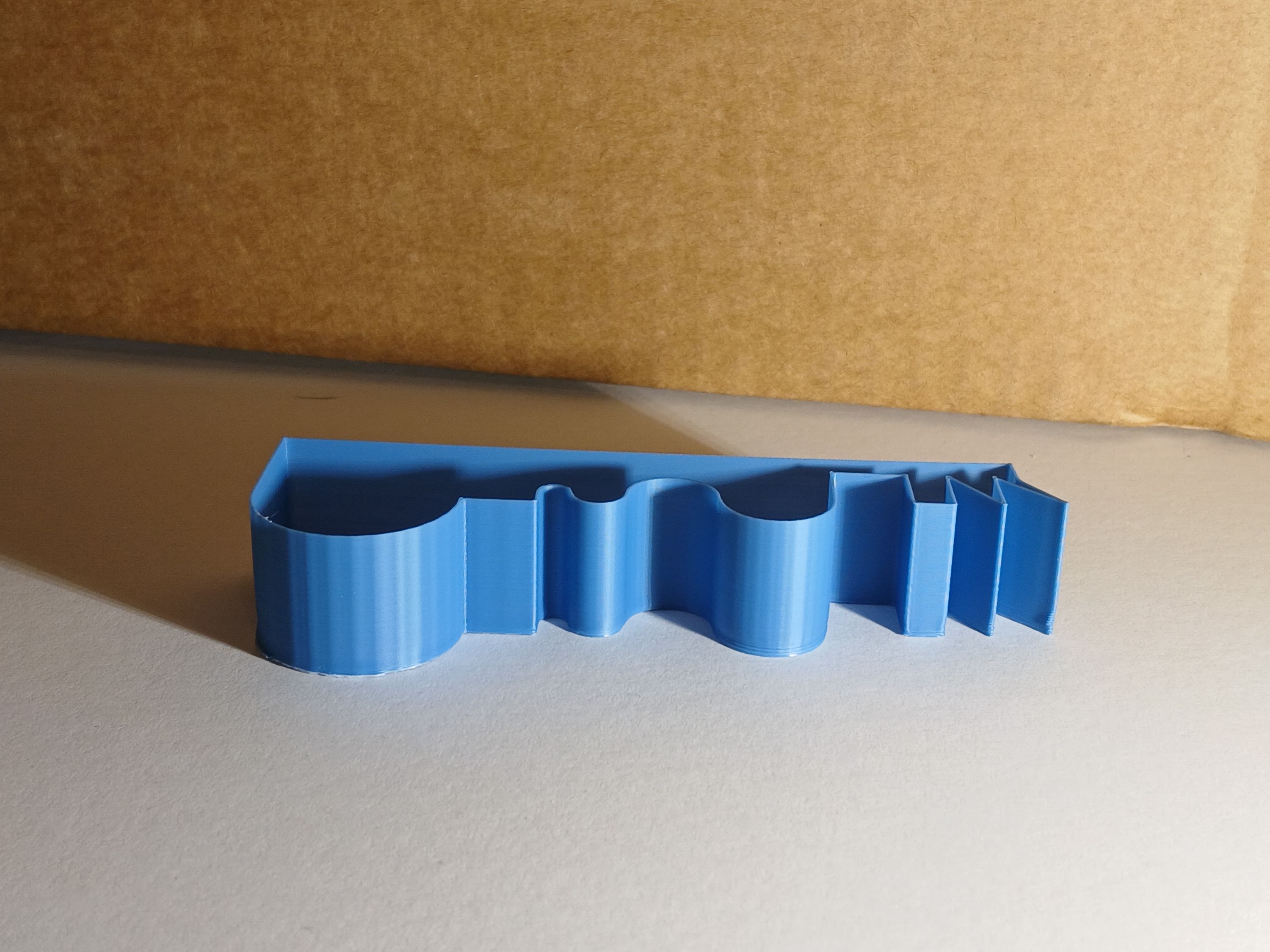
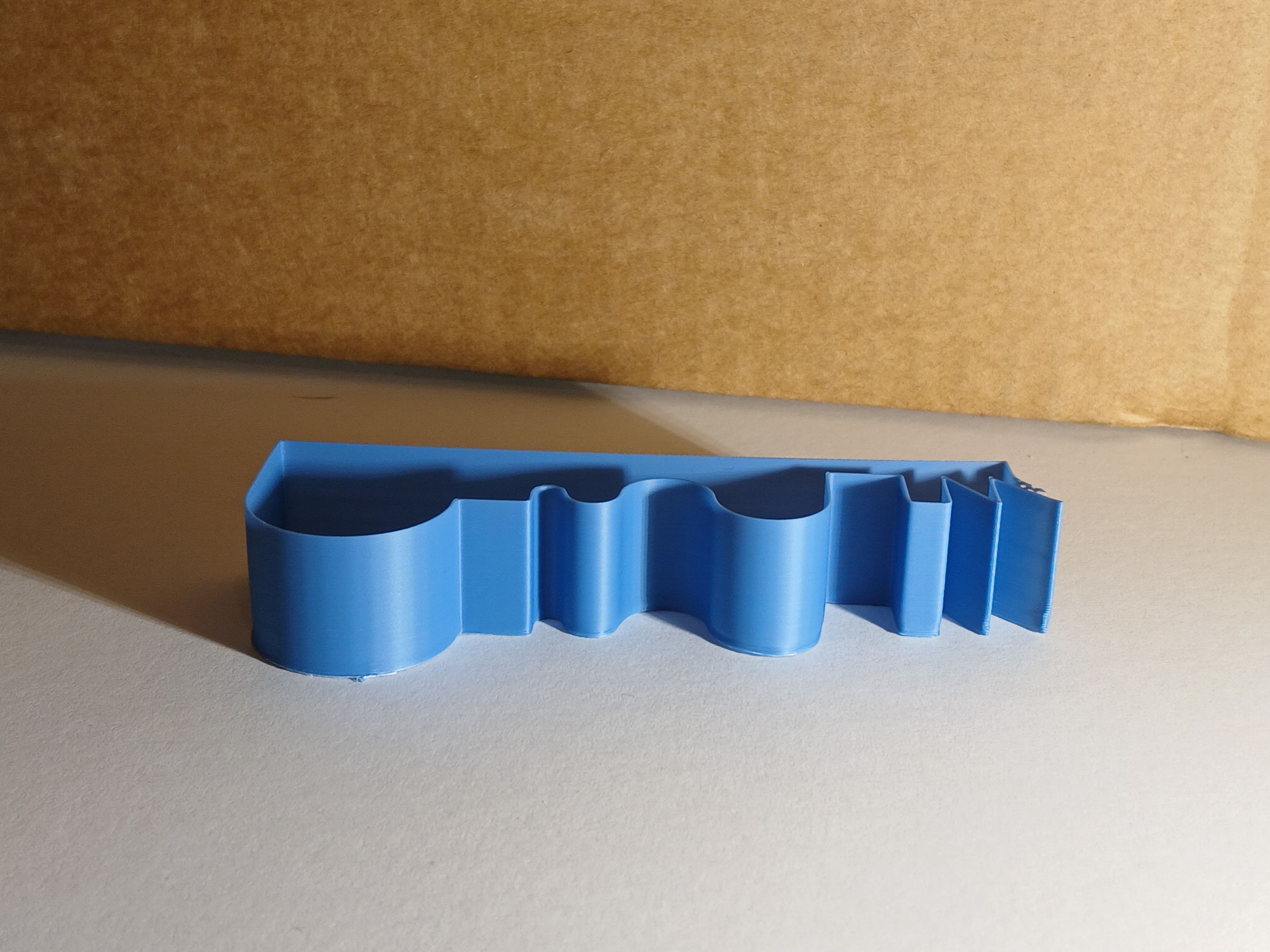
These prints use the same model and comparable motion settings except corner deviation has been set to 0.2 mm on the Prunt print (the second image). You can clearly see here how corner blending improves the surface finish.
You may also note some under-extrusion on the back-left corner of the Prunt model. This is an artifact of pressure advance. Ths issue is not present with a lower pressure advance value, however we wanted to use identical settings to Klipper here to keep the comparison as fair as possible.
What About Arc Blending?
Arc blending can help in some cases, but it does not fully solve the problem.
Even when a slicer or post-processor emits G2/G3 arcs, most common 3D printer firmware does not treat those arcs as true continuous curves all the way through the motion system. Klipper and Marlin both break arcs back into many smaller line segments internally. This presents exactly the same problem the original STL model had, just potentially with smaller line segments.
You Can Hear the Difference
Corner blending is not only visible in prints. It is also audible.
In the videos above, listen to the curved sections of the toolpath. When using Klipper or Marlin, those sections often produce a buzzing or chattering sound as the printer rapidly changes direction through many small segments. With Prunt, the same sections are noticeably smoother and quieter because the motors are being asked to follow a continuous path instead of a long series of tiny lines.
Upcoming: Tunable Corner Blends
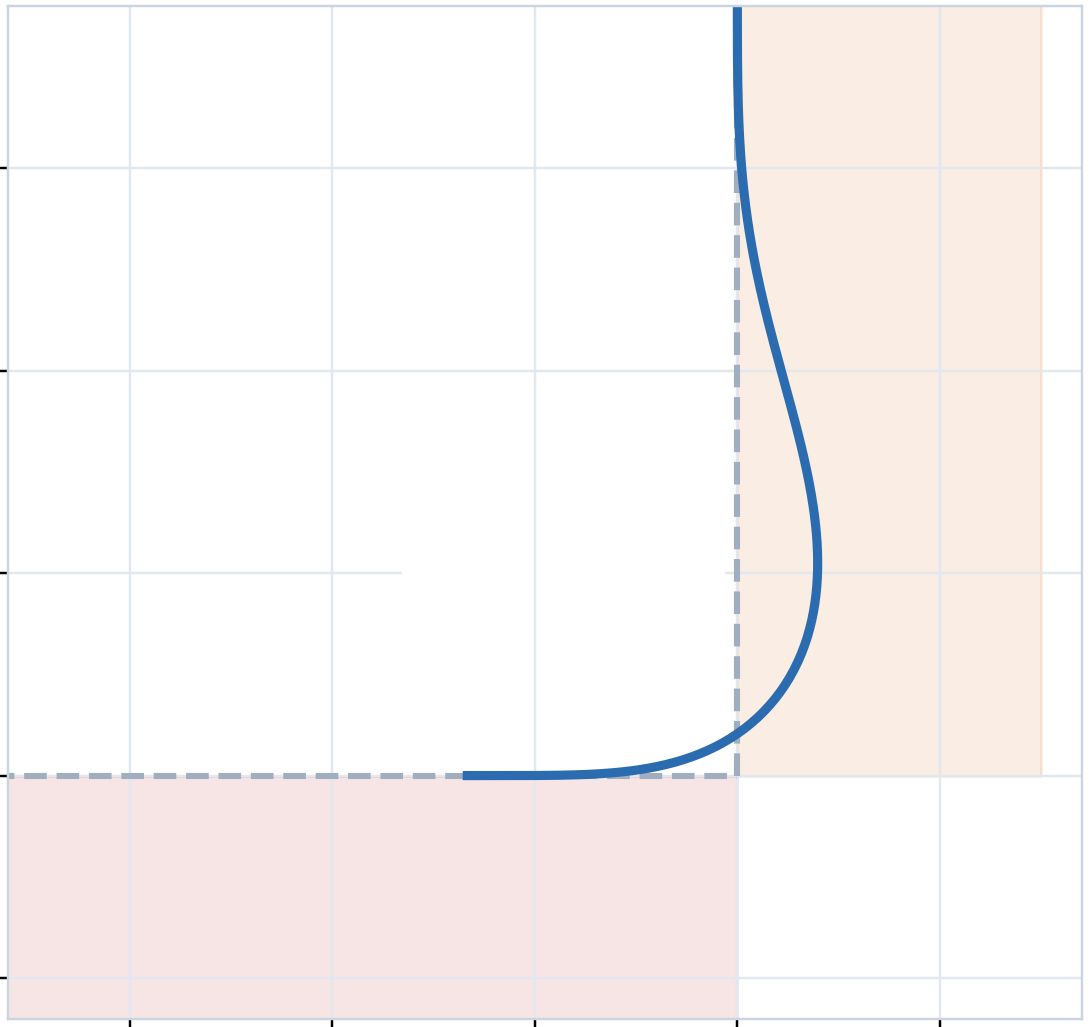
We are also working on improved tools for tuning corner blending. Below is one example showing how a corner blend can be controlled to only bulge out on one side of a corner, this can allow for the filament to be pulled in to the corner and achieve a sharper corner than would otherwise be possible.
Full Arc and Helix Support
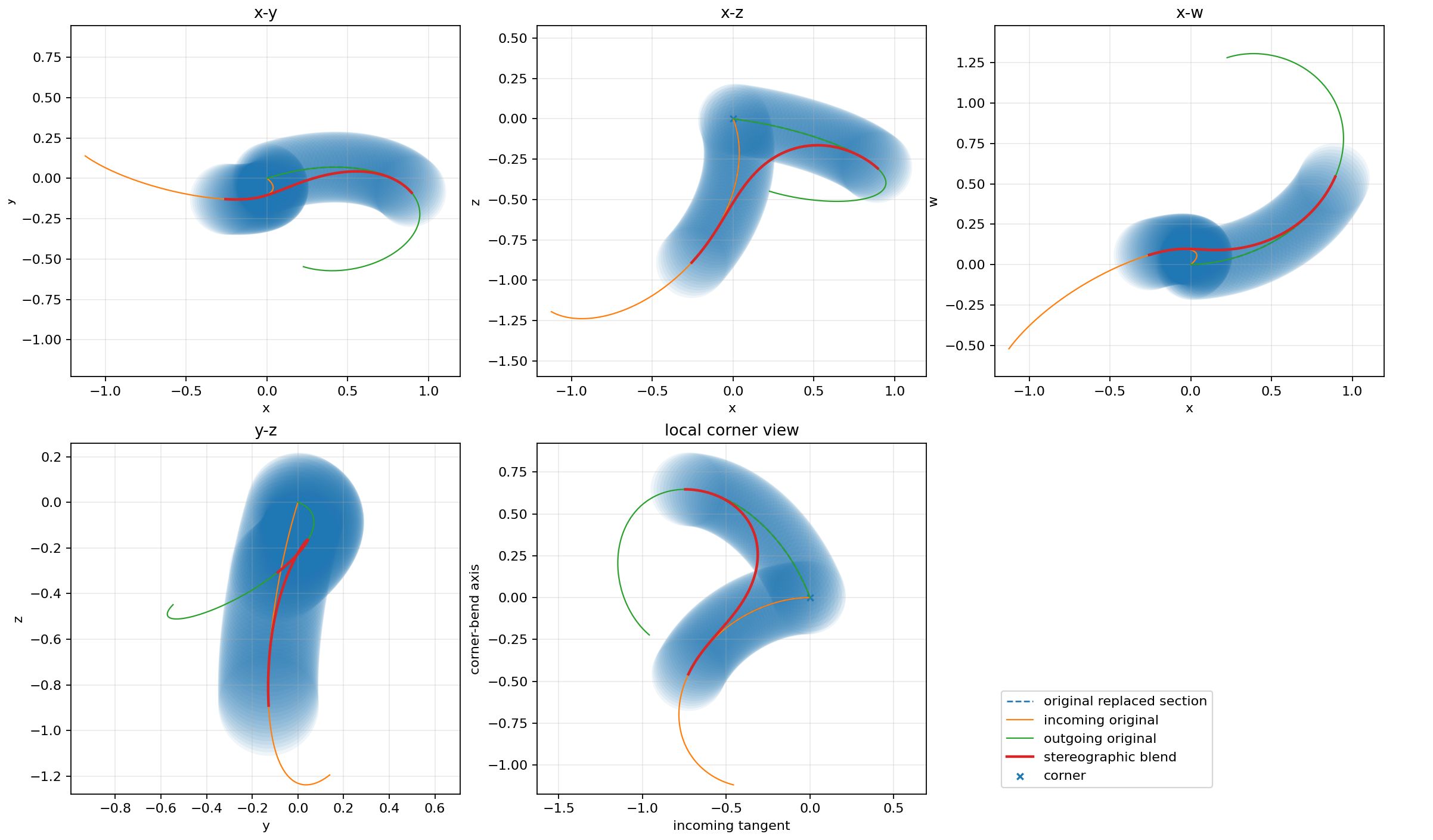
Finally, regarding arcs: We plan to support arcs and helices directly by the time the board ships to backers, without chopping them into line segments before they reach the motion planner.
There’s still time to back our campaign. Please help us bring this project to life!