Since the MicroPython Inkplate library was originally a GitHub contribution to us from tve, we’ve decided to port it to other Inkplate models and Inkplate 13SPECTRA is no different.
No Arduino IDE nor any compilation time required! The library handles all the low-level e-paper communication, color rendering, and hardware peripherals, so you can get straight to building.
What’s Included
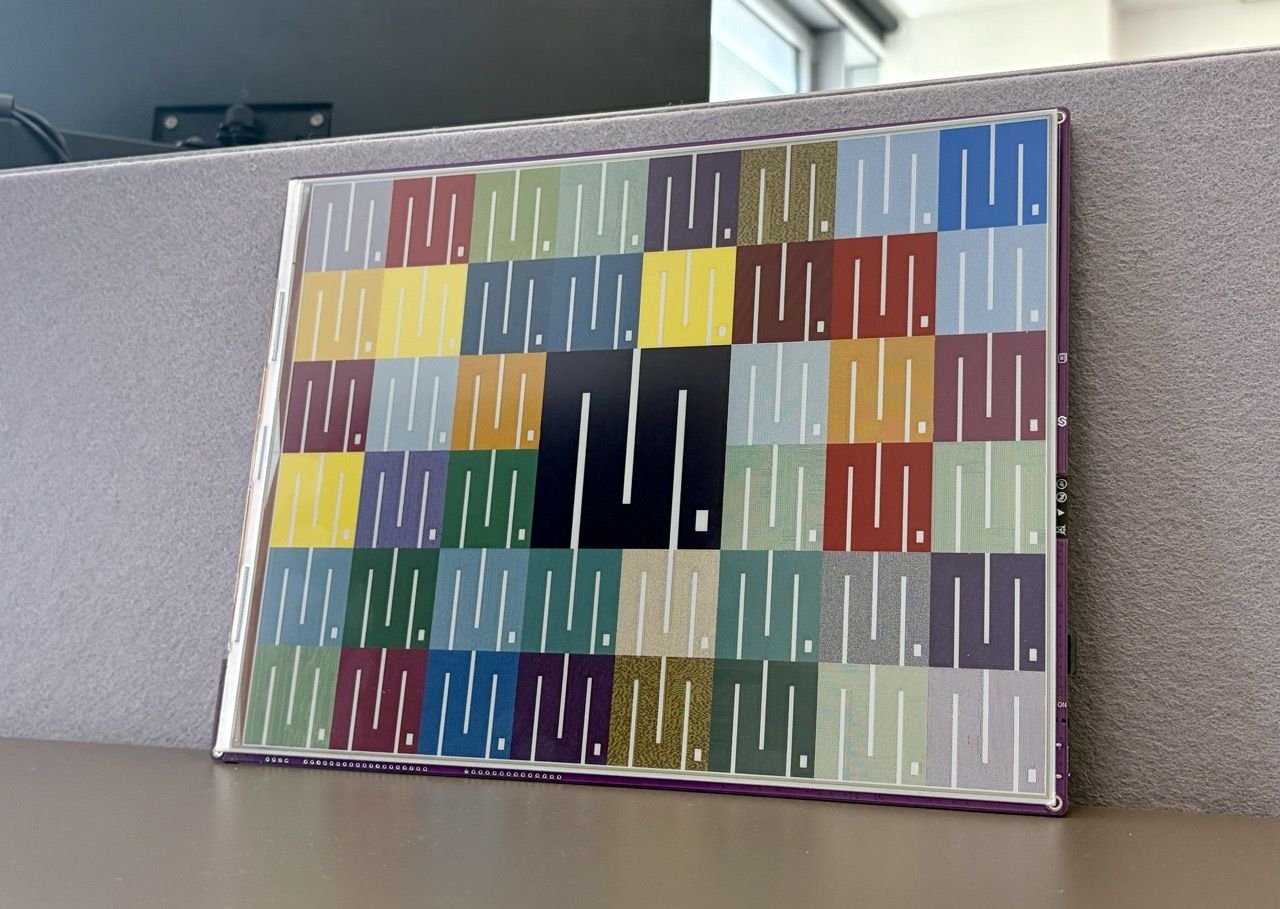
The library combines the CircuitPython pixel graphics drawing library and the low-level communication required to communicate with the Spectra 6 e-Paper panel. For images, the library can decode JPG, PNG, and BMP files with optional dithering (Floyd-Steinberg, JJN, Stucki, and Burkes kernels are all available). Images can be loaded from the SD card or fetched directly from a URL over WiFi.
Beyond the display itself, the library gives you access to the onboard RTC for timekeeping, battery voltage reading, and the GPIO expander (PCAL6416A) for controlling external hardware through Inkplate’s expansion header.
Of course, we’ve added some code examples to help you get started:
Code Examples
Color Drawing (
colorExample.py)
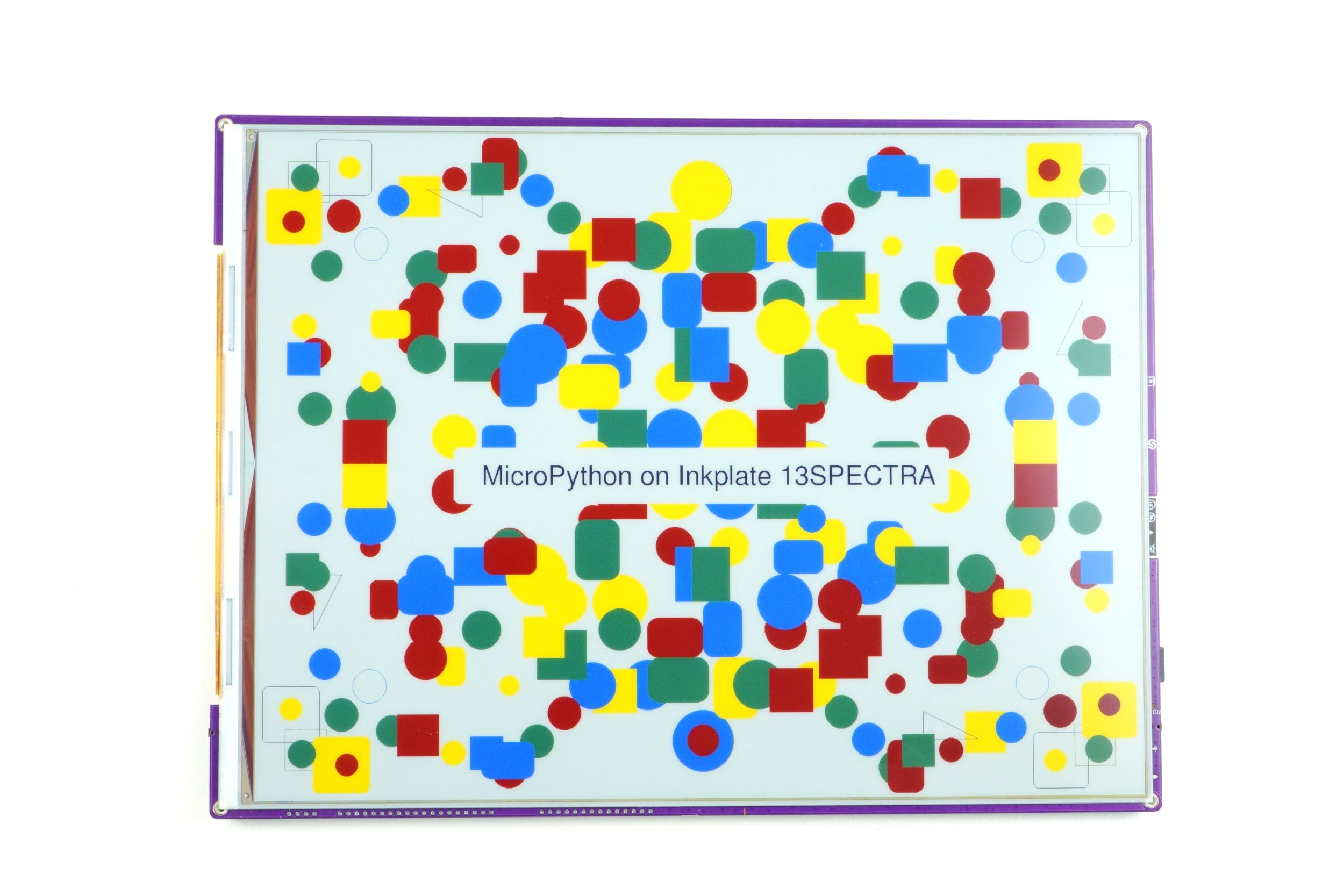
Demonstrates the drawing API by rendering a symmetrical pattern of shapes (pixels, rectangles, circles, rounded rectangles, and triangles) in different colors.Display Image from SD Card (
displayImageSd/displayImageSd.py)
Shows how to initialize the SD card and render an image stored on it.Display Image from the Web (
displayImageWeb.py)
Connects to WiFi and fetches an image directly from a URL, then renders it on the display.Network Example (
exampleNetwork.py)
A simpler networking example that connects to WiFi, performs anHTTP GETrequest, and prints the response text on screen.Read Battery (
readBattery.py)
Reads the battery voltage usingreadBattery()and prints the value on screen. Handy for battery-powered projects where you want to monitor charge level.RTC (
rtc.py)
Shows how to set and read the onboard real-time clock. You set the time and date withrtcSetTime()andrtcSetDate(), then pollrtcGetData()in a loop.GPIO Expander (
gpioExpander.py)
Demonstrates control of the 16 GPIO pins on the PCAL6416A expander accessible through Inkplate’s header.
A Warning
Due to technical limitations, decoding and drawing images is a bit slow. Drawing primitive graphics like shapes and text is in practice the same speed as Arduino.
Unfortunately, when it comes to image files (decoding from .jpg and .png), because MicroPython is an interpreted language and not very low-level friendly, decoding and displaying a full 1600x1200 image file can take up to a minute. It’s not ideal and a strict limitation, but we believe it’s still totally usable, especially since the display’s own refresh cycle takes time anyway, so the extra decoding overhead is less noticeable in practice.
That’s it for week three! The MicroPython library is already capable enough to build real projects with. Whether you’re a MicroPython enthusiast who prefers it over the Arduino IDE, or just someone who wants to prototype quickly, we hope the library opens up Inkplate 13SPECTRA to a wider audience. As always, the library is open source and contributions are welcome!