Have you ever wondered how Mathpad manages to type symbols like ∇, ∫, or β that don’t exist on any standard keyboard? This week, we’re looking into the technical magic that makes it possible.
The problem with standard keyboards
Your regular keyboard is surprisingly limited. When you press ‘A’, it sends a ‘scan code’ to your computer saying "the A key was pressed." This works for the 104 keys on a standard keyboard, but breaks down completely for
mathematical symbols - there’s simply no scan code for α, β, or ∇.
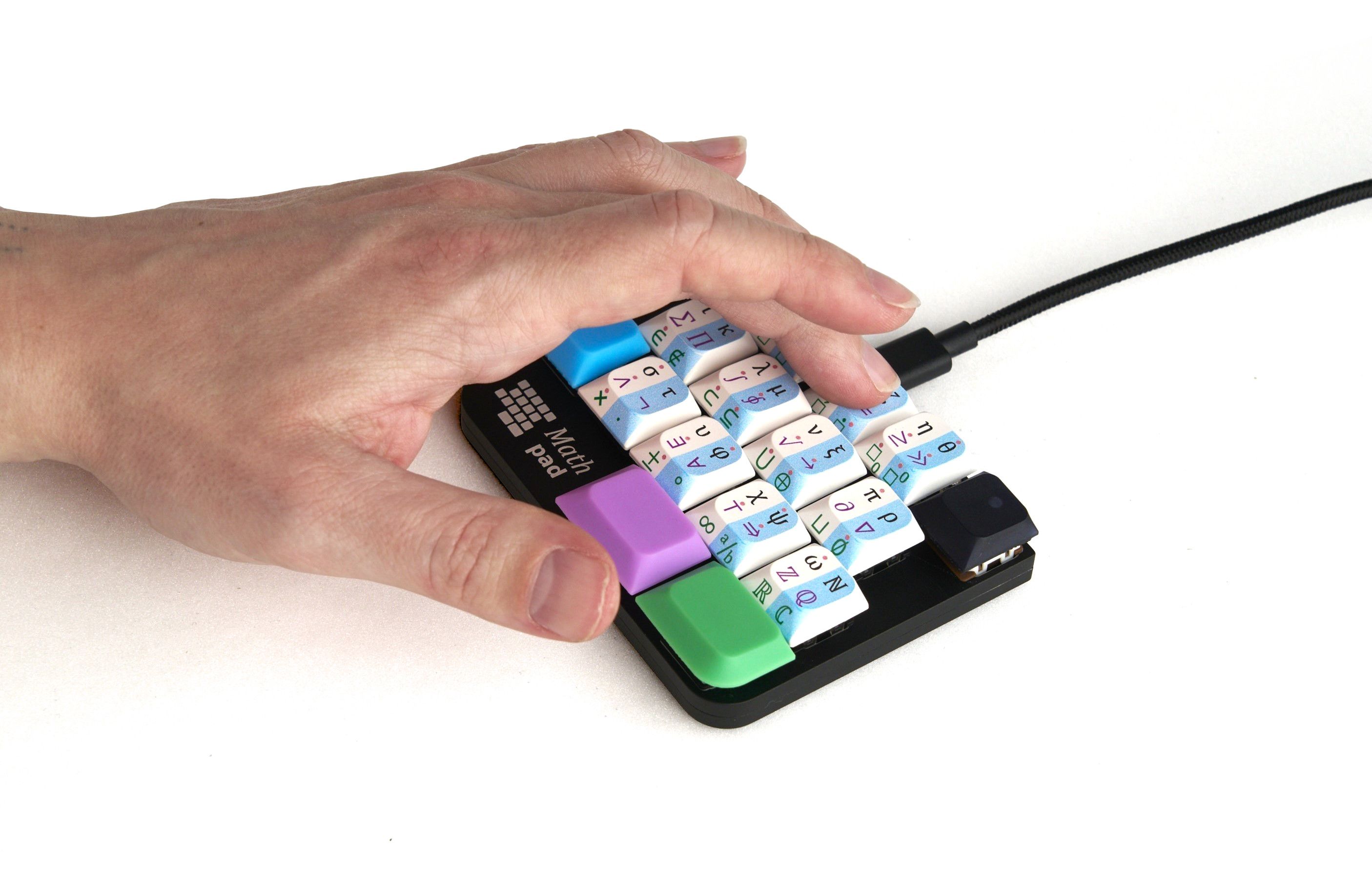
Mathpad’s solution: Unicode composition
Instead of pretending to be keys that don’t exist, Mathpad leverages Unicode composition - a powerful feature built into most modern operating systems. When you press the α key on Mathpad:
- Mathpad sends the Compose Key and the text
03B1(Unicode code for Greek small letter alpha) - Your operating system's composer receives this code
- The composer instantly converts it to the α symbol
- The symbol appears in whatever application you're using
The Compose Key is a special system-level key that signals "the next sequence represents a Unicode character." It’s been part of computing standards since the 1980s, originally designed for typing accented characters in European languages.
This decades-old, standardized method is why Mathpad works so universally; we’re not inventing new protocols, just leveraging rock-solid existing infrastructure.
The technical implementation
Mathpad’s firmware contains a mapping table connecting each physical key to its Unicode value. When you press a key, the microcontroller looks up the Unicode value and sends it via USB to your system’s composer.
For LaTeX mode, Mathpad simply sends the LaTeX command instead - so pressing α sends \alpha rather than the symbol itself.
This technical foundation is what gives you instant access to over 100 mathematical symbols. It’s not magic, just clever engineering that uses the power of Unicode already built into your computer.
To learn more about Mathpad, check out our campaign and reserve yours today.