Summa Cogni
Keyboards & Input Devices
KiCad
Mathpad
Type equations at the speed of thought with this specialized keypad
Summa Cogni
Keyboards & Input Devices
KiCad
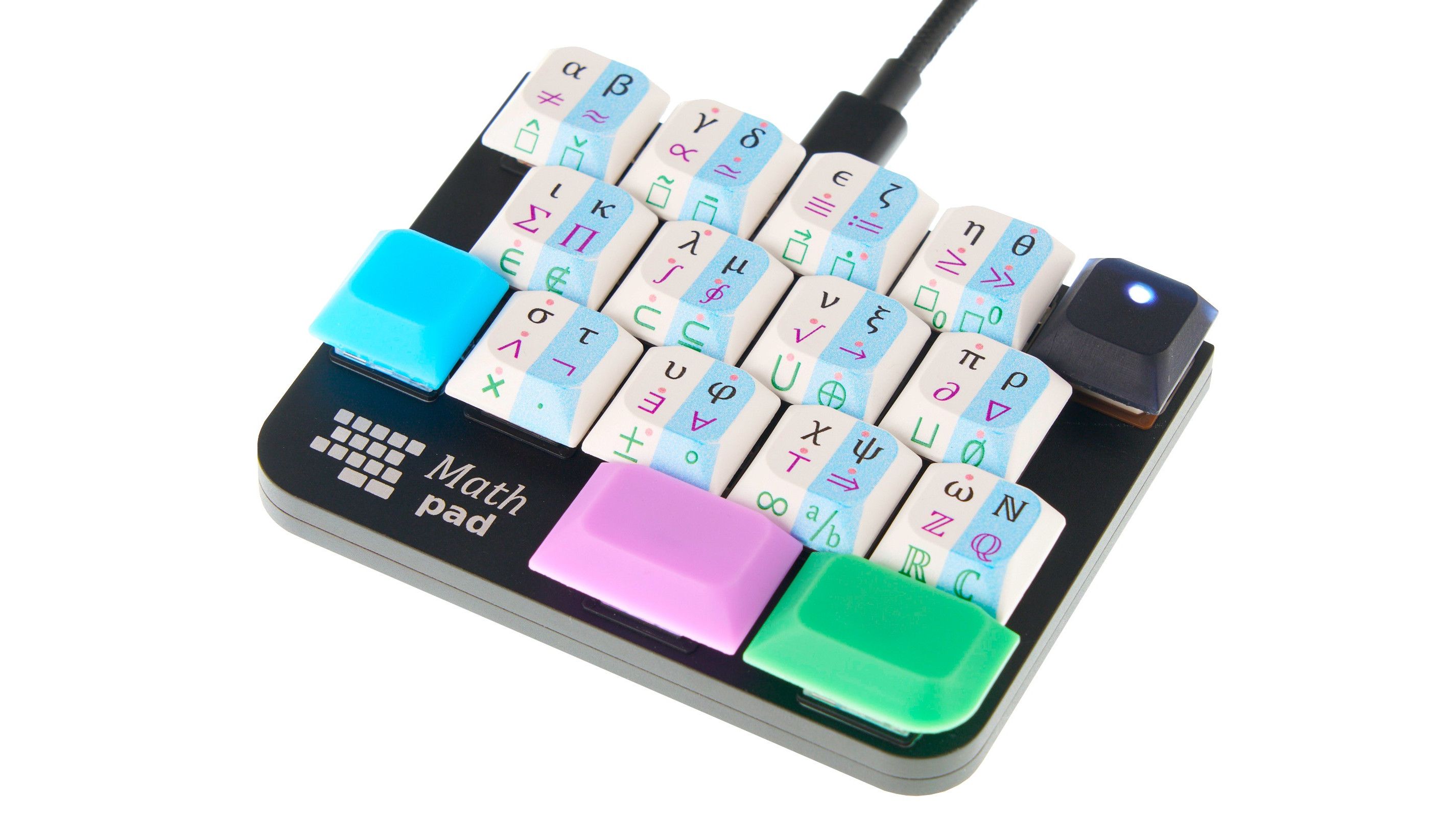
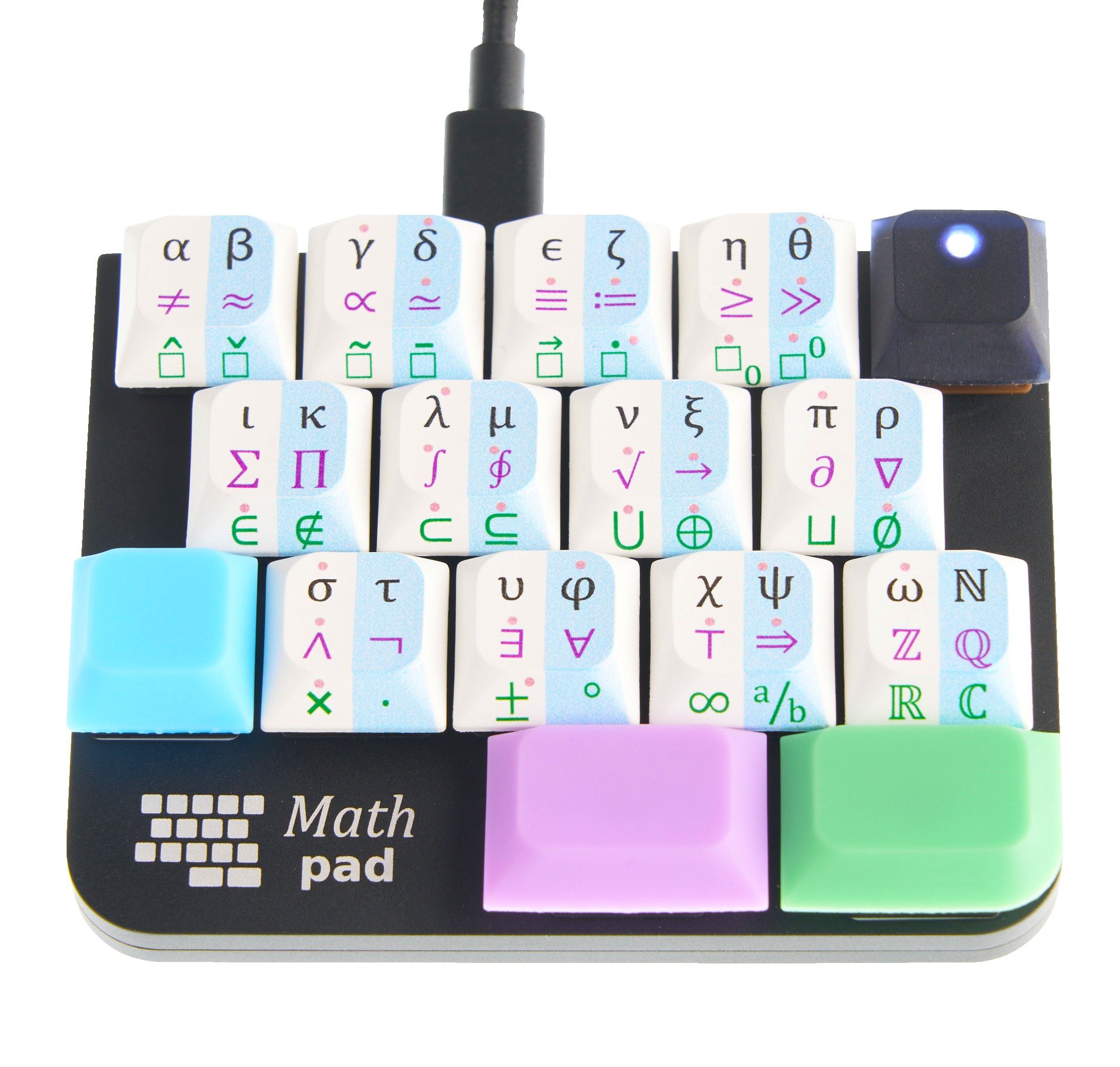
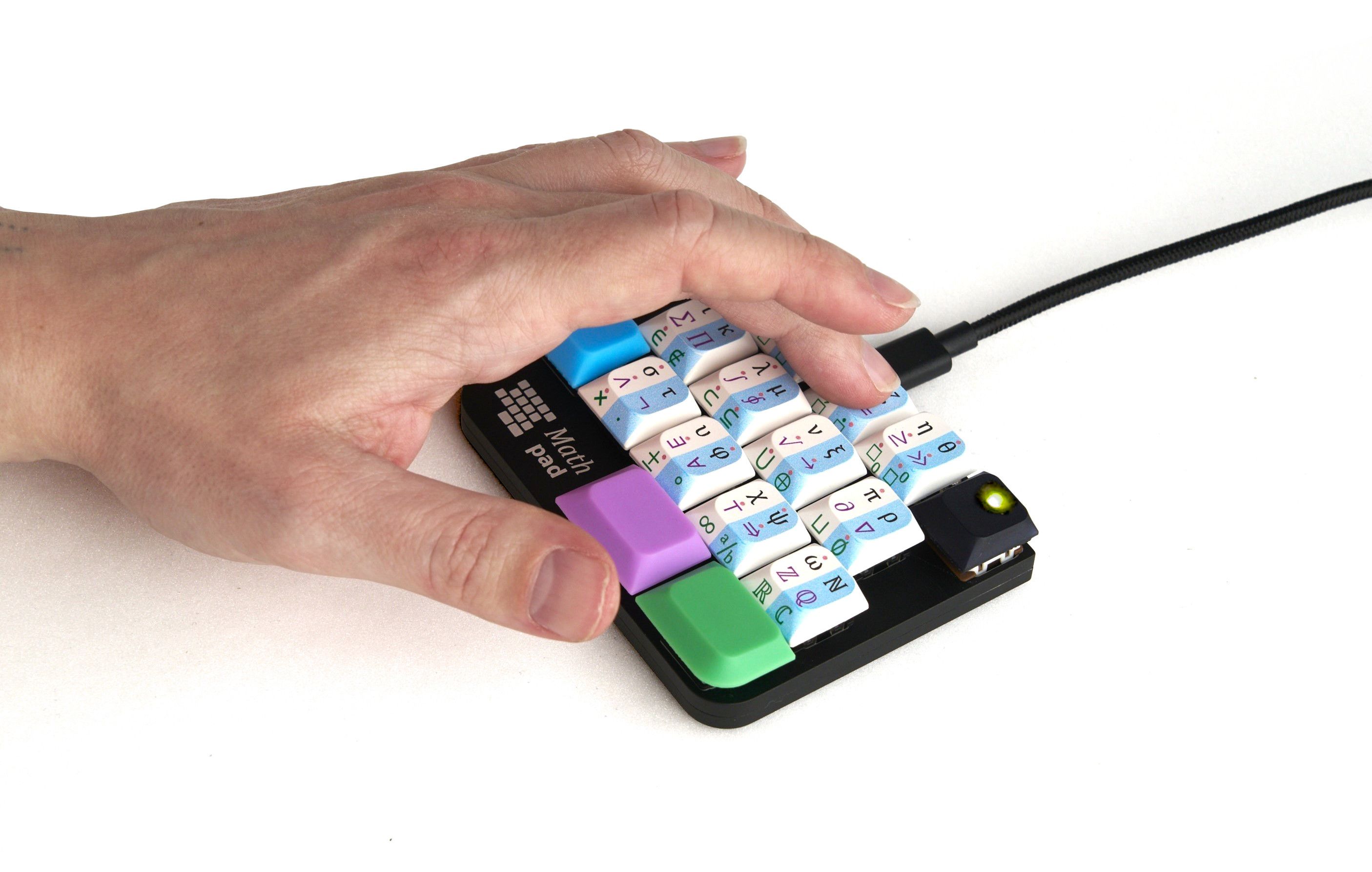
Mathpad is a specialized keypad that makes typing mathematical equations as simple as typing regular text. With over 100 mathematical symbols at your fingertips, this compact and powerful device eliminates the frustration and inefficiency of typing math on a computer.
After 3 years of development, Mathpad finally makes this dream a reality. Anyone who’s struggled to type equations knows the pain: When you need symbols beyond basic arithmetic, you’re forced to hunt for them—copy-pasting from the web, digging through clunky symbol pickers, or memorizing obscure alt-codes. Mathpad fixes this. Just press a key, and the symbol appears instantly.
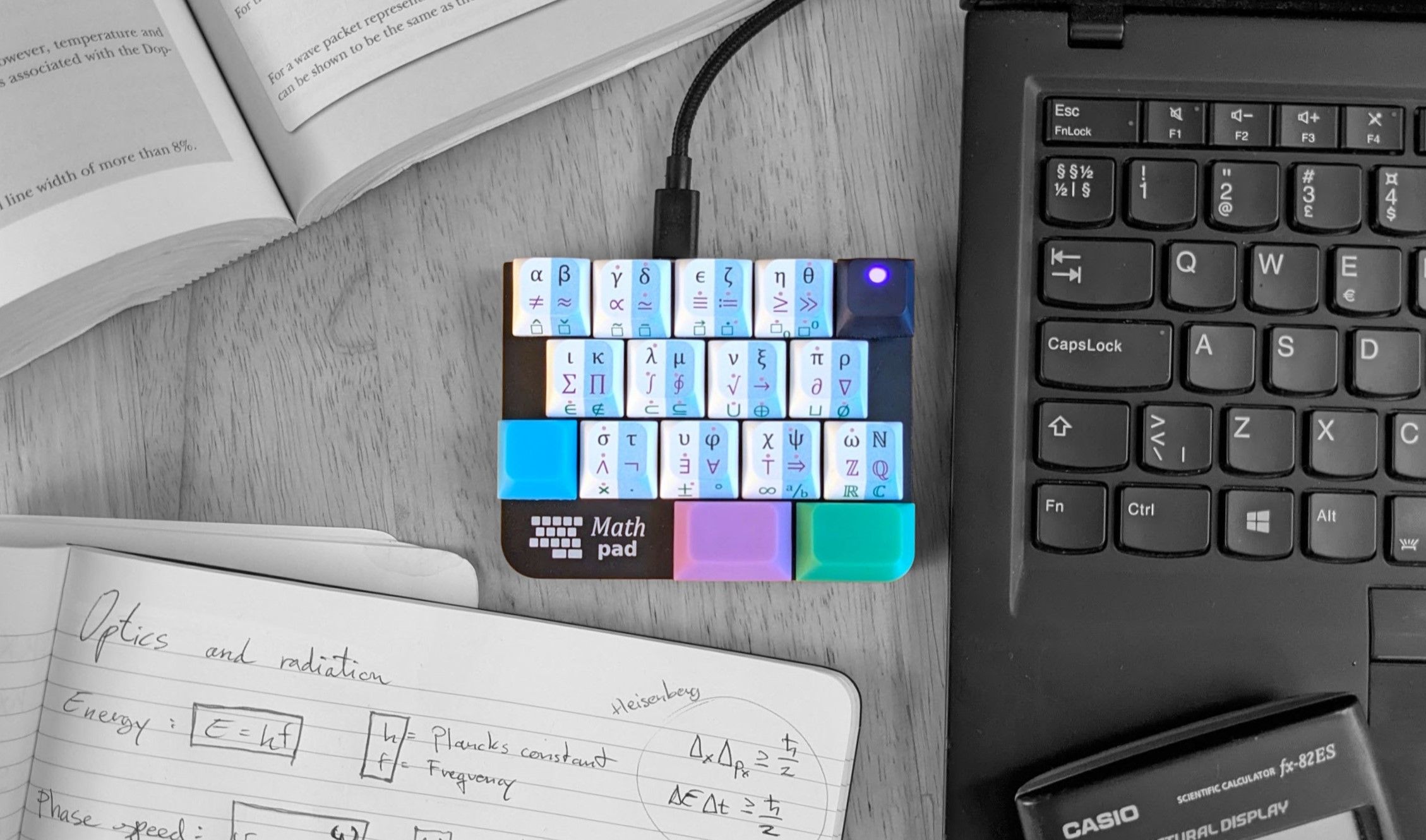
Mathpad is designed to be compatible with nearly every platform and environment where you can type text. Whether you’re writing a lab report in Microsoft Word, formatting a paper in LaTeX, chatting on Discord, or documenting code in VSCode, Mathpad seamlessly integrates into your workflow.
Its broad compatibility across Windows, macOS (Mojave 10.14.4 and up), and Linux makes it the perfect tool for students writing lab reports, educators creating lesson plans, scientists documenting research, and engineers solving real-world problems.
Mathpad is optimized for both students and professionals and supports output for common typesetters and editors. With the press of a key, you can switch between output modes:
Whether you’re a student finishing homework or a researcher publishing your newest work, Mathpad has got your back.
Mathpad is fully open source, both hardware and software. Missing a symbol you use daily? No problem! Our comprehensive documentation walks you through adding your own symbols - from simple copy-paste customizations to advanced firmware modifications. Mathpad’s firmware is built on QMK, the world-class input device firmware library used by keyboard enthusiasts worldwide.
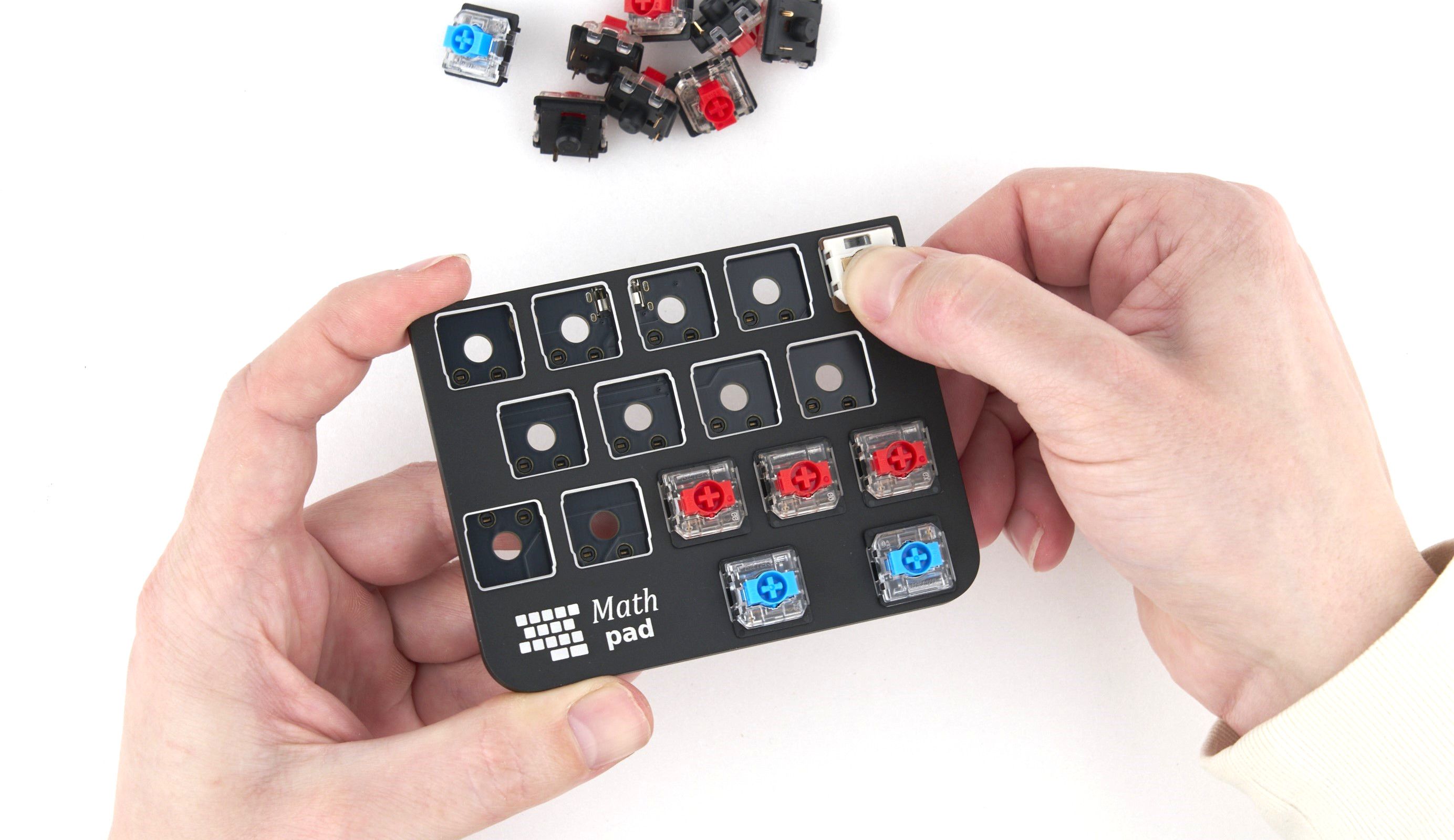
Want to swap mechanical switches? You can—Mathpad uses hot-swappable Gateron KS-33 switches.
Mathpad gives you direct access to 120 mathematical symbols and Greek letters, including:
Output Modes:
Specifications:
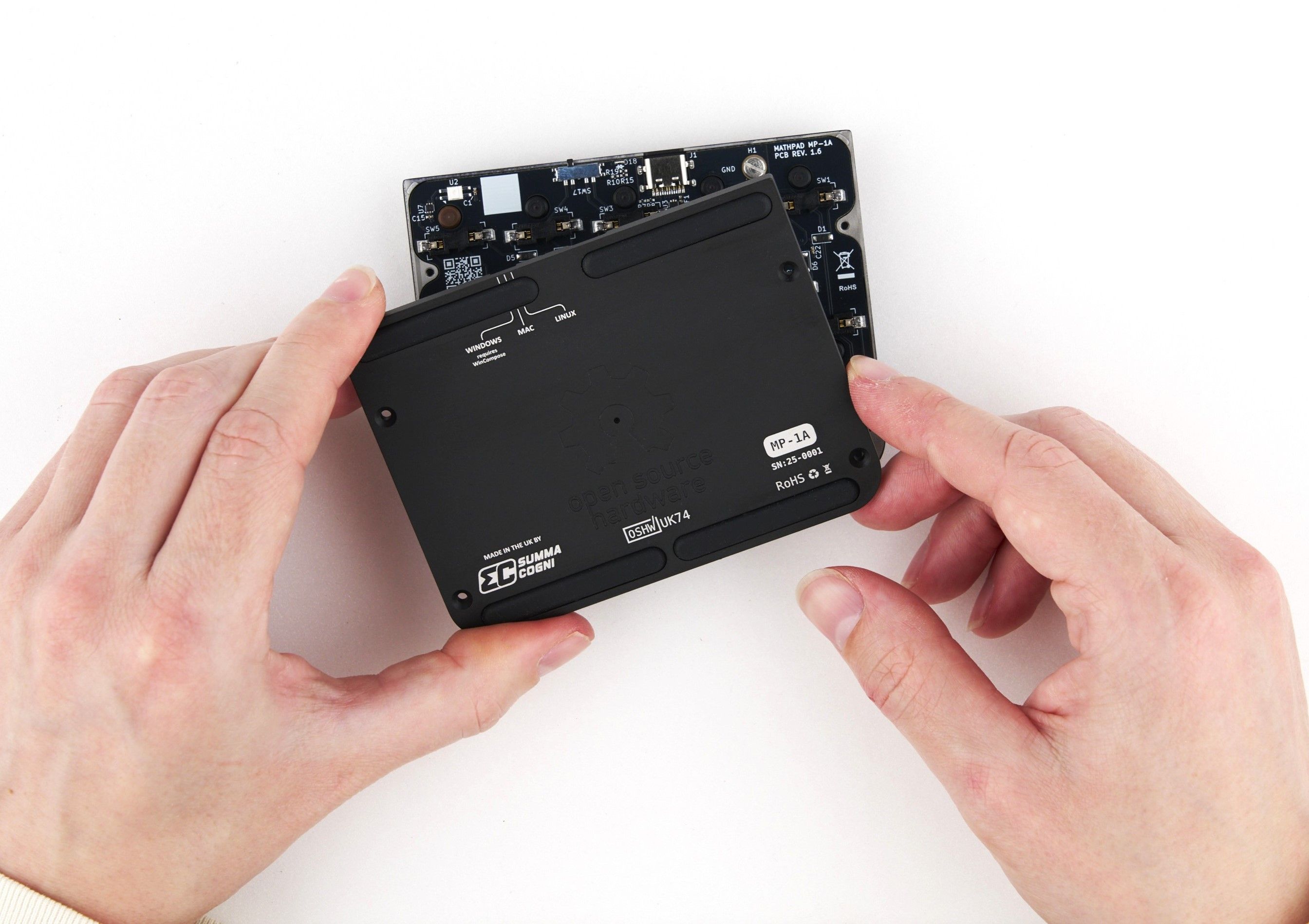
Mathpad works only on Latin-based keyboard layouts like QWERTY, AZERTY, and DVORAK. It does not support non-Latin layouts (e.g., Greek, Russian, Korean, Chinese). This limitation is hardware-based and cannot be avoided. You can find every supported layout in the documentation.
Mathpad requires a small application to be running on Windows. This may be an issue for users on strictly managed systems. Read more about this limitation in the documentation.
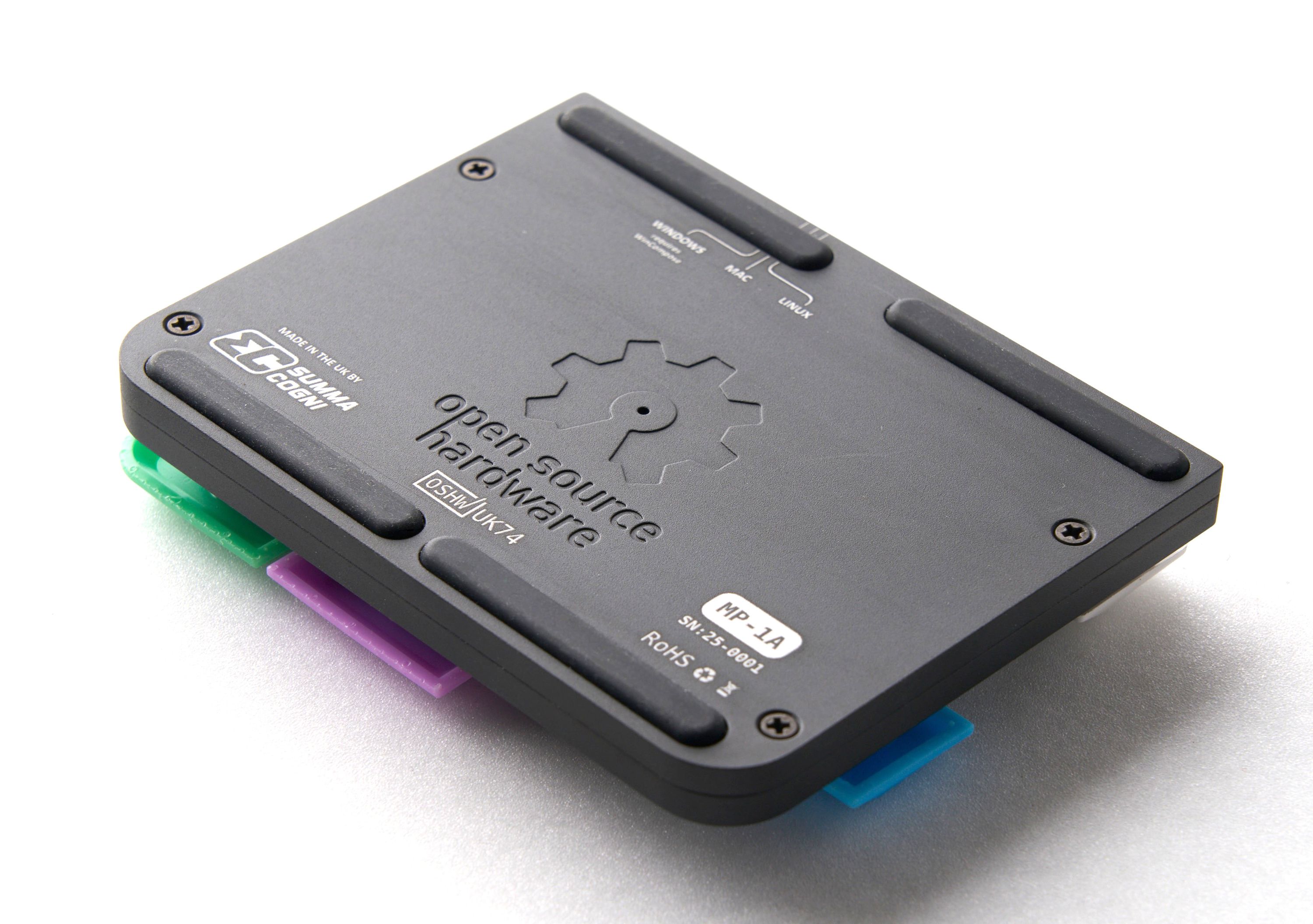
Produced by Summa Cogni in Copenhagen, Denmark.
Sold and shipped by Crowd Supply.
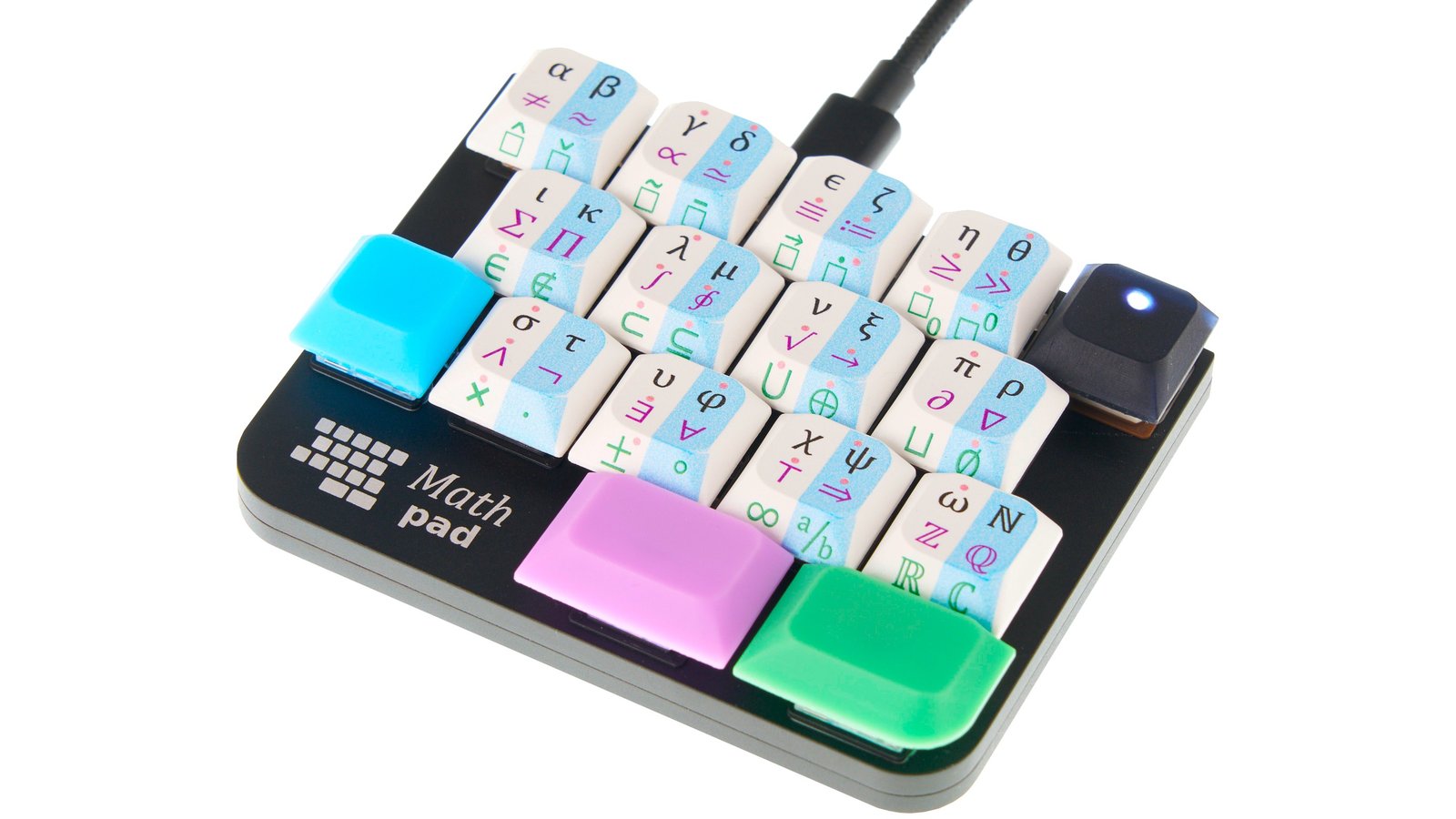
Mathpad, the keypad for mathematics (USB-C cable not included)
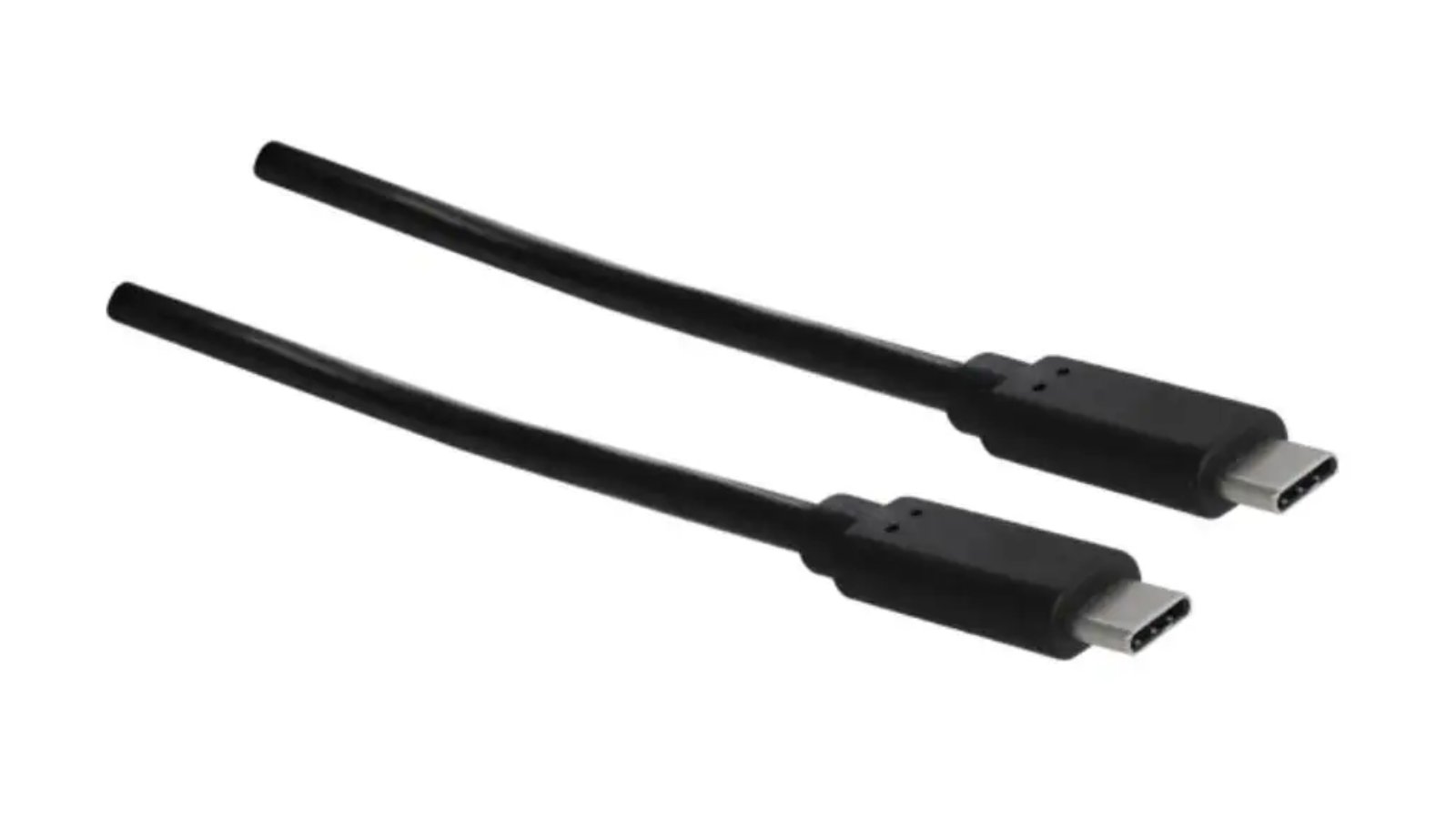
From the USB Cables project.
A 100 cm cable with a USB Type-C connectors on both ends. No additional shipping charge when ordered with other products.
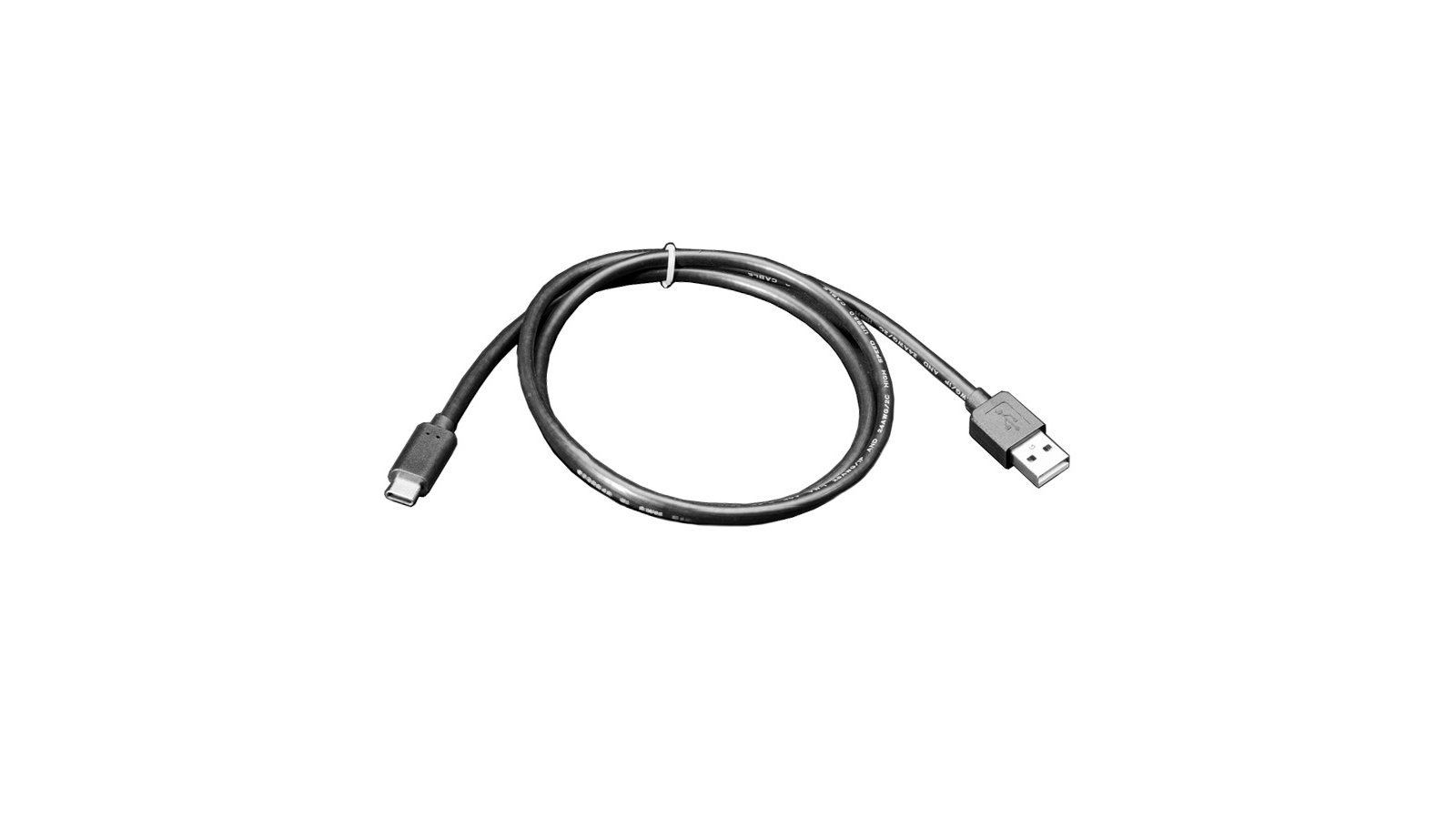
From the USB Cables project.
A 100 cm cable with a USB Type-C and a USB Type-A connector.
From the USB Cables project.
A 200 cm cable with a USB Type-C connectors on both ends.
From the USB Cables project.
A 200 cm cable with a USB Type-C and a USB Type-A connector.