Project update 4 of 10
Hacking & Customizing Your E-Reader
by MartijnIn this update, we will go over ideas to inspire you to customize your Diptyx E-reader. One of the big advantages of open-source hardware is that there are no limits to what you can or can’t do with your device.
Custom Fonts
Apart from the UI font, all fonts are stored on the SD-card and are accessible over USB, making it very easy to upload custom fonts. These fonts are stored in the YAFF format, which is a plain-text, human-readable font format:
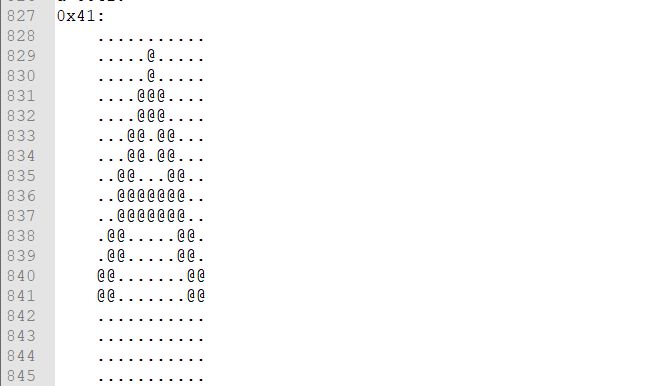
A large number of old bitmap fonts have been converted into this format and are widely available. Additionally, because the format is so easy to edit, you can also make your own fully custom font, without needing any special programs! Simply open the YAFF file on your computer and you can start drawing your letters.
Idle Screens
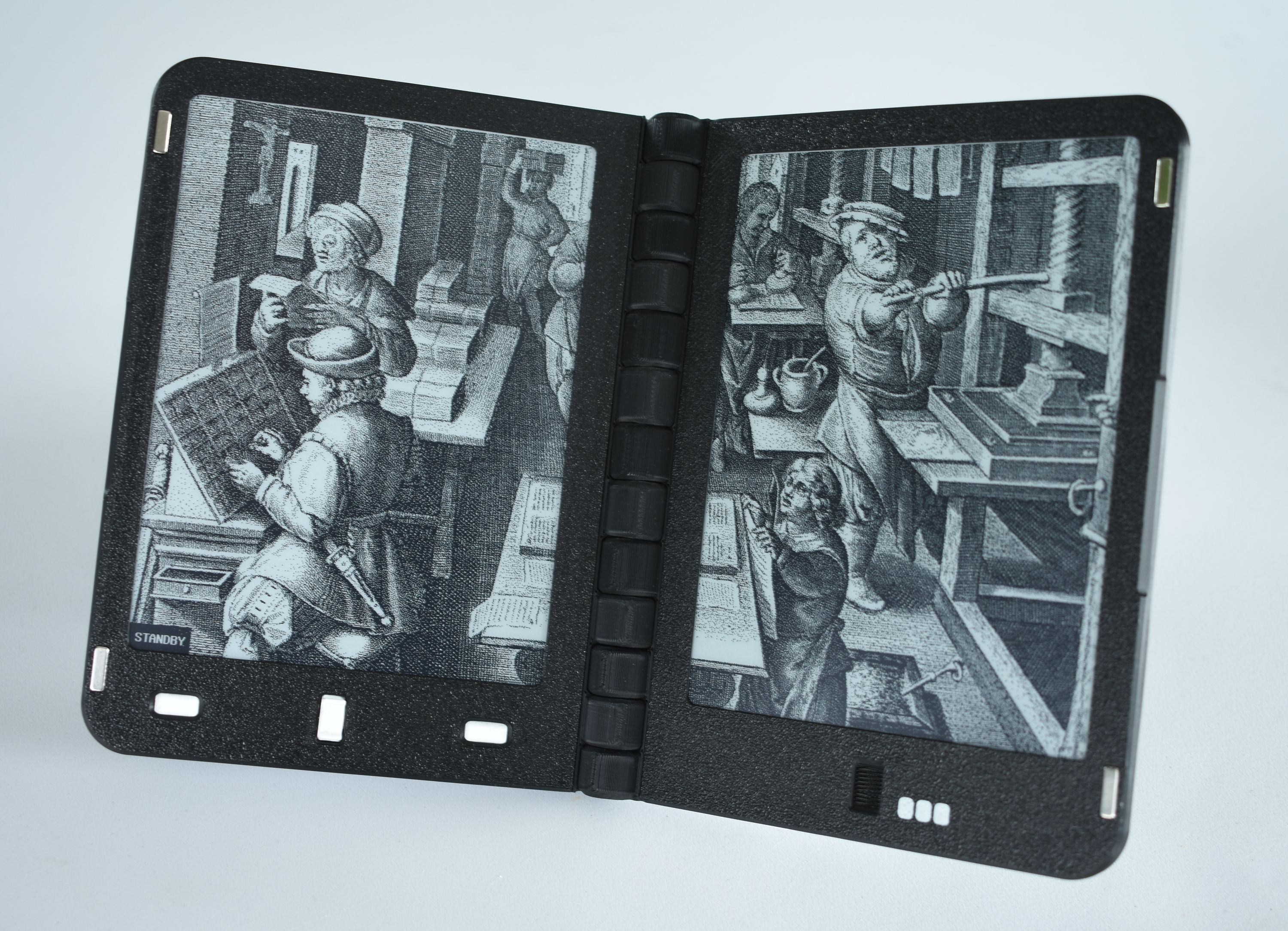
After a couple of minutes without input, the Diptyx E-reader enters deep sleep to save power. This is shown on the screen with a small notification in the bottom-left corner. In the device settings you can change this behaviour so that it shows the cover of the book you are currently reading when entering sleep. Alternatively, you can enable custom idle screens, which will show two images on both screens of the device. These images are also stored on the SD card and can be easily changed to any JPEG image you wish.
Cases
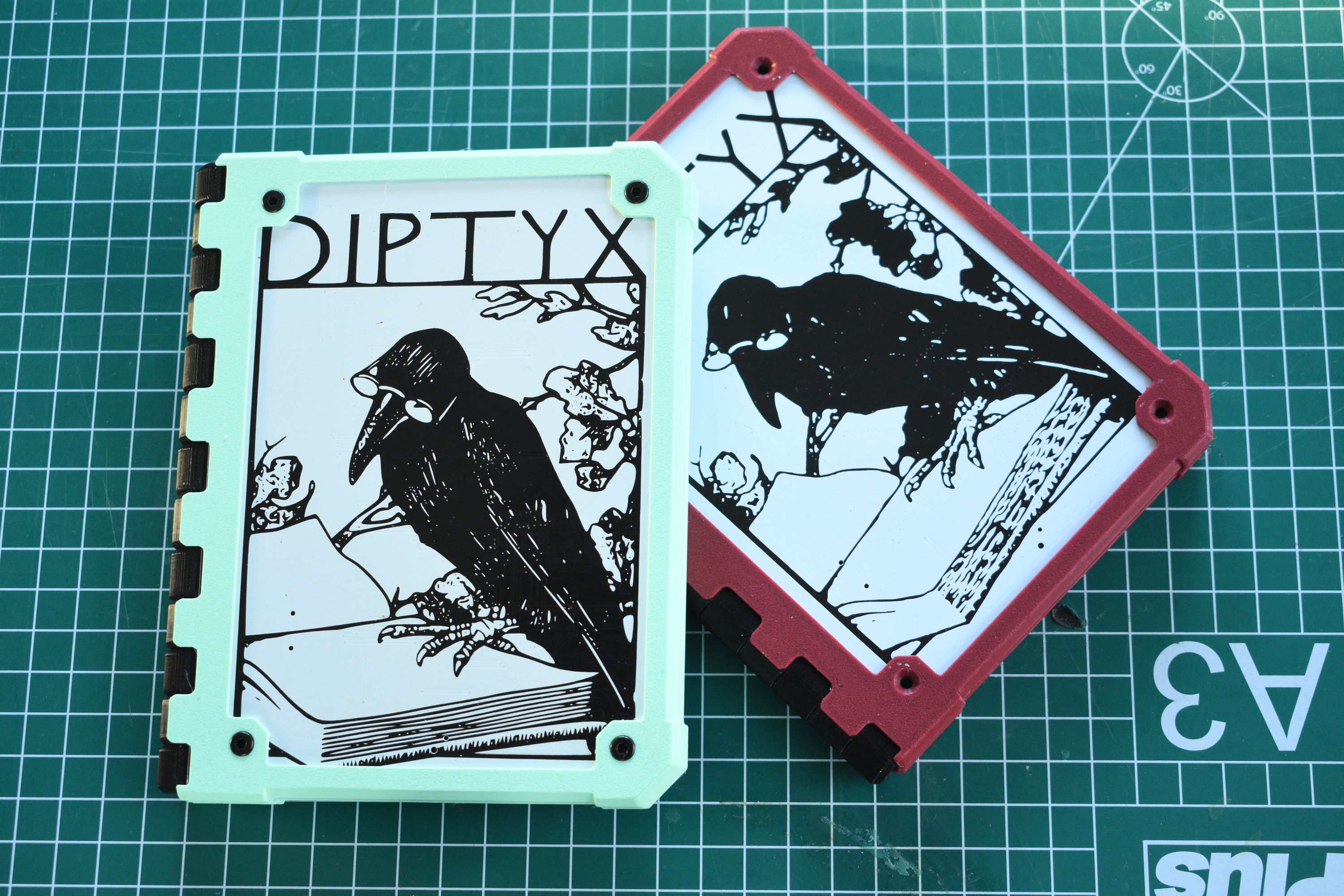
Although the Diptyx E-reader doesn’t need a case to protect the screens, there could still be reasons why you might want one. A case could protect the artwork from scratches, protect against accidental drops, or just look nice.
The hinged design of the device makes it quite difficult to design snap-on cases, but the exposed screws make it possible to screw the case onto the device with just eight M3 countersunk screws. On launch, we will provide a 3D model of a plain case for users to print and modify, so users can 3D print cases in their own favourite colours.
Custom Software
The open software of the Diptyx E-reader, combined with the dual screen layout, opens a lot of possibilities for custom applications, unique games, and more. Here, we show a couple of ideas of things that you can turn your Diptyx E-reader into. Note that these ideas are mock-ups of what is possible and will not ship with the device.
Wikipedia Reader
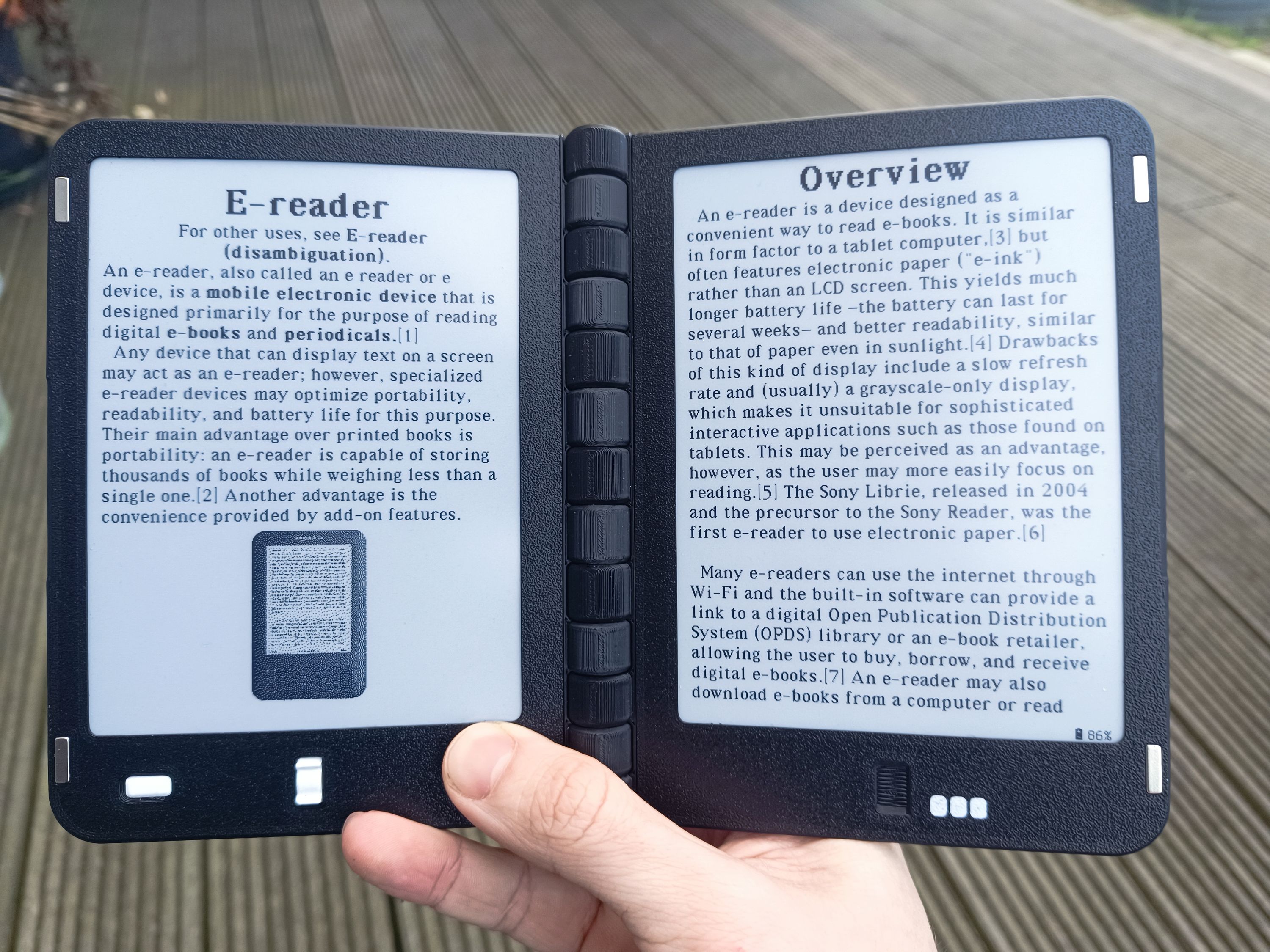
What better way to read the largest encyclopedia in human history than on an open-source device? Wikipedia provides dumps of the HTML pages, which can be rendered using the EPUB renderer, with some modifications. Take your own copy of all human knowledge everywhere!
Interactive Fiction
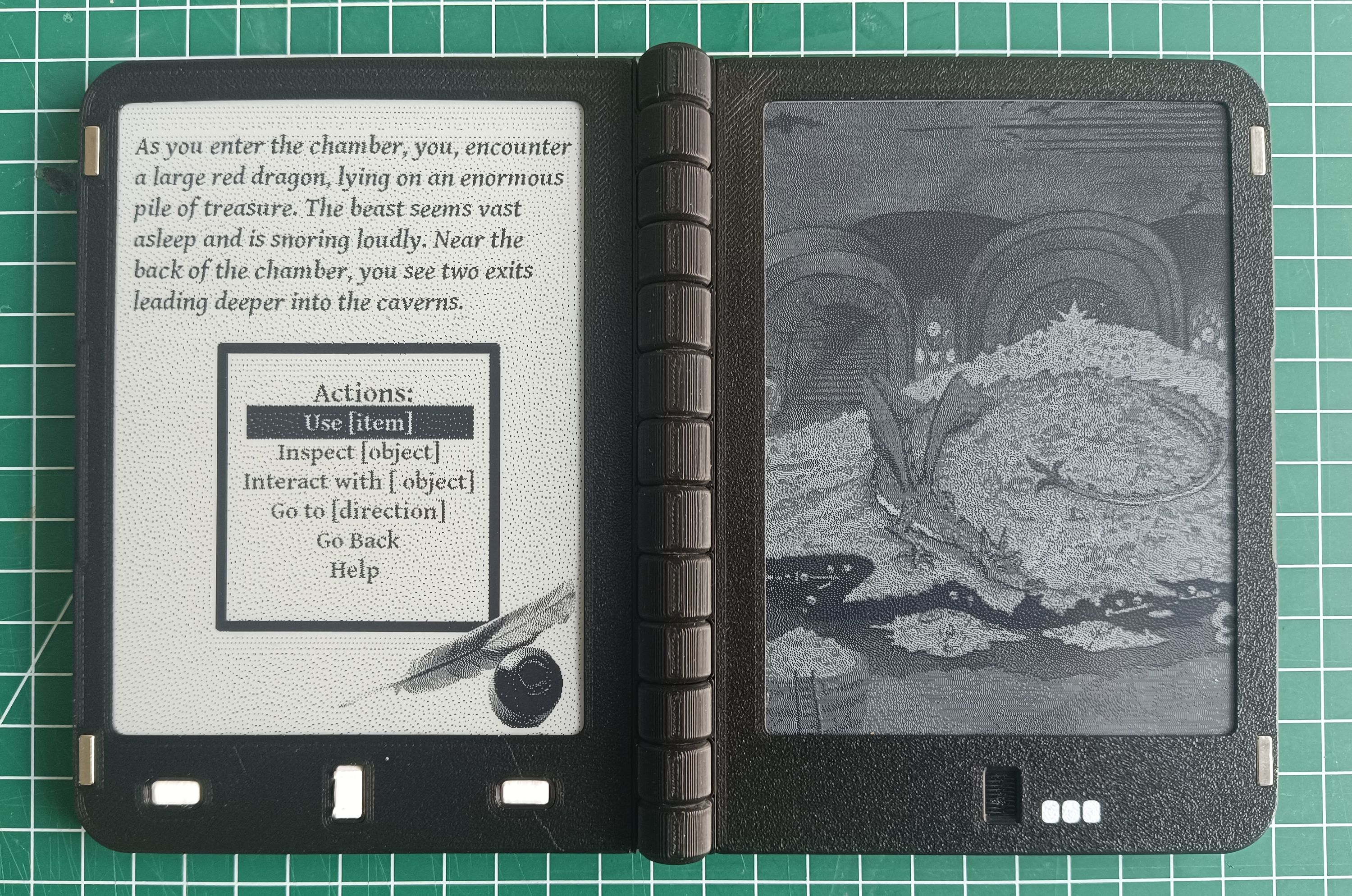
With two E-ink screens and several buttons for input, the Diptyx E-reader is the perfect platform for interactive fiction. Dedicate one screen for text and actions, and the other to illustrations or maps, and get immersed in unique games.
Dual Screen Writerdeck
With clever driver software and optimizations, the E-ink panels in the Diptyx E-reader can be made to update quite quickly. The device doesn’t support working as a USB host, but with some tinkering you can connect a keyboard over a serial connection and turn Diptyx into a dual-screen writerdeck! Use one screen for raw text, the other for rendered markdown, and start typing away.