Since we intend to keep developing Game Bub’s firmware and FPGA cores after the campaign, you’ll need some way to update the firmware (and cores) on your device. Enter the browser-based Game Bub Firmware Update Tool, the easiest way to update the firmware on your Game Bub. You only need to plug your Game Bub into a computer via the USB-C port, open the tool in a browser, and select your device:

Once you select the device, you’ll see a list of available firmware versions you can install, along with release notes:
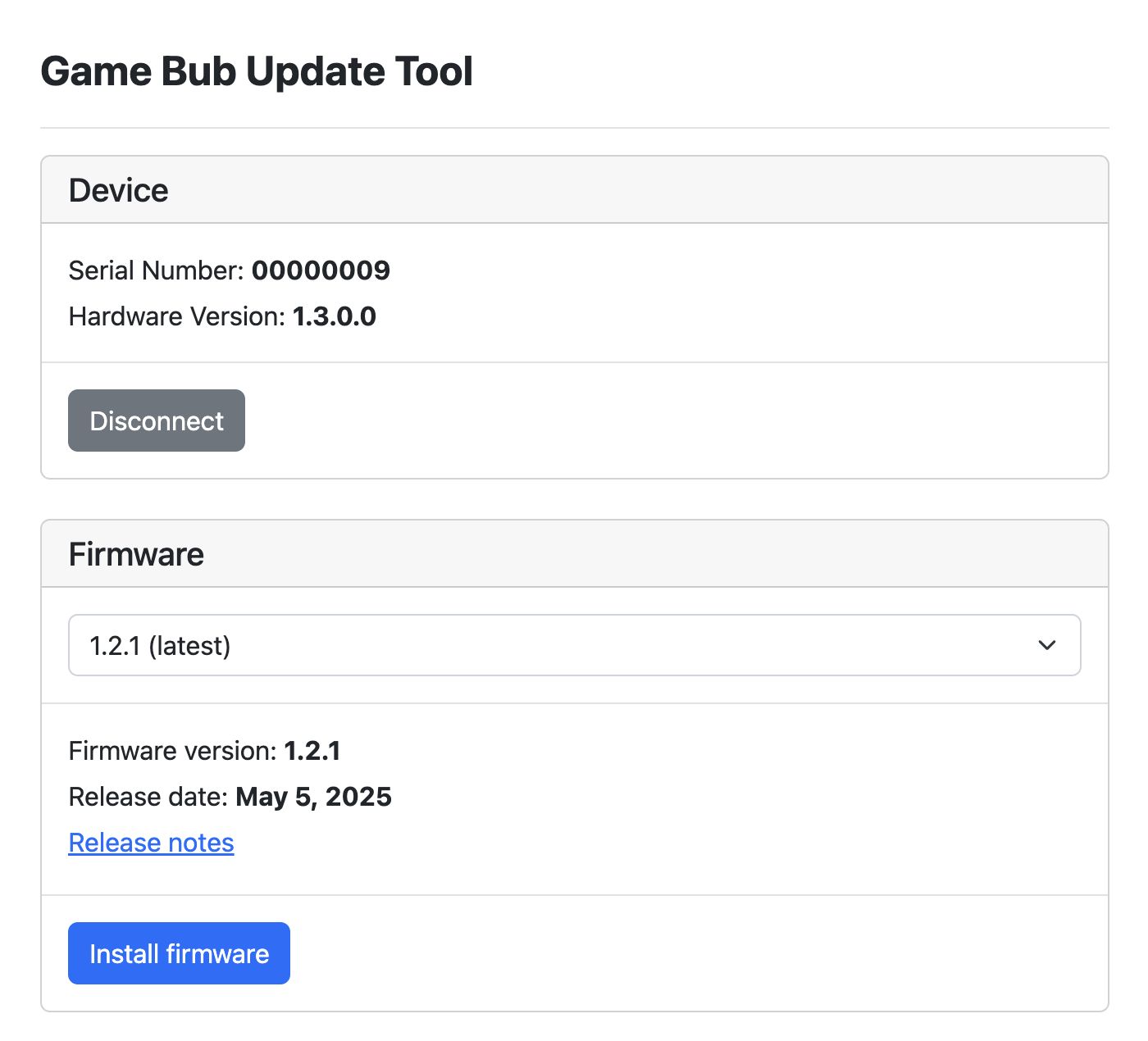
You’re not limited to installing the official firmware either. You can select a local ZIP file containing custom firmware and install that using the tool as well. Once you’ve picked the version you want to install, confirm, and wait for approximately 20 seconds while the firmware is installed.
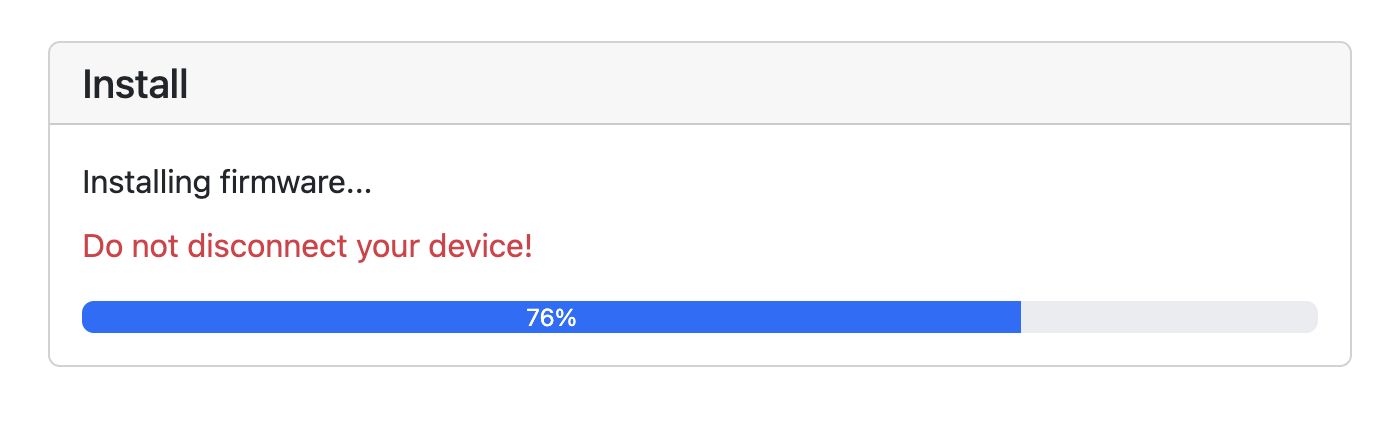
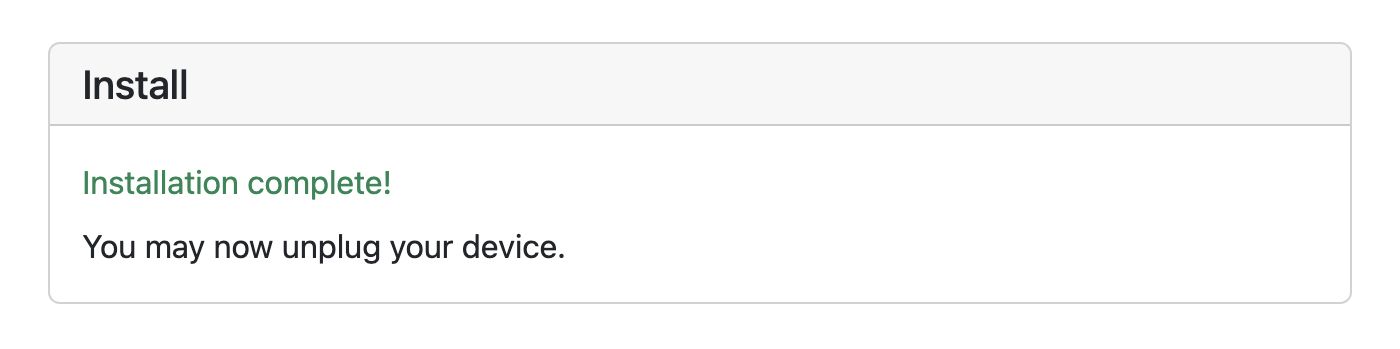
And that’s it! No microSD card needed.
The Game Bub Firmware Update Tool requires a Chromium-based browser, such as Google Chrome or Microsoft Edge. For people who don’t have or don’t want to use one of these browsers, we will be providing a command-line update tool in the future as well.