Soldered Electronics
LEDs
Arduino
Maker LED Display
Arduino-programmable & Internet-connectable LED Matrix Display
Soldered Electronics
LEDs
Arduino
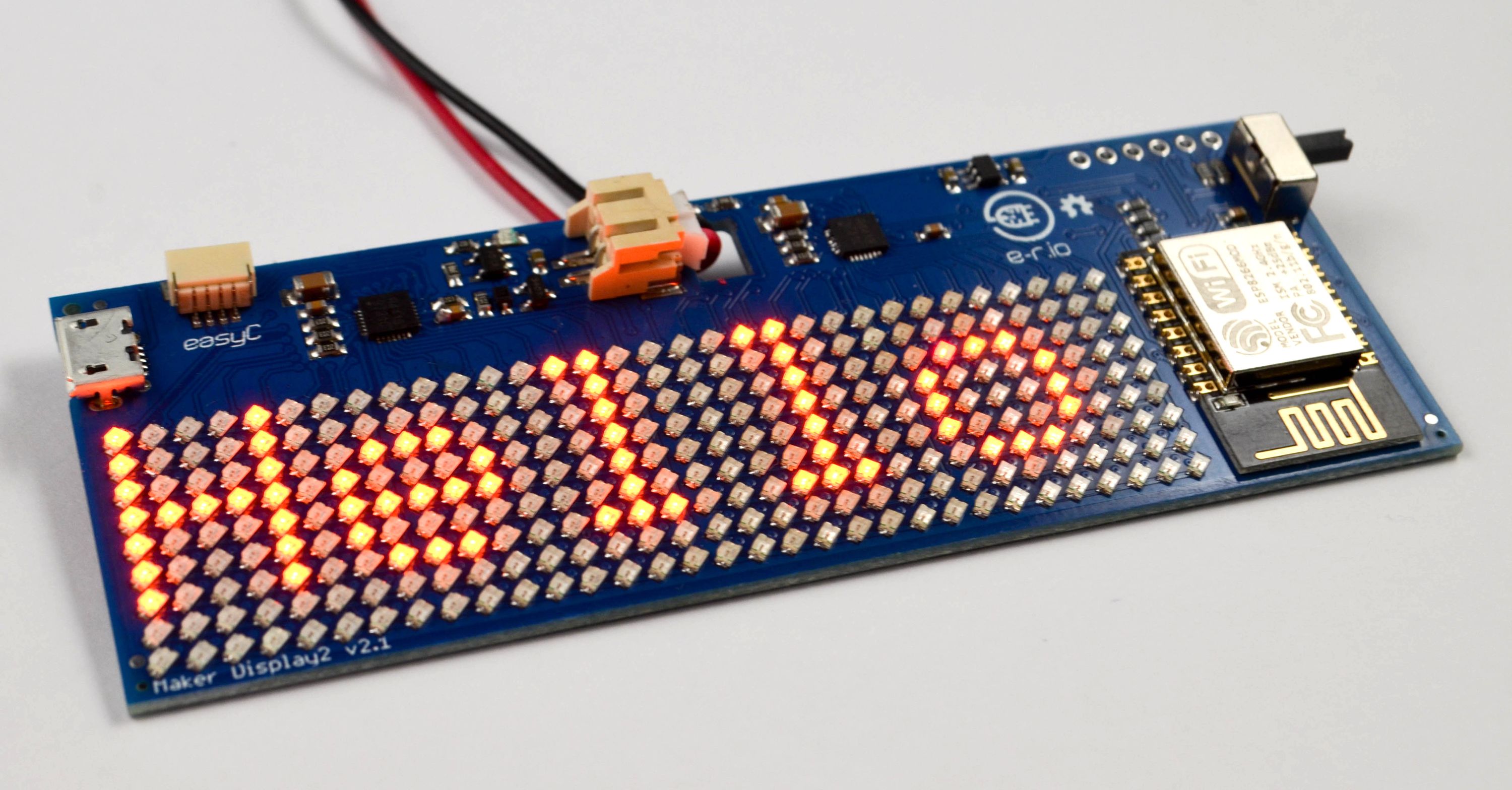
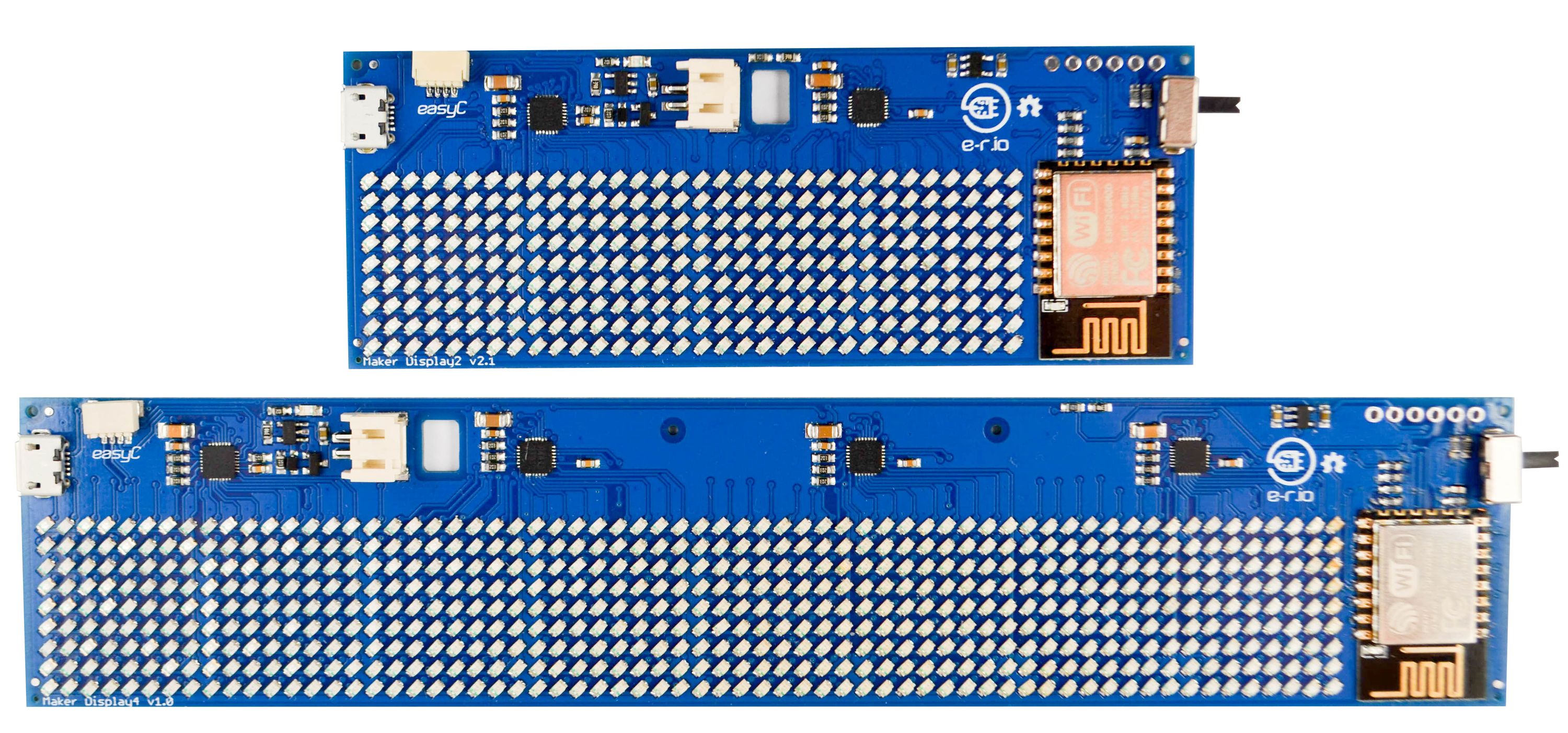
The Maker LED display makes using LED matrix displays simple. The ready to use, fully assembled circuit board has everything you need to run a display - just plug it in! Using and customizing the display is easy, with a specially written Arduino library and a dozen pre-made examples. Maker LED display also has Wi-Fi so it can connect to the internet to retrieve and display information. Choose between 32 x 9 pixels or 64 x 9 pixels versions and choose an LED color: white, blue, red, green, orange or purple.
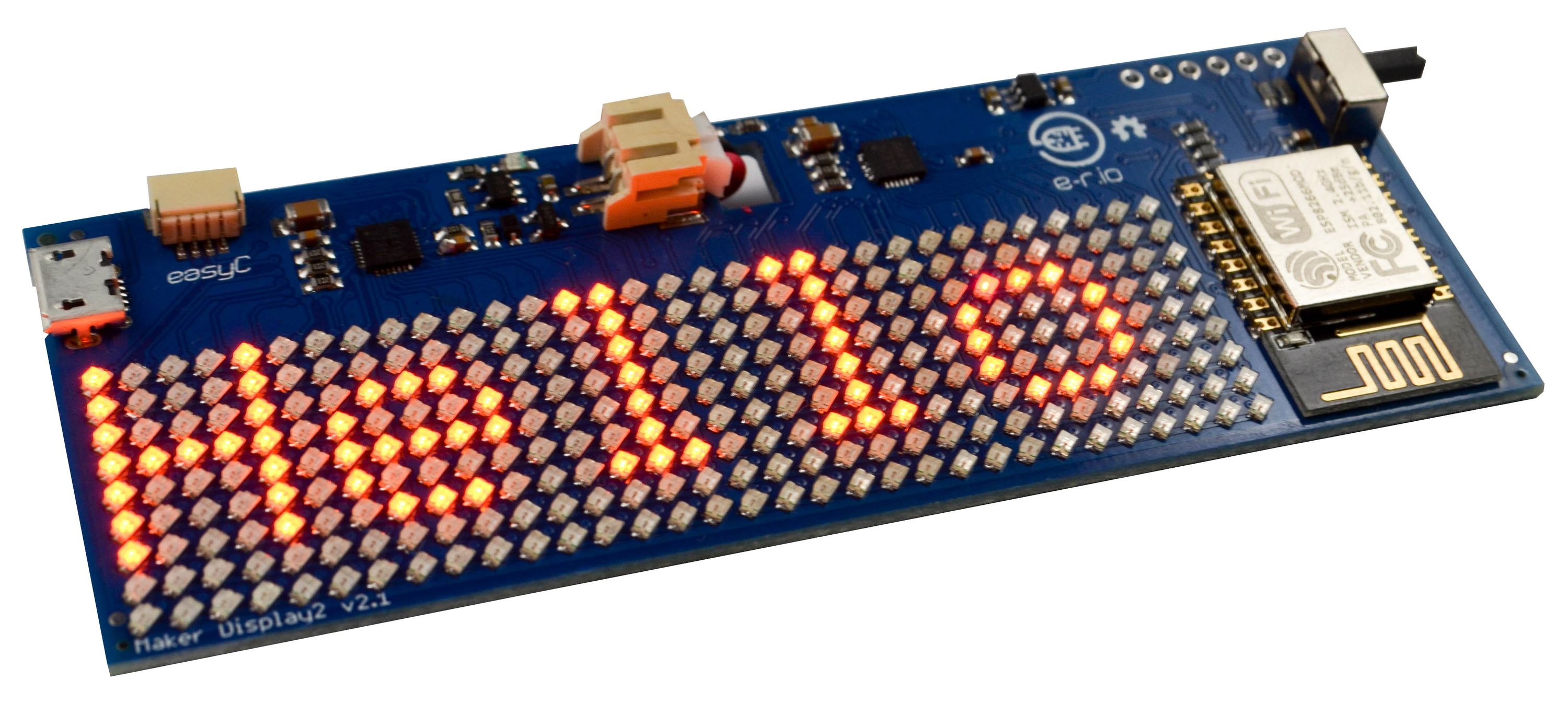
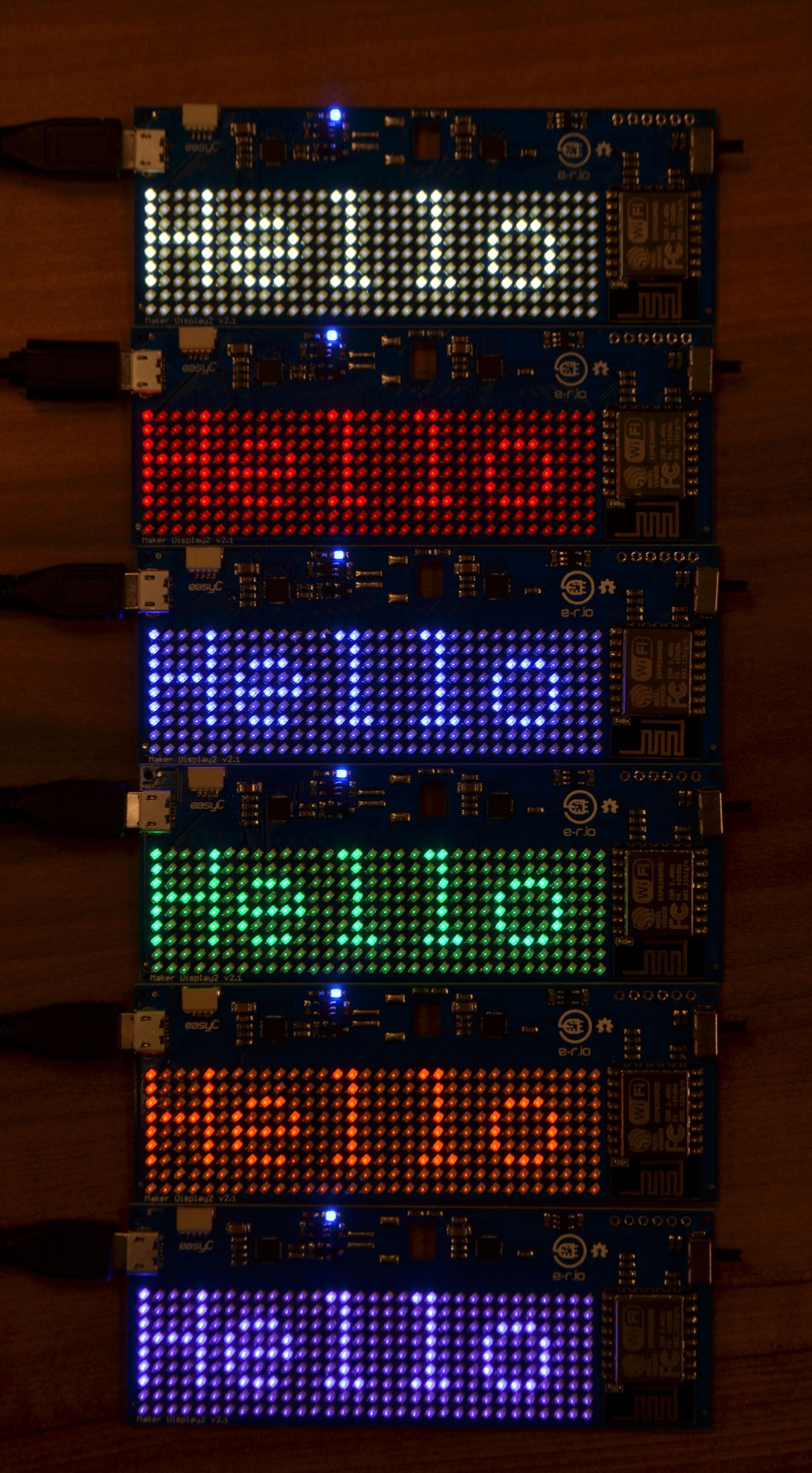
Have you ever found yourself constantly checking the same data source? The number of retweets on your latest Twitter post? The stock price you invested in last week? Weather maybe? Or that Bitcoin just bought, but can’t stop checking if it reached $100k already? Since Maker LED Matrix is connectable to the internet, you can simply have any data shown at the display! Or just show any other message, picture, or animation on it. Check out these examples:
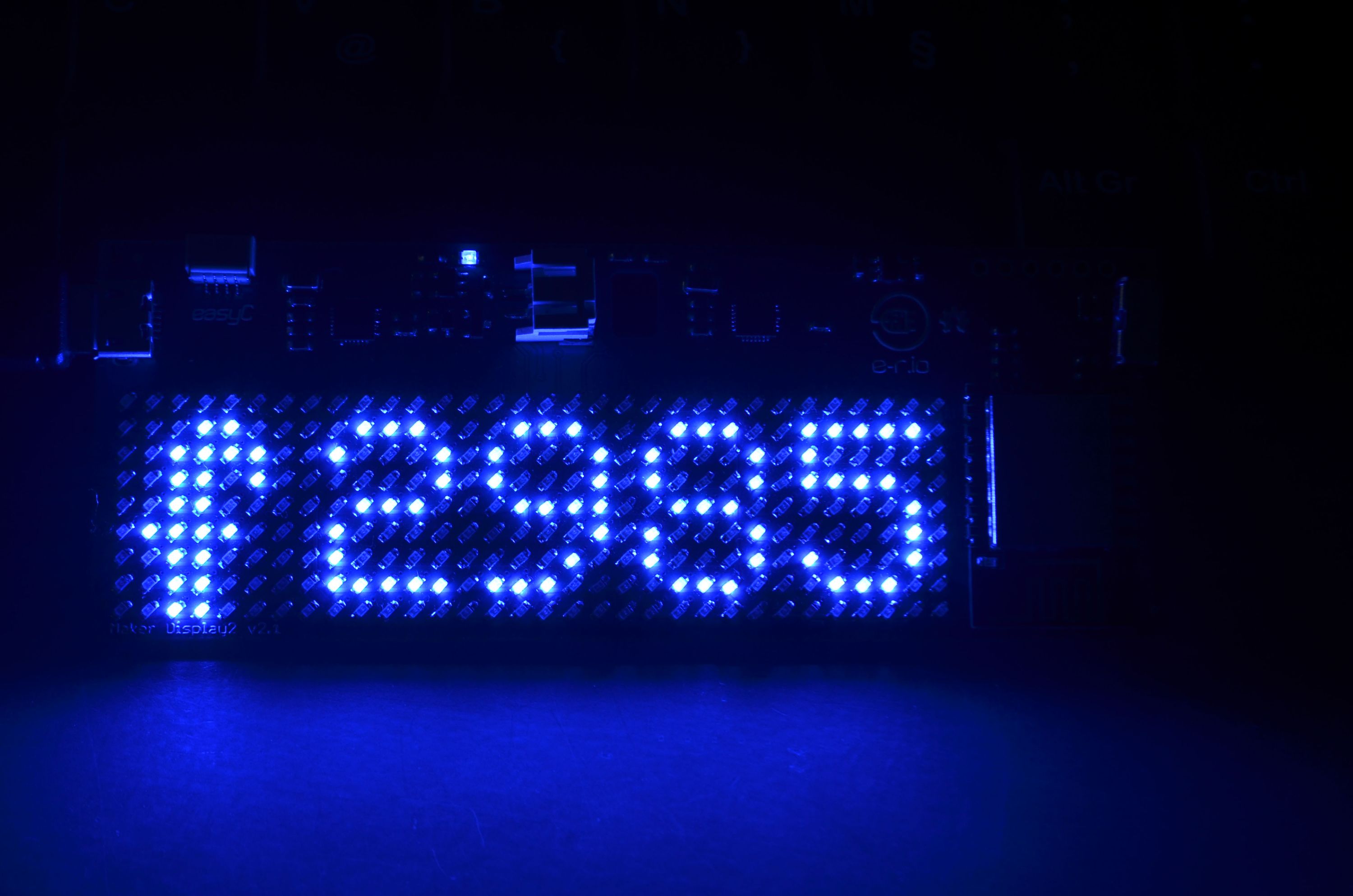
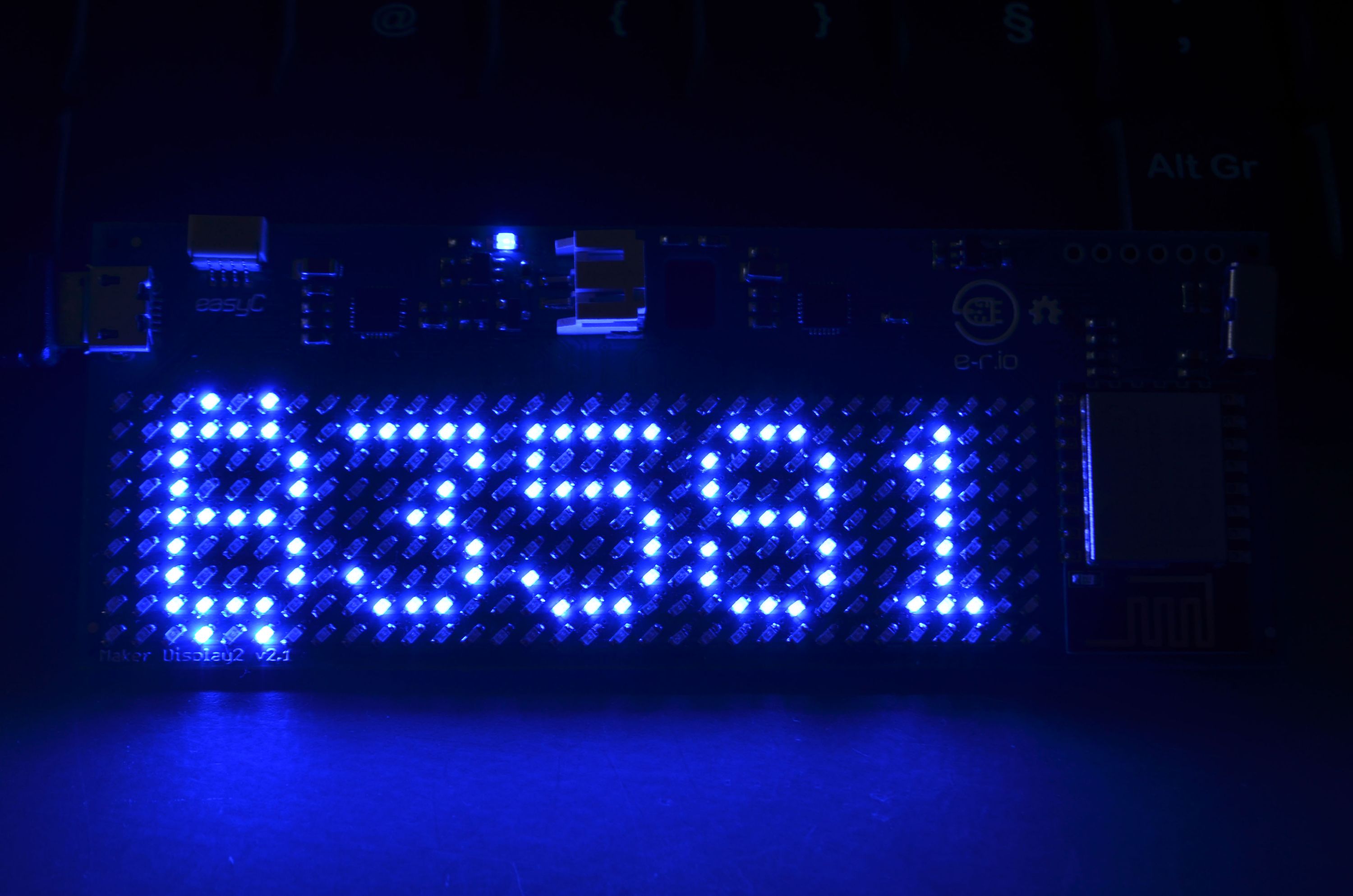
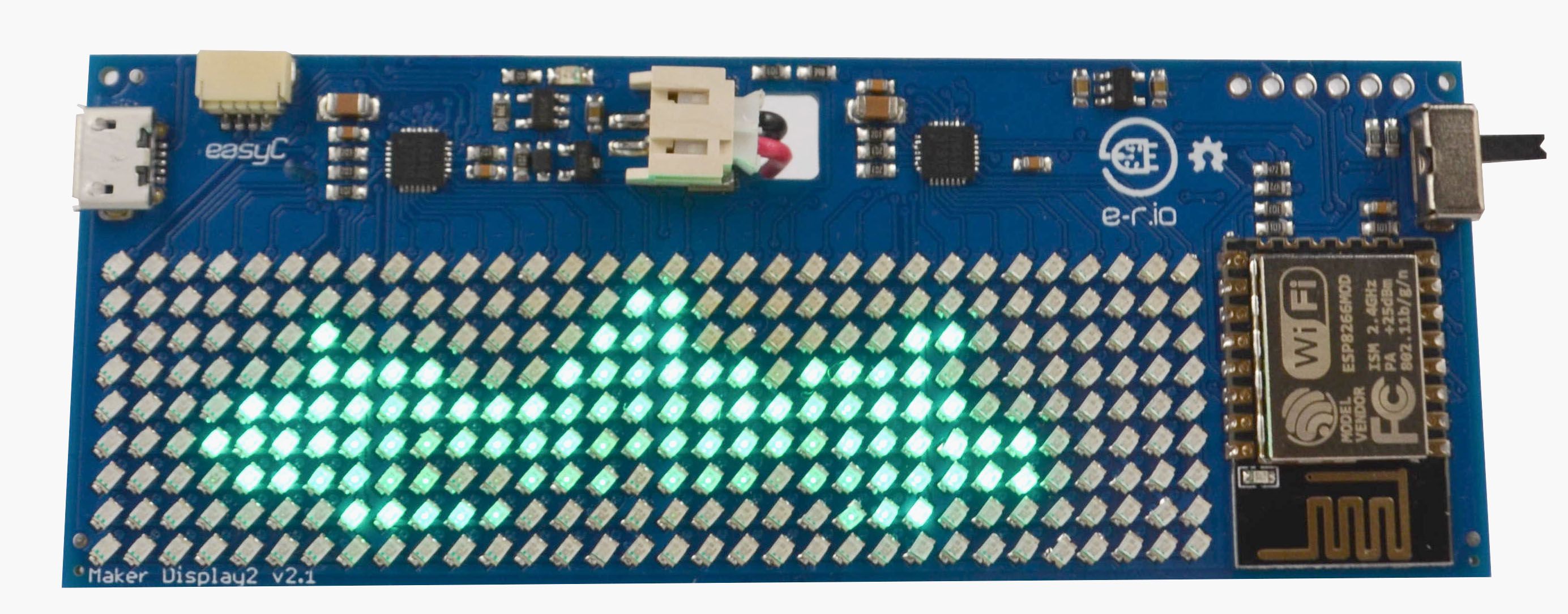
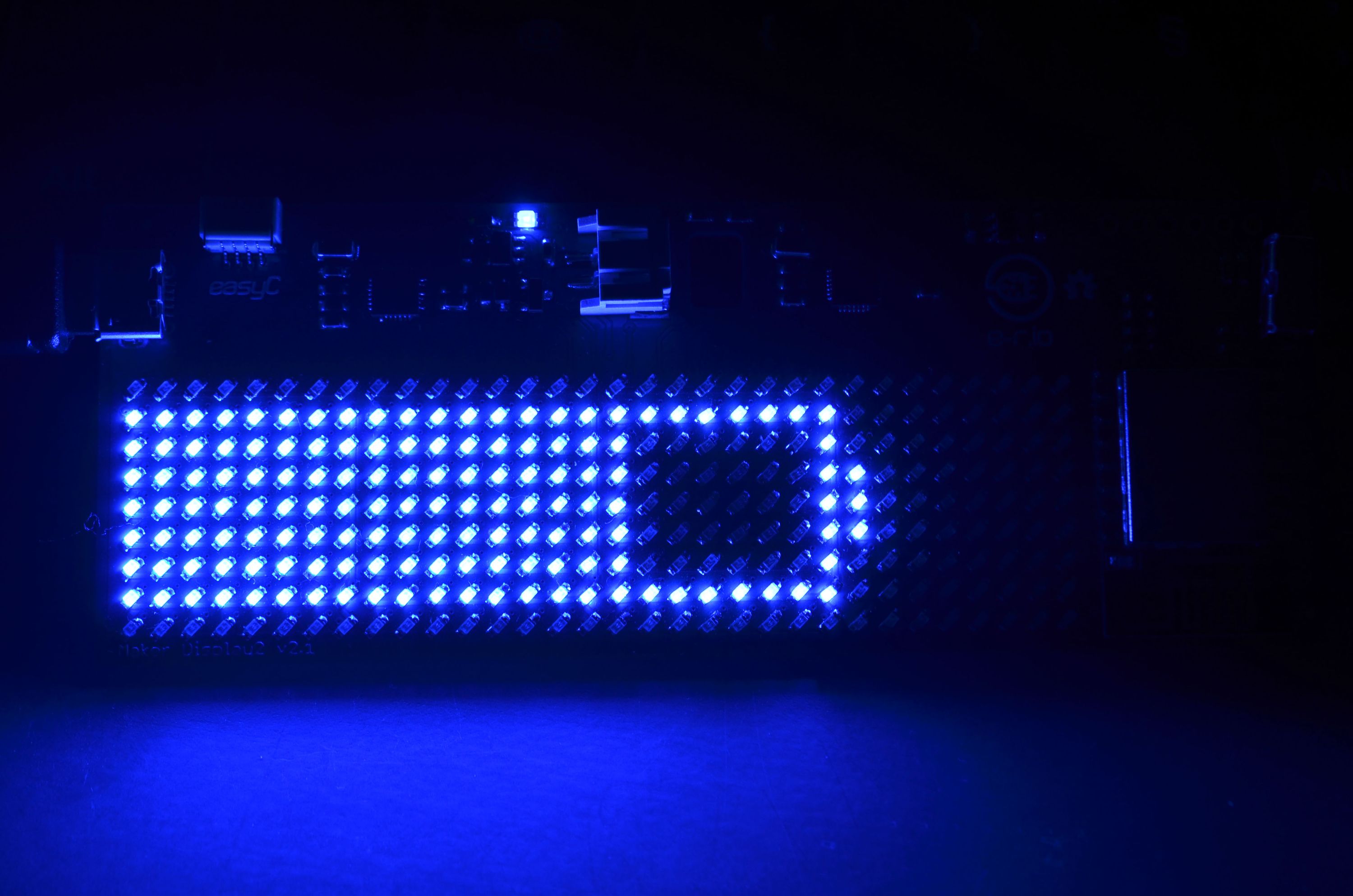
The list goes on… you name it and you can show it!
Maker display is 100% open source, including both hardware and software. The Open Source Hardware (OSH) files, include board schematics and Eagle .sch and .brd files. You want to know what and how exactly the board is working? Want to make your own version of this board? Want to connect new circuits? Thanks to these files, you will be able to.
The Arduino library made specifically for this device is open source as well. Using it is as simple as it gets, with commands for:
There is one library for Maker Display2 (32 x 9) and one for Maker Display4 (64 x 9).
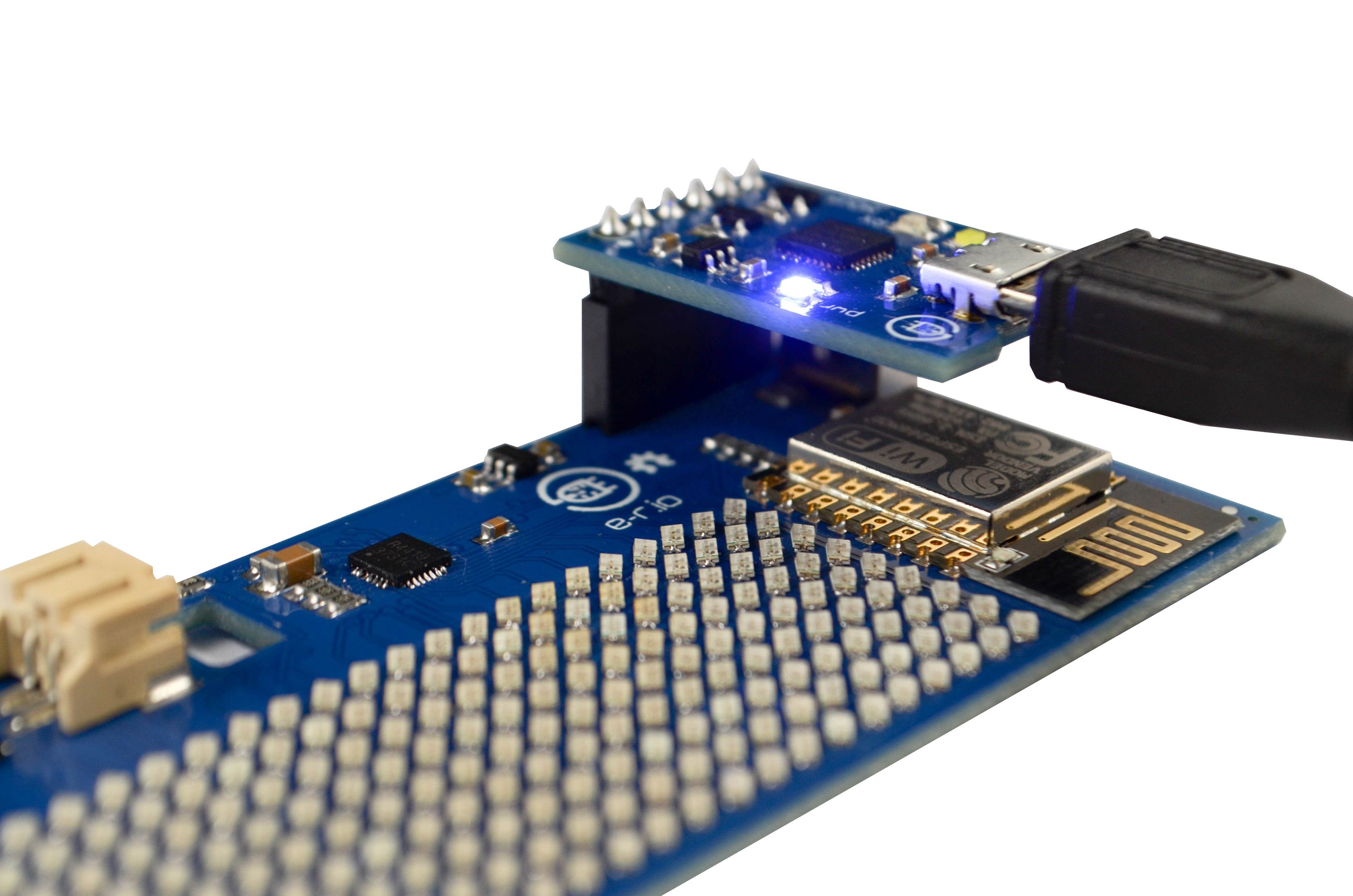
Maker Display was designed by makers, for makers, and so it’s very open to hacking and modifications. Besides being open-source, we have few others tidbits. With our NOVA programmer, which comes in Advanced kits, programming is as simple as connecting the connectors and pushing a button. The NOVA programmer will do all the heavy lifting and enable smooth code transfer.
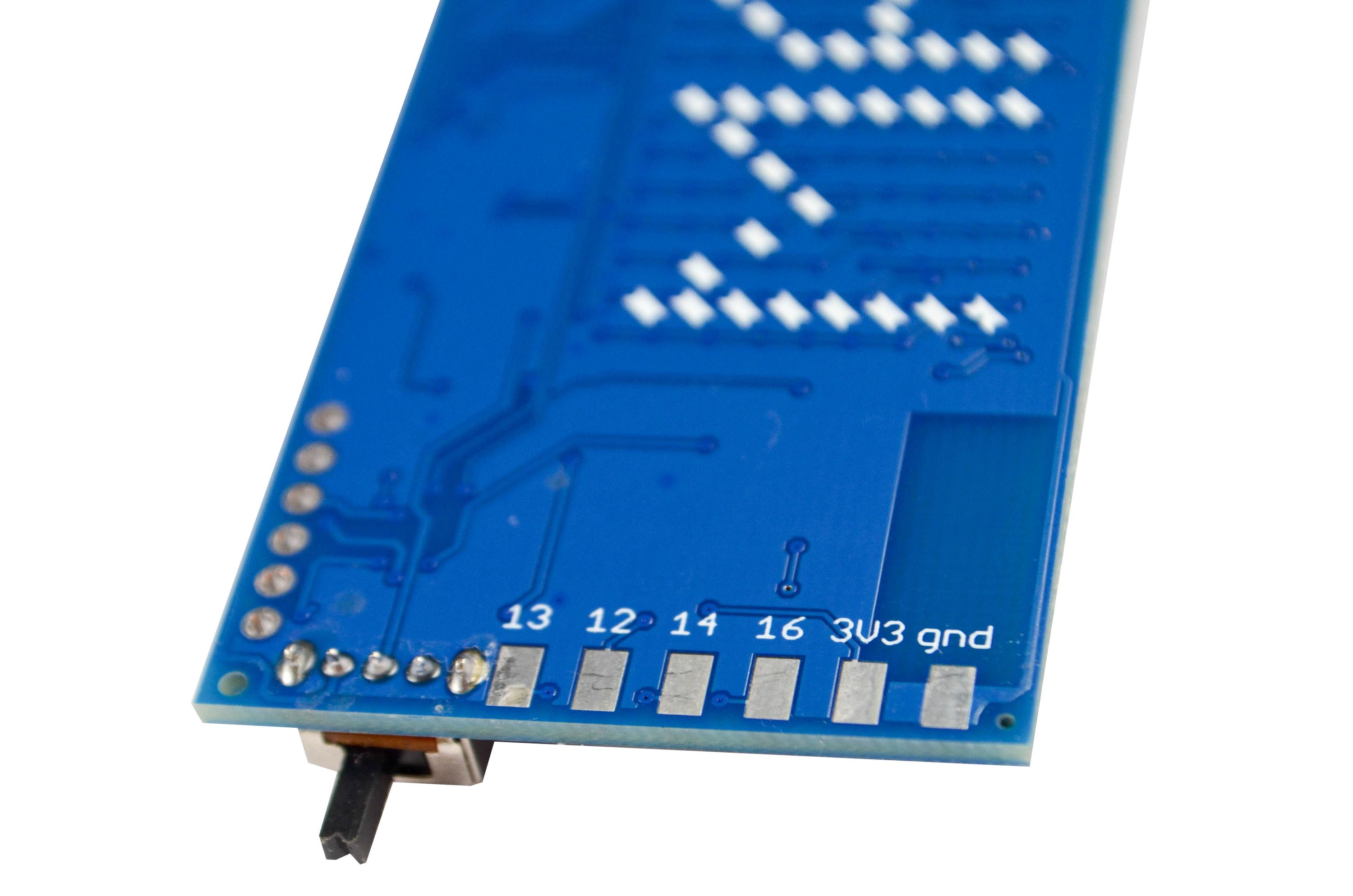
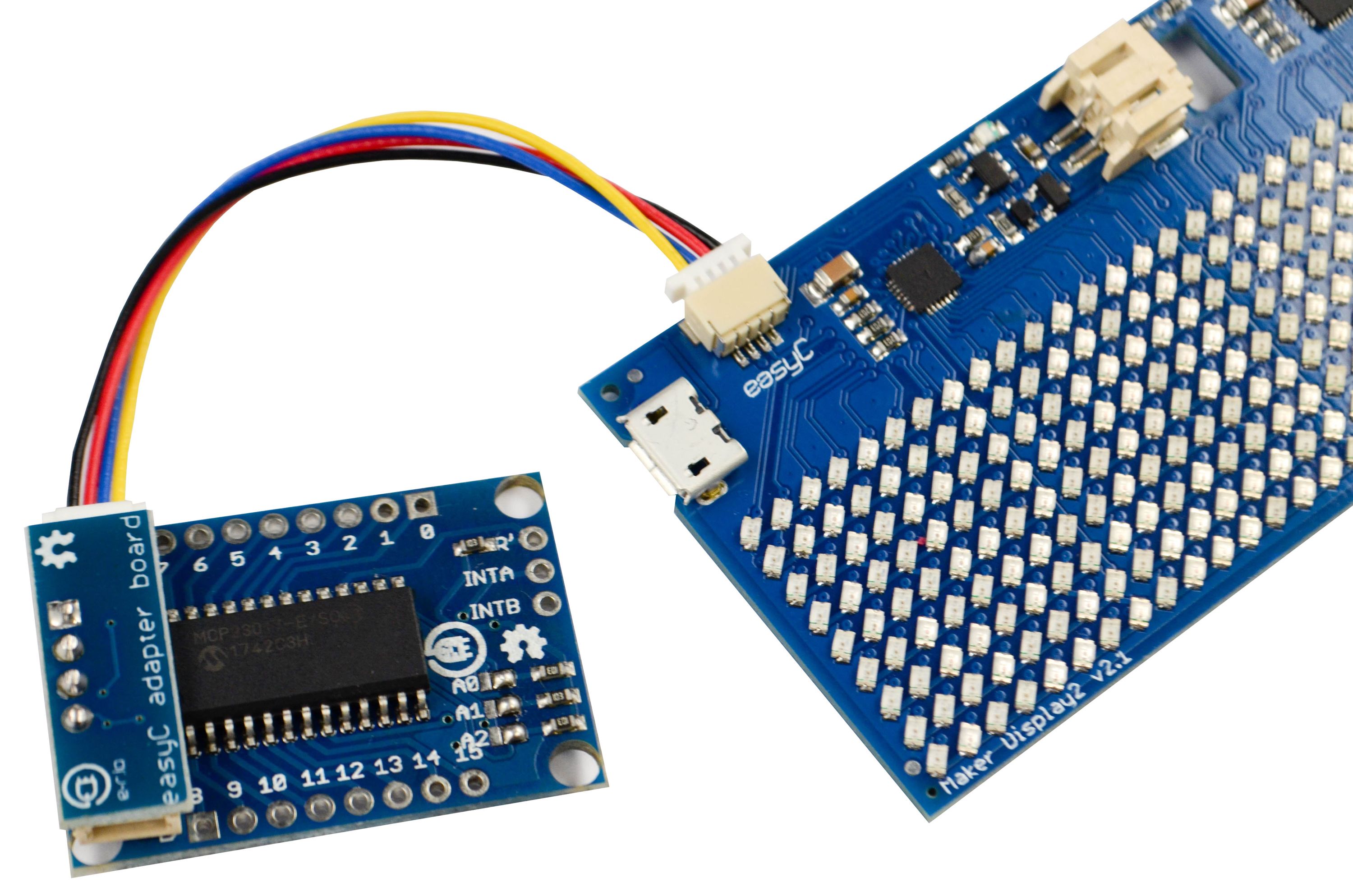
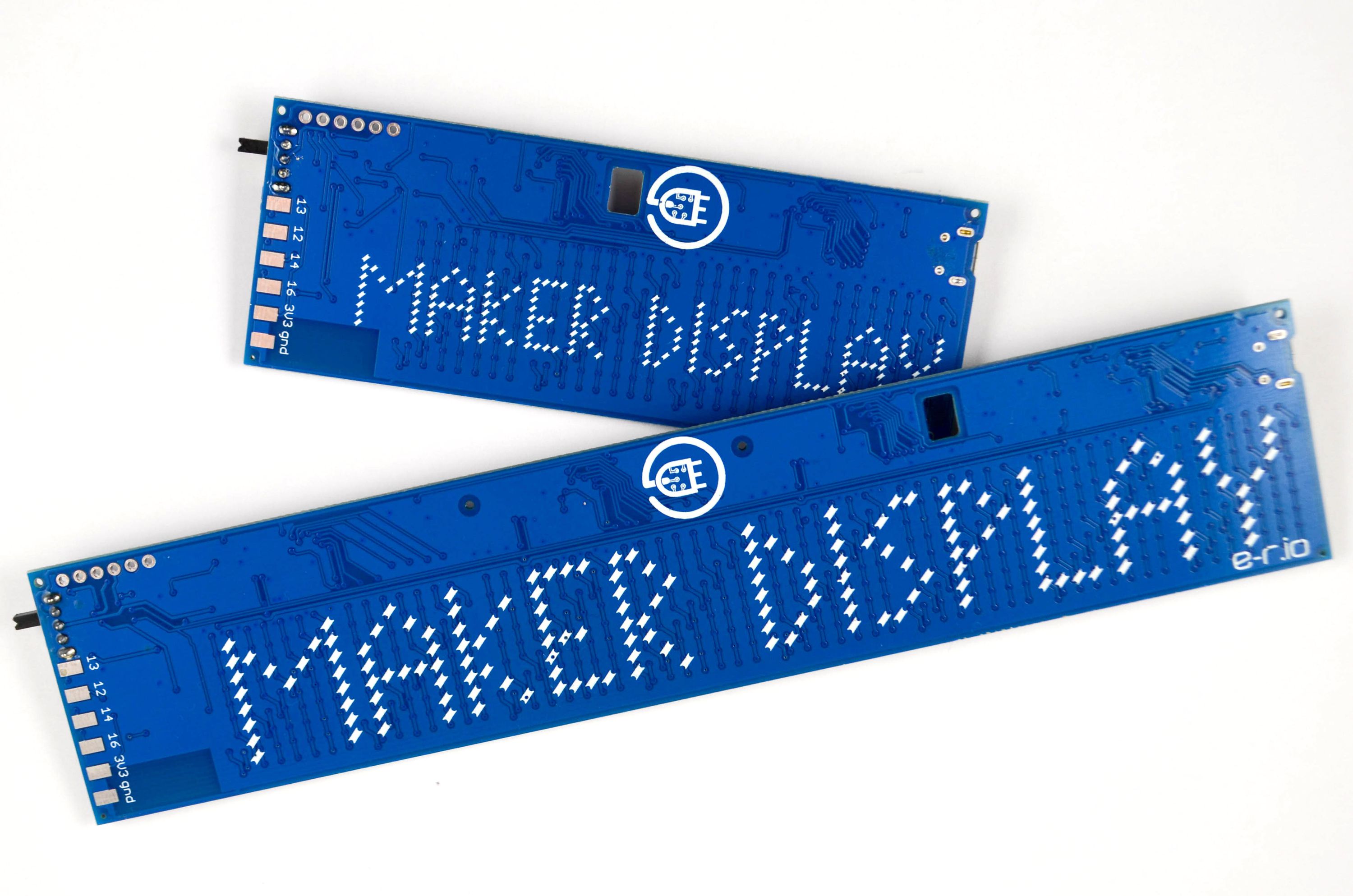
Maker Displays are also equipped with some IO pins. There are four available on the back side, with 3.3 V voltage level logic and PWM. There are also pads for 3.3V and gnd. Finally, there is an easyC connector. EasyC is an ecosystem for I2C communication. It consists of 4-pin connector and ready-to-use cables through which I2C lines (SDA & SCL) and power lines (3 V & gnd) are connected. With every Maker Display you will receive one easyC cable, so if you want to use I2C, you don’t need to purchase extra easyC modules, and setting up an I2C device will take just a few seconds. These extra pins and connections make it extremly simple to connect your external boards, sensors, actuators, or any other circuits that you would like to have connected to your display.
Maker Display can be powered via microUSB port, such as when you use it for a long time in one place, or it can be powered with a rechargable lithium battery. There is standard JST connector on the board for the battery. If you connect the battery and microUSB cable, the battery will recharge through on-board charger. When charging is finished, the blue LED on the board will turn off indicating that charging has been finished. When powering the device with the battery, you can carry it around or use it as a wearable.
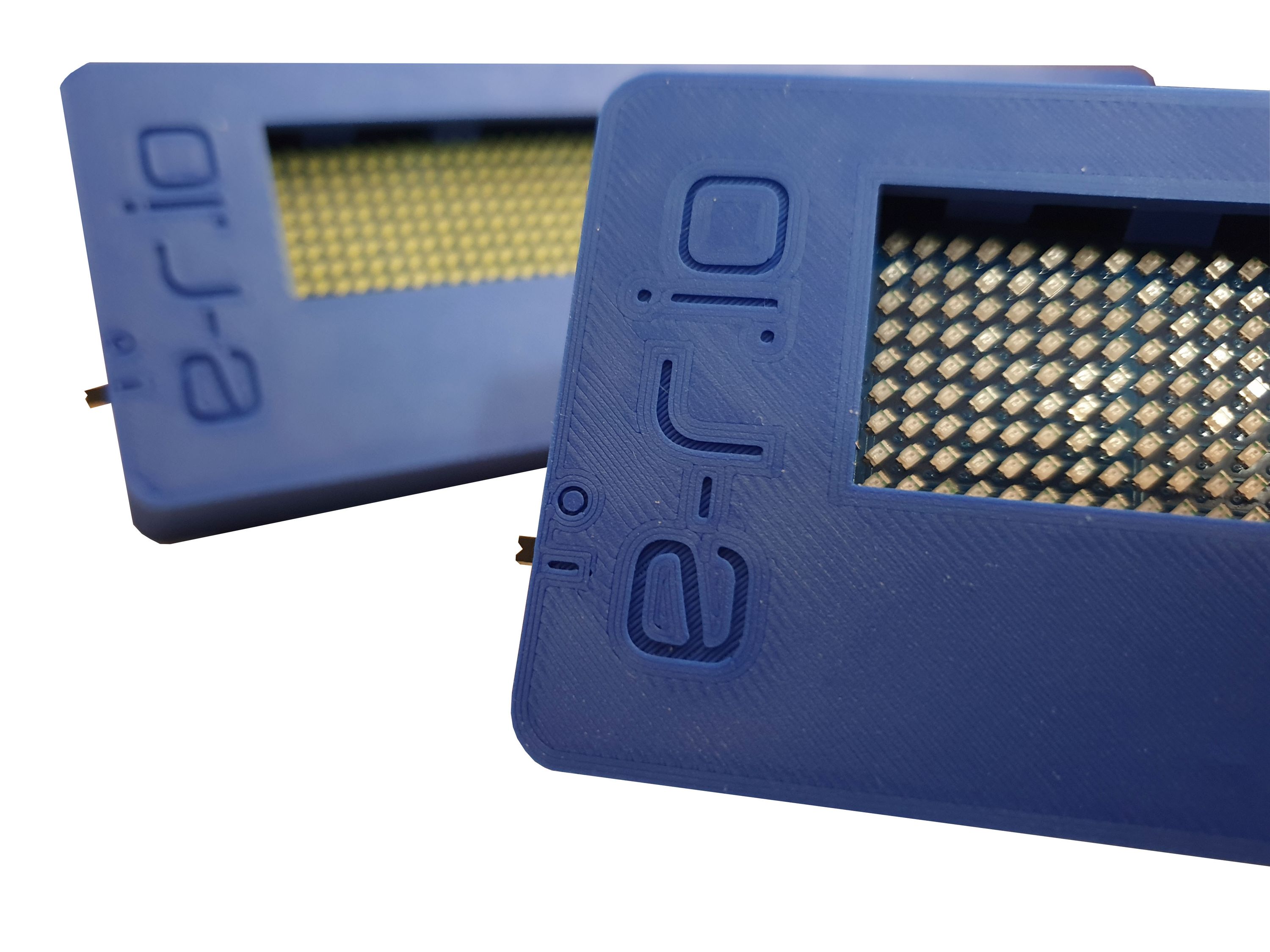
If you have access to a 3D printer, there are .stl files for the case available for 3D printing. The case will house your Maker Display and shield it from physical damages. There is also a slot for lithium battery and it will accept lasercut transparent plexiglass shield at the front side. These will be available for purchase after campaign is done, as well.
| Maker Display2 | Maker Display4 | MAX7219 LED Matrices | Adafruit "LED Charlieplexed matrix" | |
|---|---|---|---|---|
| Matrix size | 32 x 9 | 64 x 9 | 8 x 8 | 16 x 9 |
| Number of LEDs | 288 | 576 | 64 | 112 |
| WiFi | Yes | Yes | No | No |
| LED colors available | White, Blue, Red, Orange, Green, Purple | White, Blue, Red, Orange, Green, Purple | Red | Blue, Yellow, Green, Red, White, Warm White |
| Requries assembly | No | No | Yes | Yes |
| Power | Micro USB or Lithium battery | Micro USB or lithium battery | Cable wiring 5 V | Cable wiring 5 V |
| IO pins | 4 IO + I2C | 4 IO + I2C | depends on controller | depends on controller |
The Maker Display project is open-source. The following resources might be of interest:



Produced by Soldered Electronics in Osijek, Croatia.
Sold and shipped by Crowd Supply.
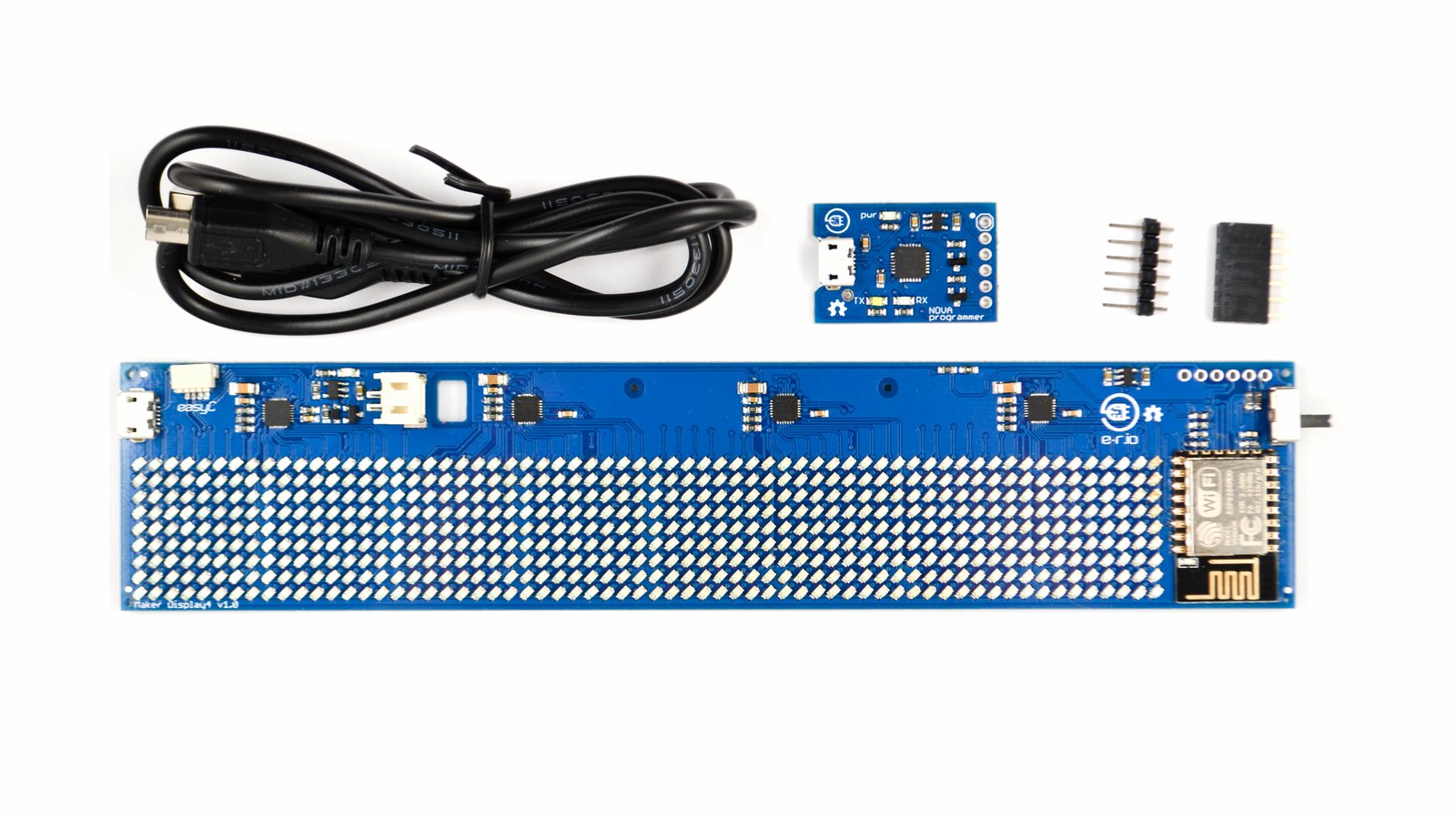
Maker Display with matrix size 64 x 9 pixels in LED color of your choice which also includes USB-UART programmer, micro USB cable and headers for easy reprogramming of the device.
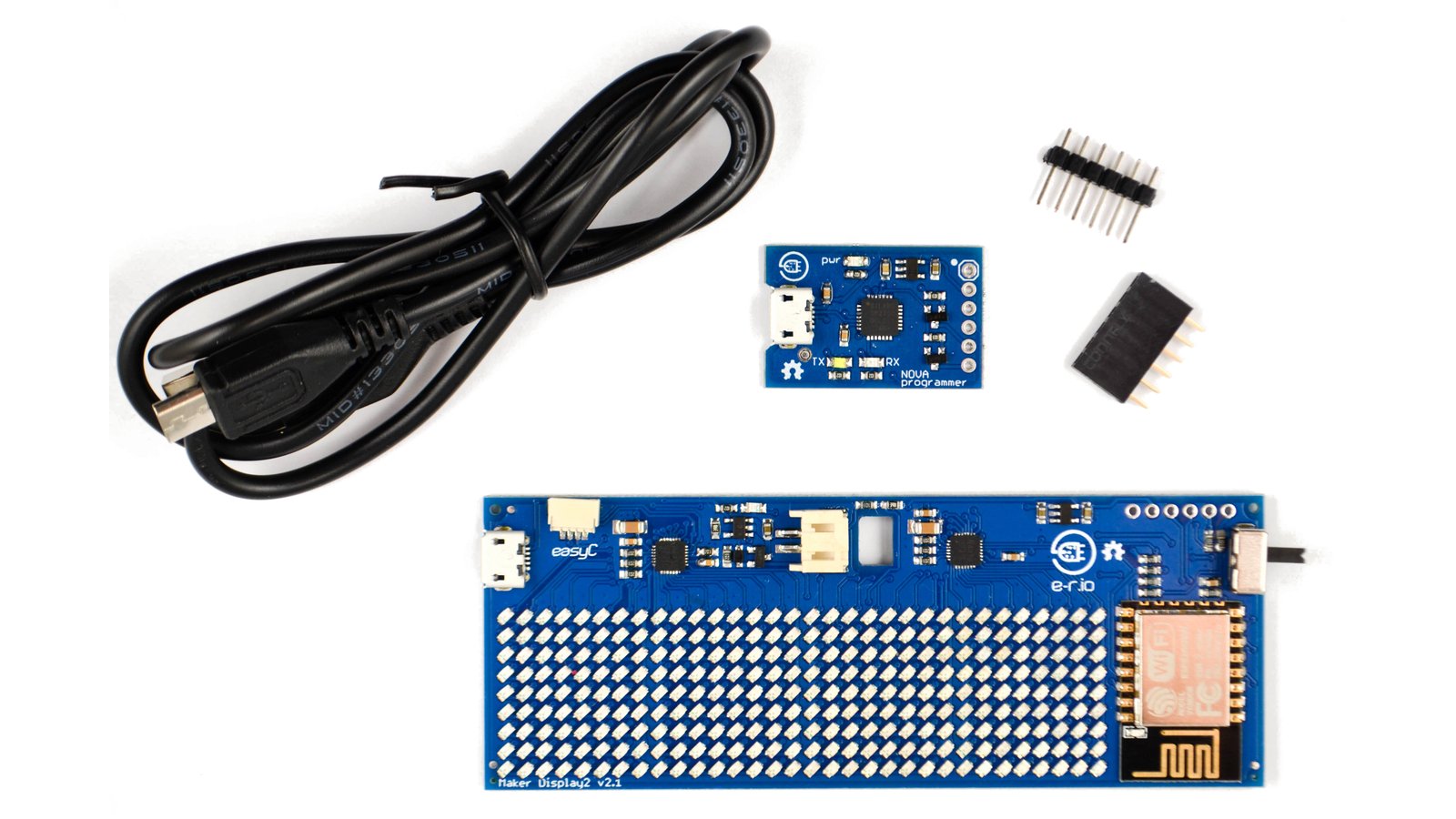
Maker Display with matrix size 32 x 9 pixels in LED color of your choice which also includes USB-UART programmer, micro USB cable and headers for easy reprogramming of the device.

· solderedcom · solderedelectronics · soldered.com
Our company originated as a high school garage project in 2013. Initially crafting electronic boards for friends and hobbyists, we evolved into a professional entity, engineering and producing a diverse range of products and services for makers worldwide. In 2022, we transitioned to the name Soldered Electronics, marking a new chapter in our growth and product design. To date, we have engineered over 200 electronic products, manufactured a total of 250,000 units, and delivered those units to makers in more than 85 countries. In addition to electronic production, we have curated an extensive library of 320 tutorials and manuals, complete with descriptions and schematics for electronic products. These resources help makers use our products and our sample code more effectively. Finally, we offer 24/7 customer support and technical assistance for each of our products, regardless of the sales channel through which it was obtained.
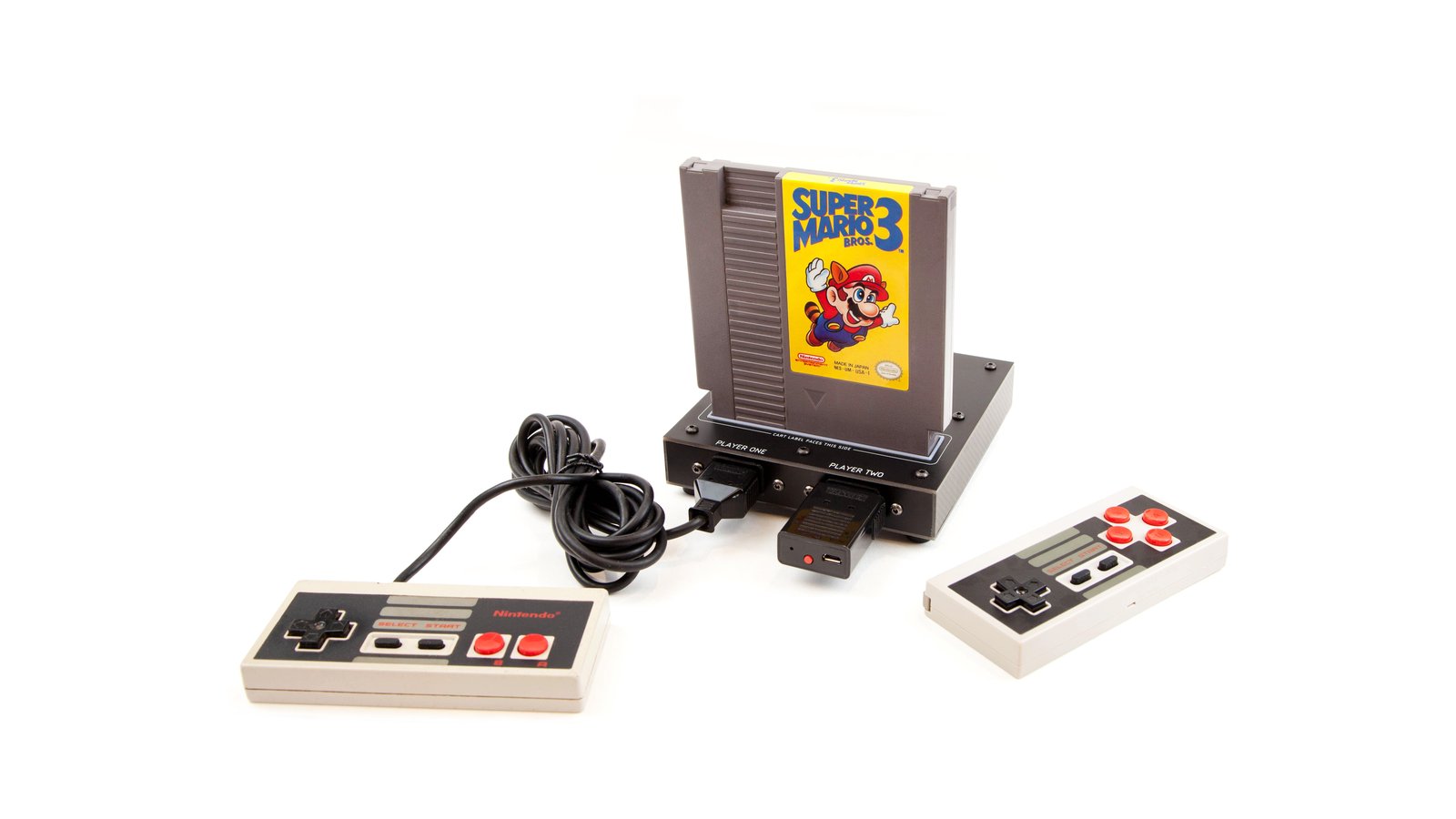
Classic NES games on open source hardware that fits in the palm of your hand
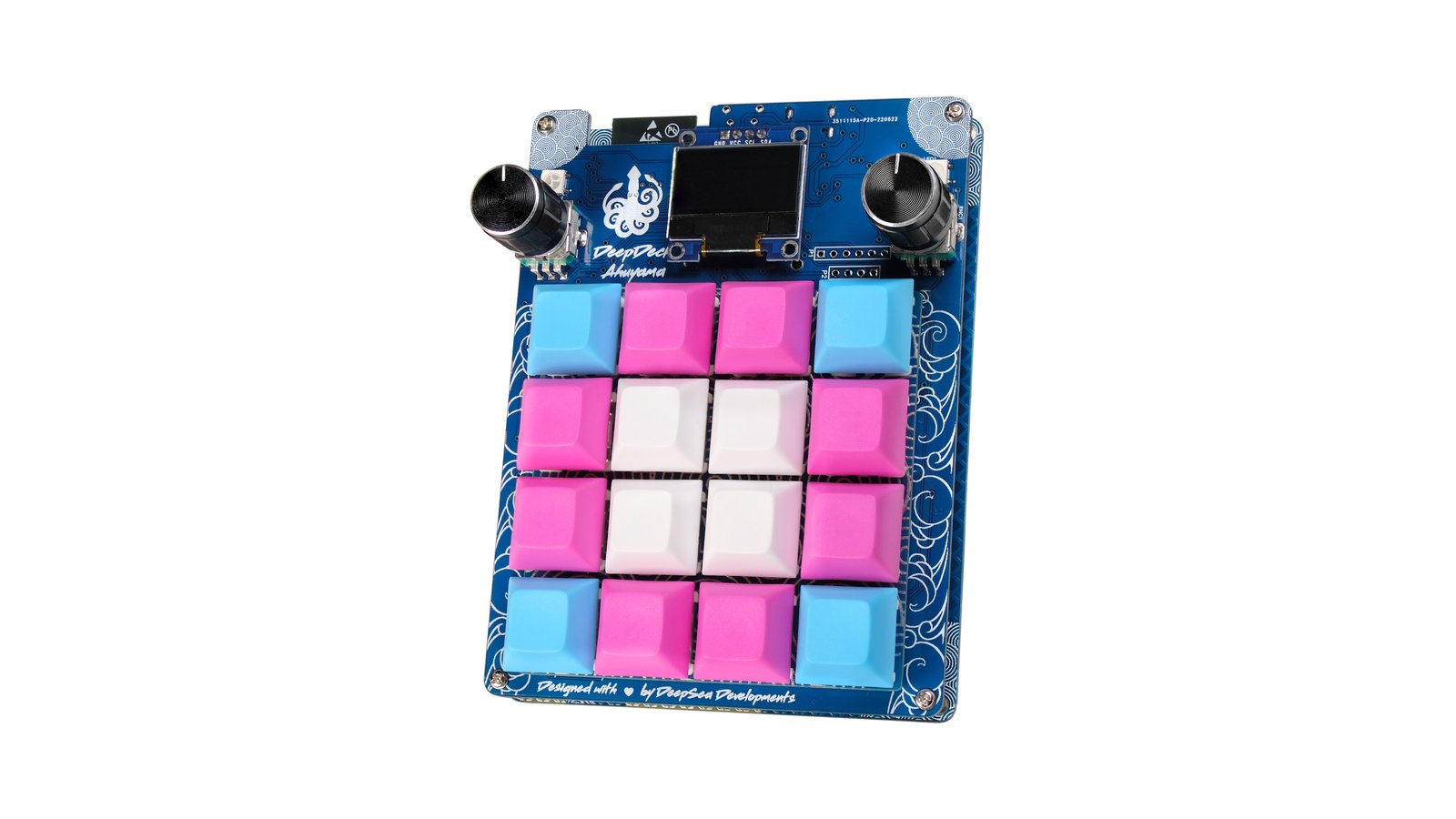
Wireless, fully programmable, open source, ESP32 macropad featuring 16 RGB, mechanical, hot-swappable keys and two RGB rotary encoders
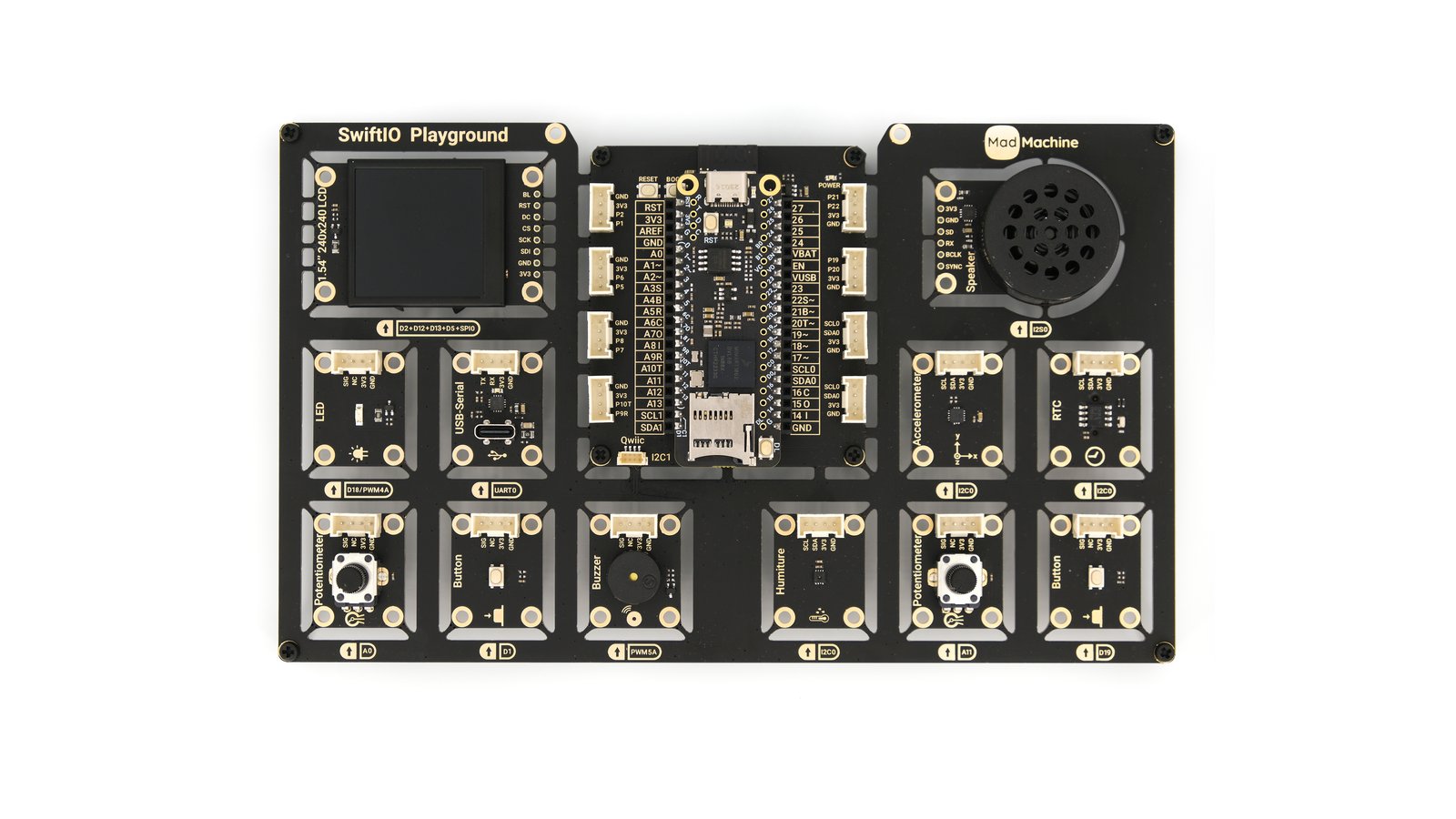
The ultimate playground for hardware programming in Swift